课程介绍
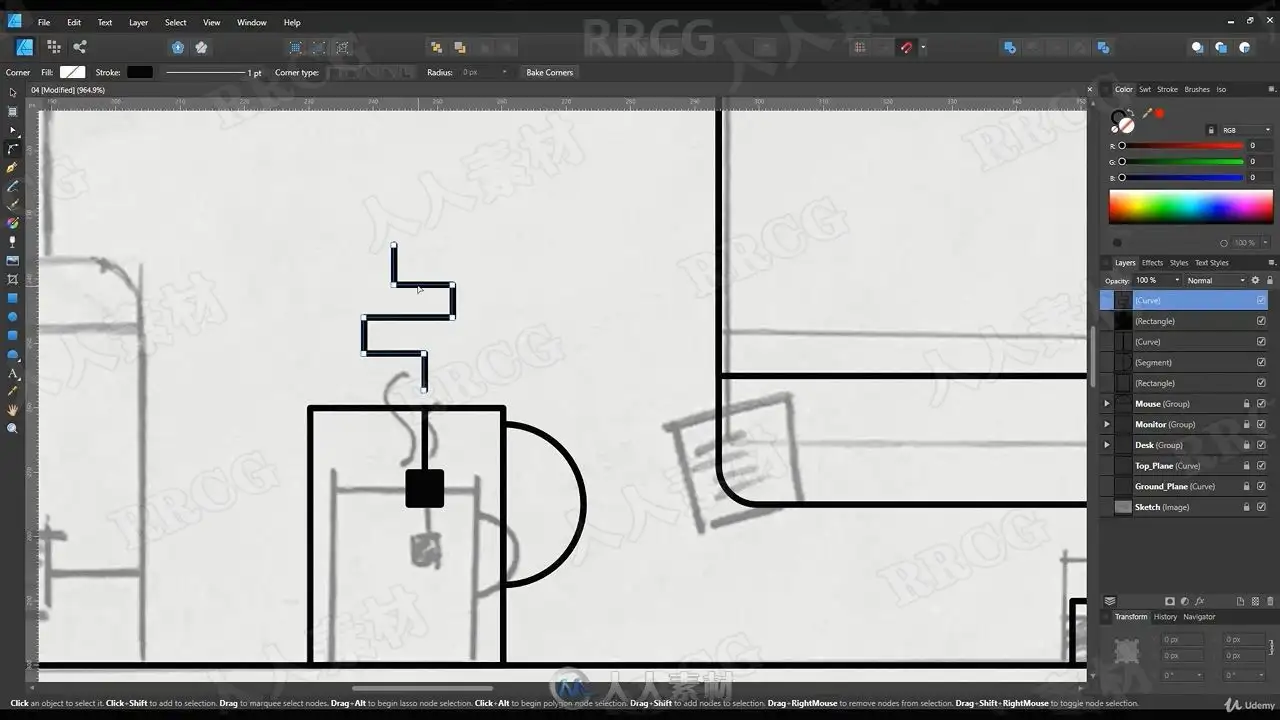
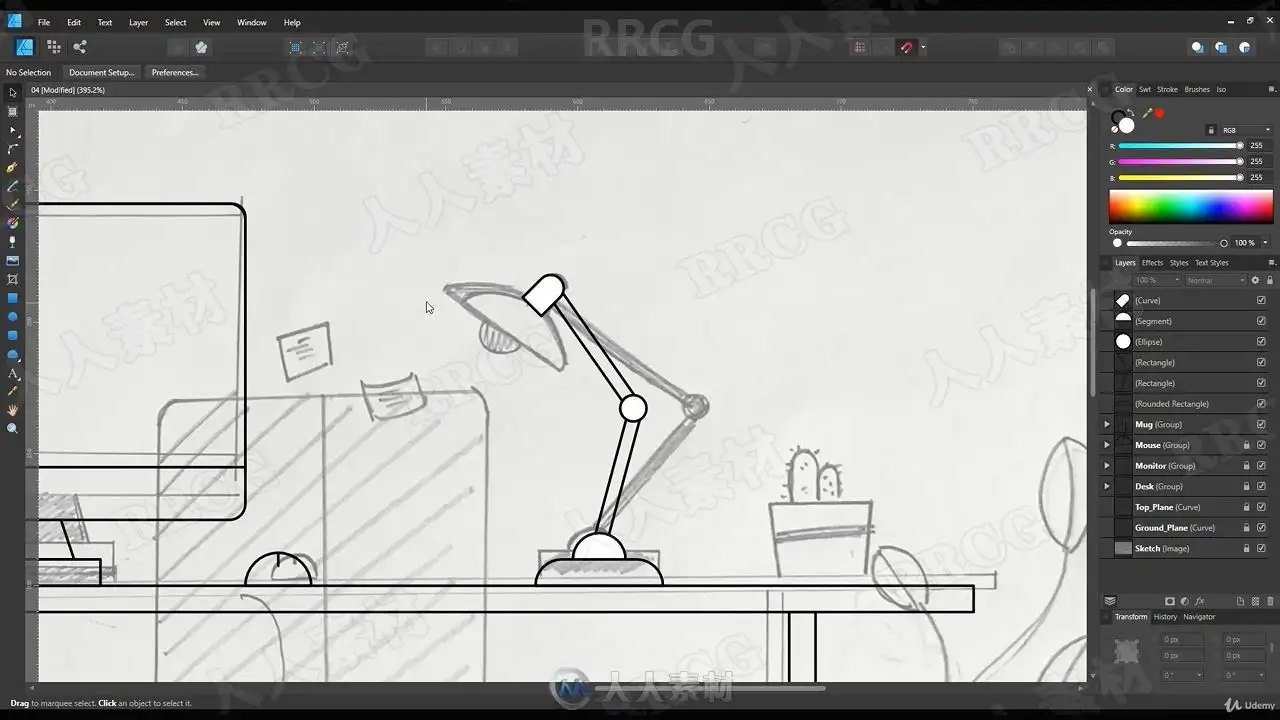
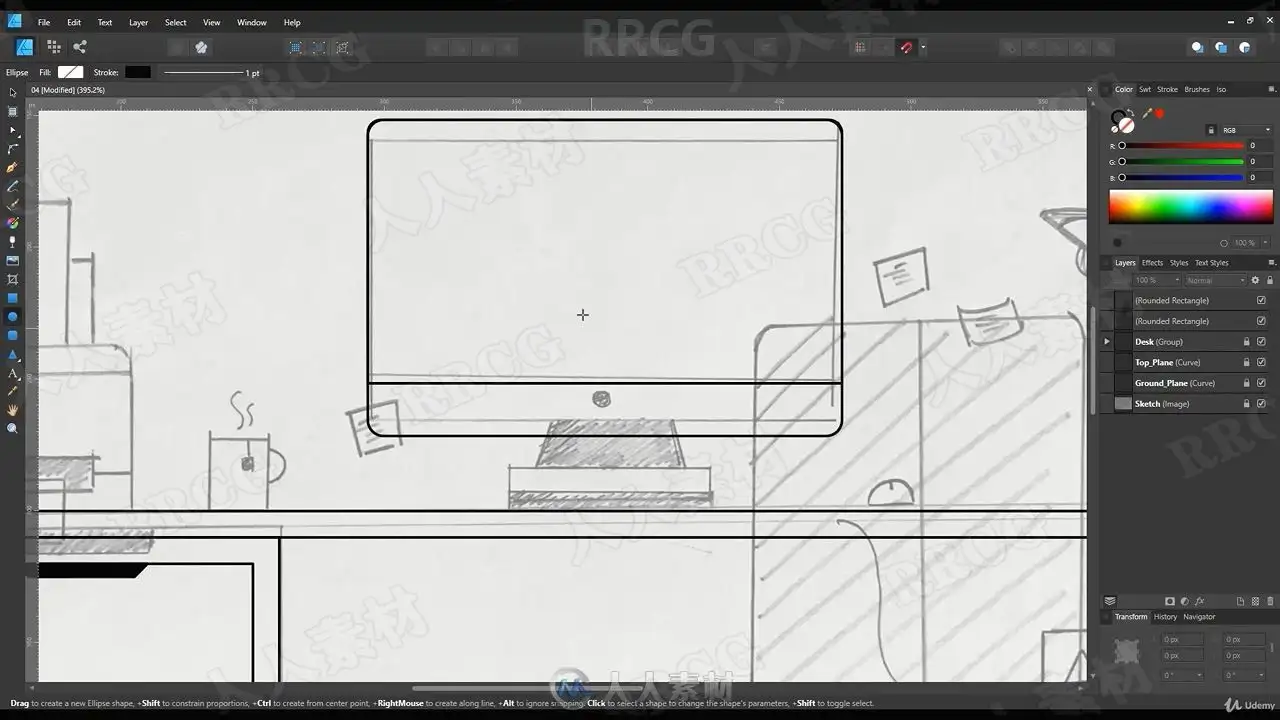
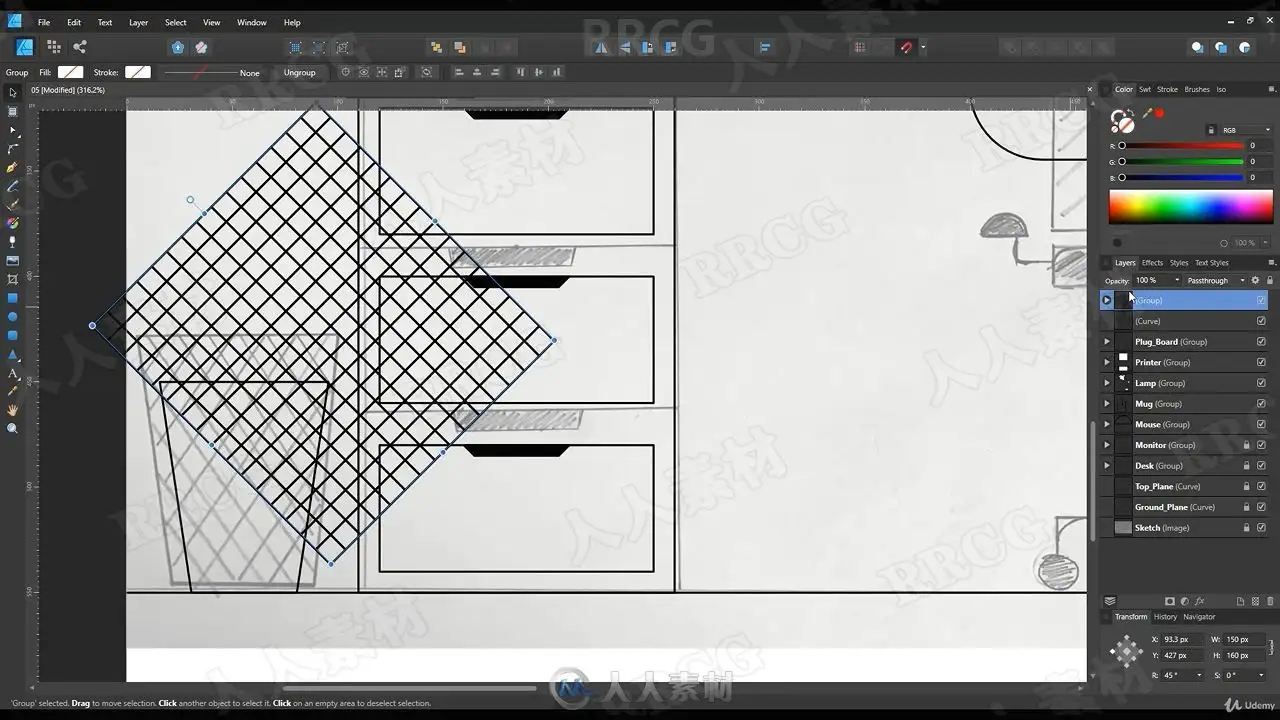
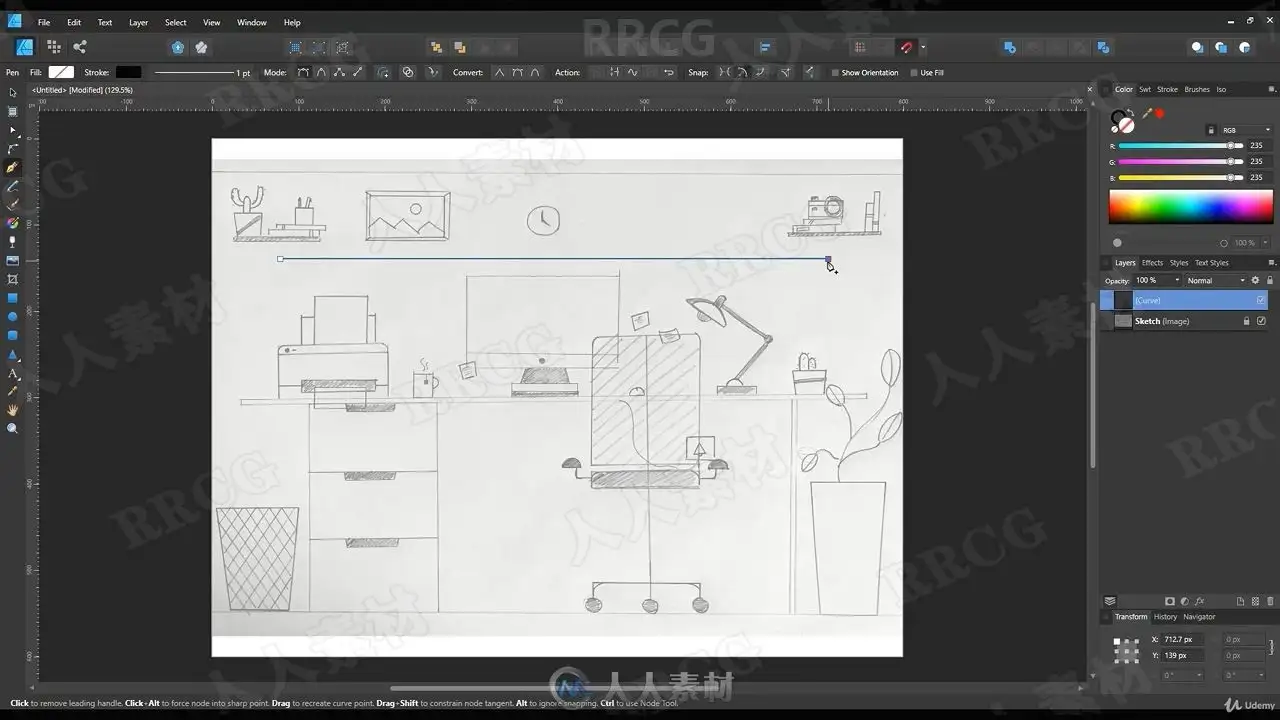
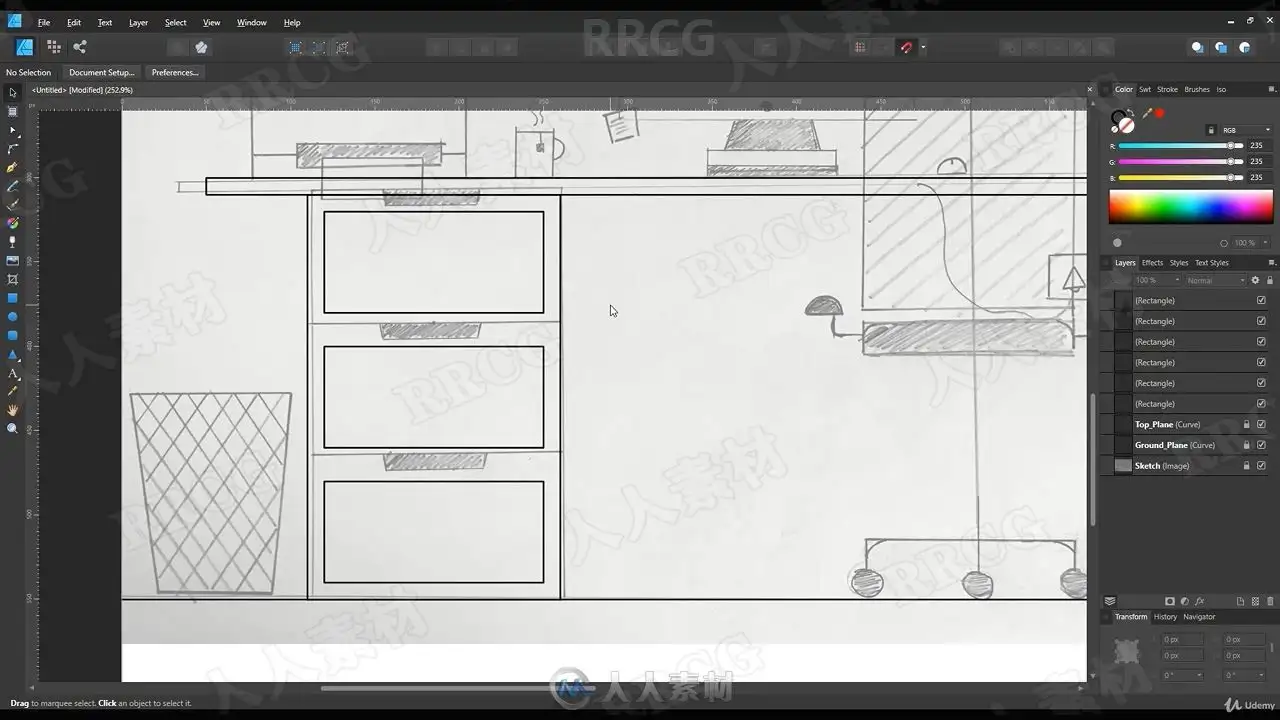
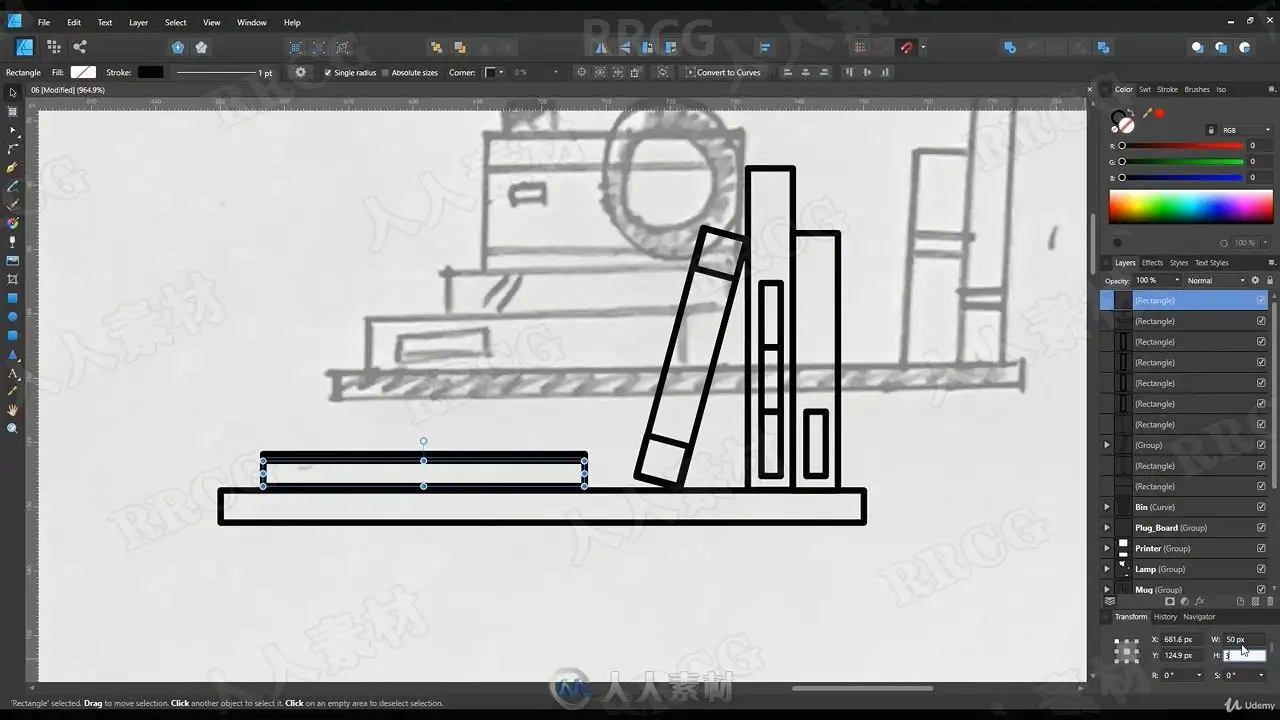
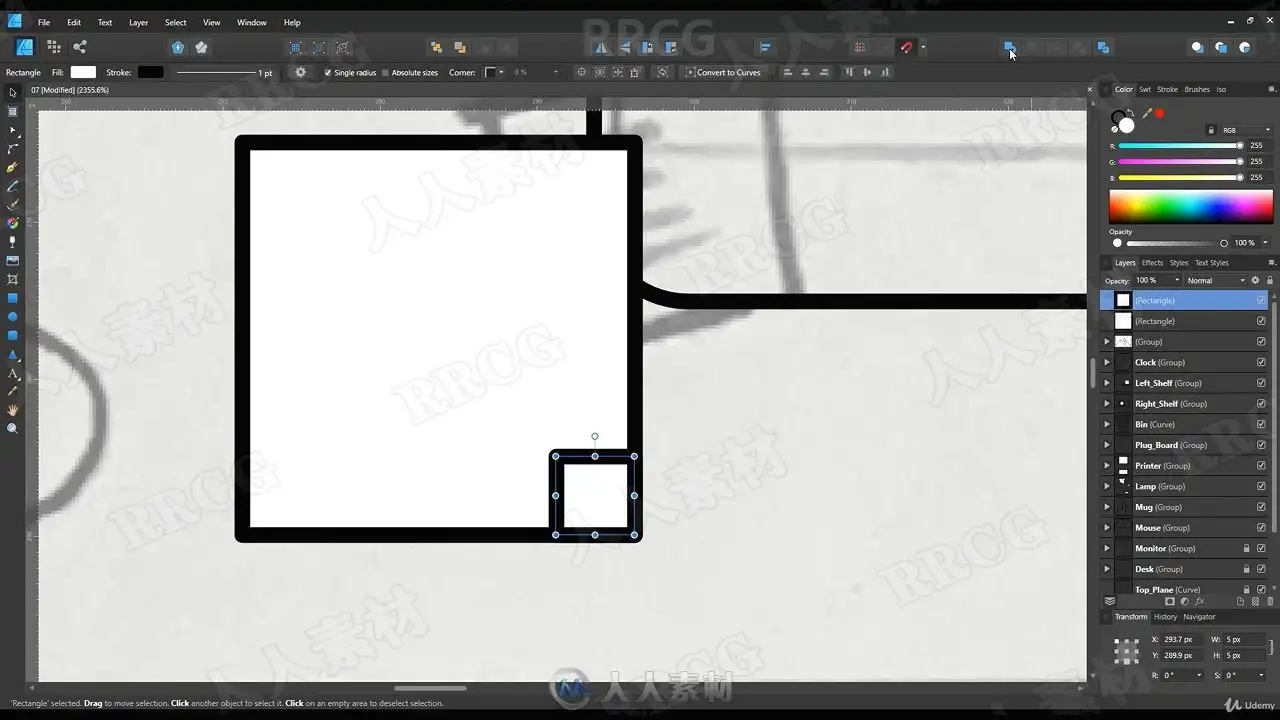
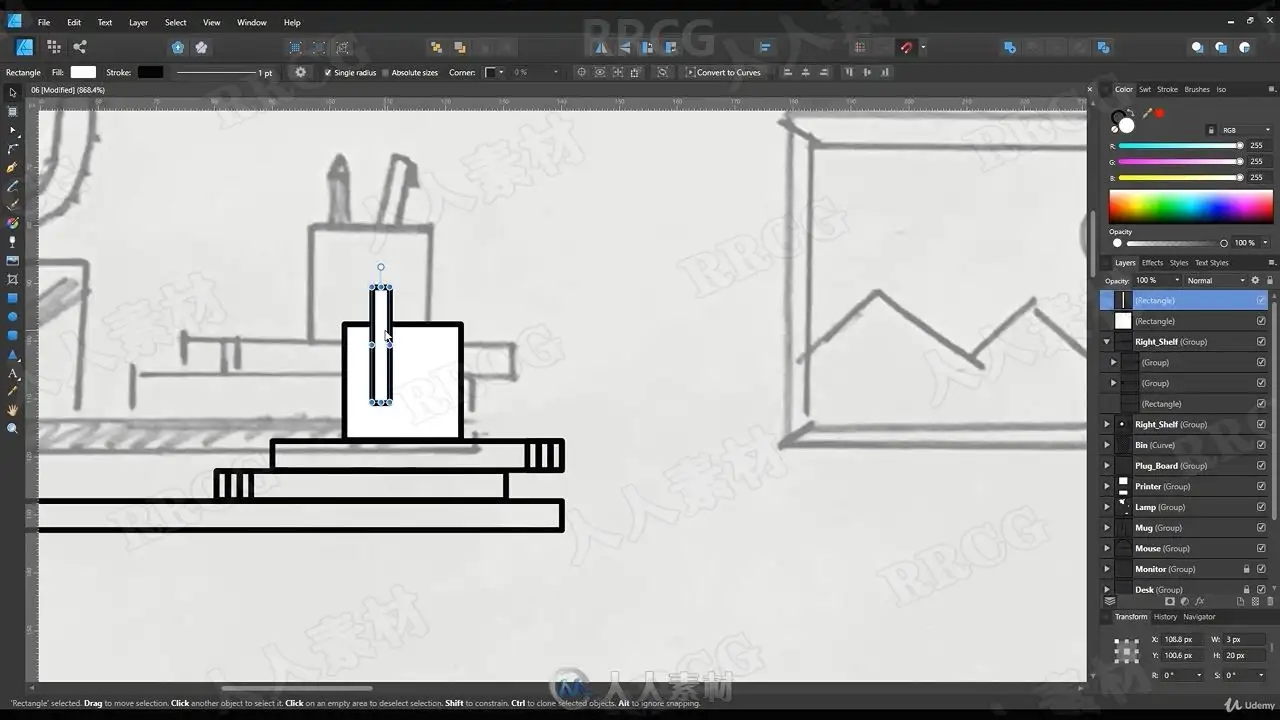
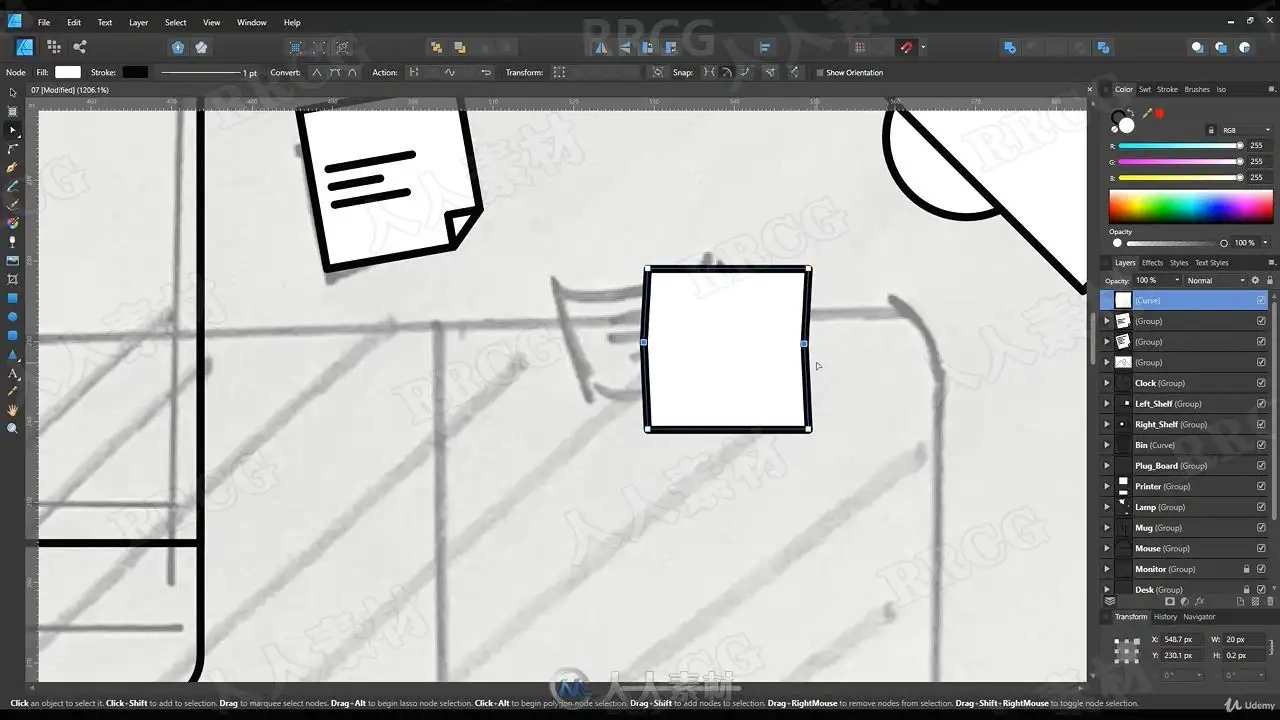
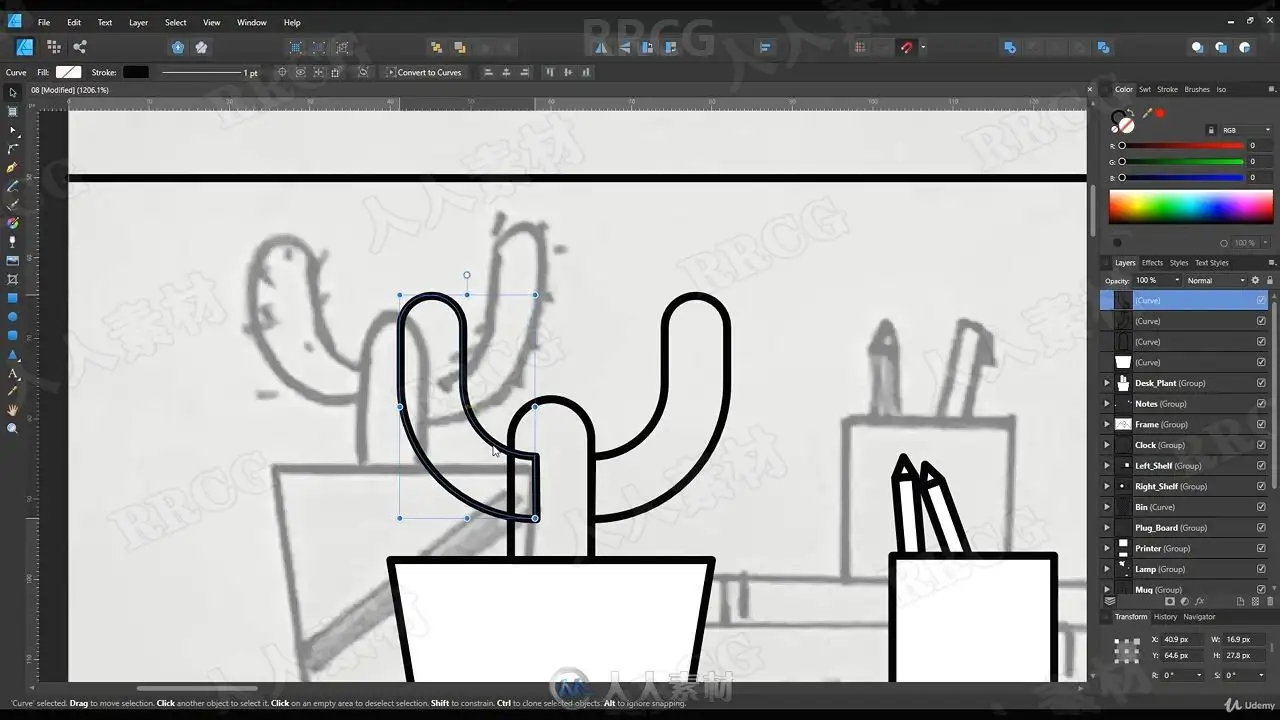
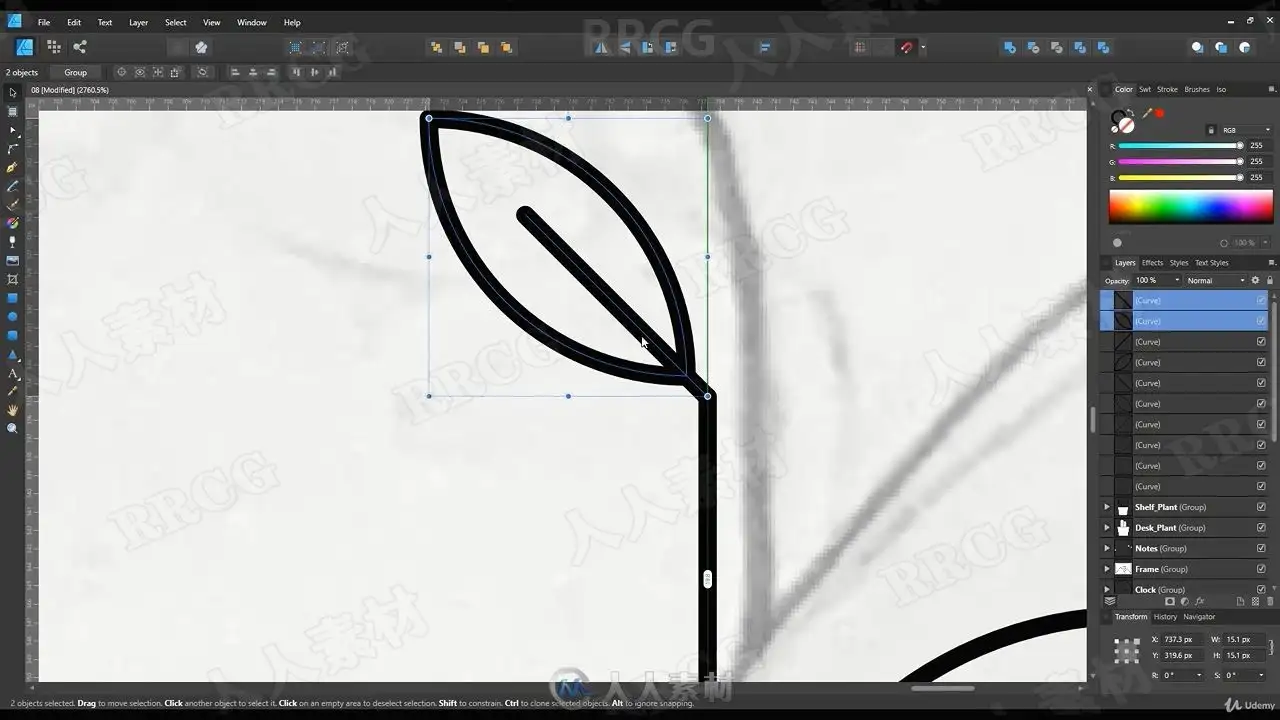
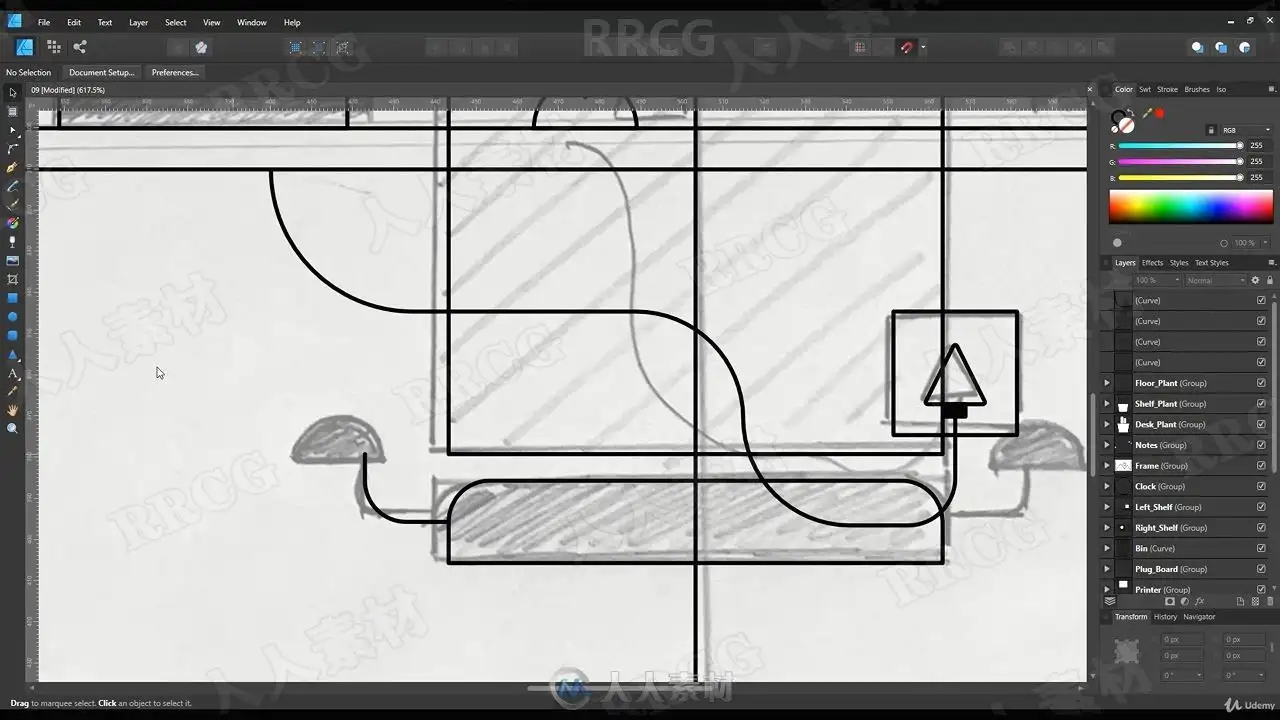
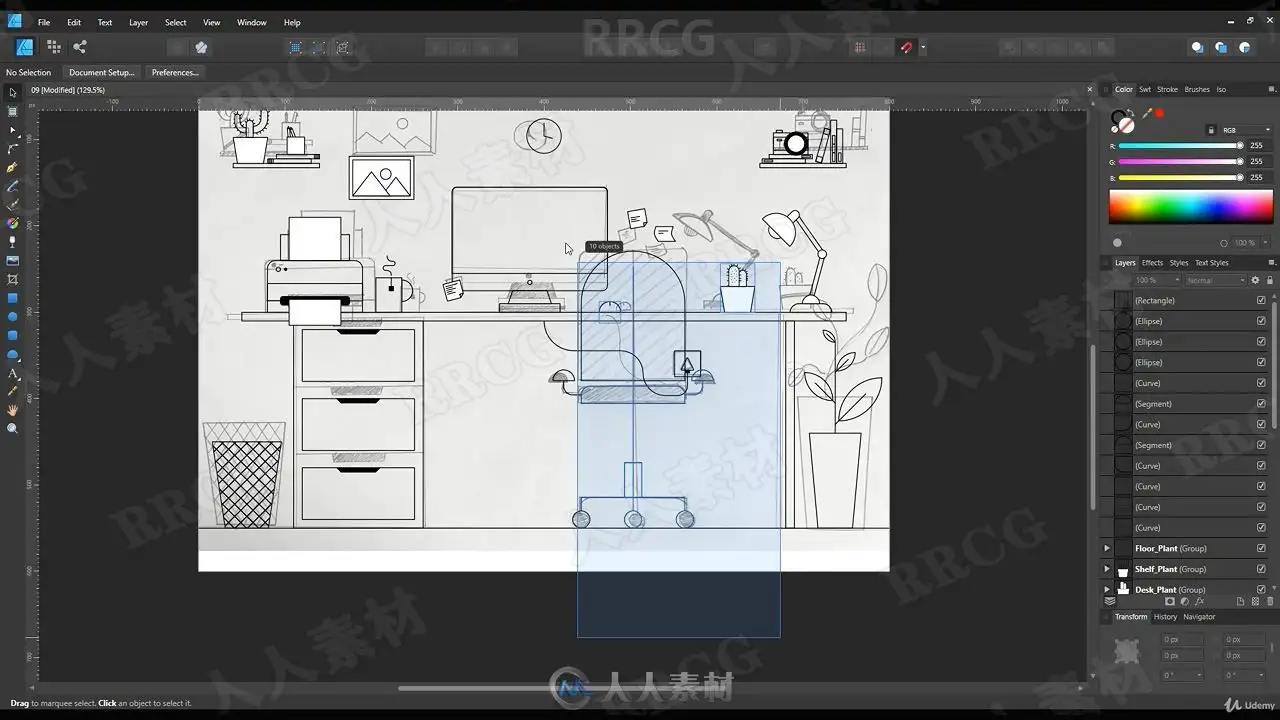
本教程是关于初学者Affinity Designer创建手绘矢量平面插图视频教程,时长:1小时26分,大小:921 MB,MP4高清格式,附源文件,作者:Sajid Memon,共11个章节,语言:英语。
Affinity Designer是一款专业的设计绘图工具,适用于mac OS windows操作系统,主要用于矢量图形的绘制,适用于图标、UI 设计、网站设计、宣传素材等图像的制作,具有较强的易用性,操作也十分方便 。
Learn to Create Flat Vector Illustration in Affinity Designer What you’ll learn:
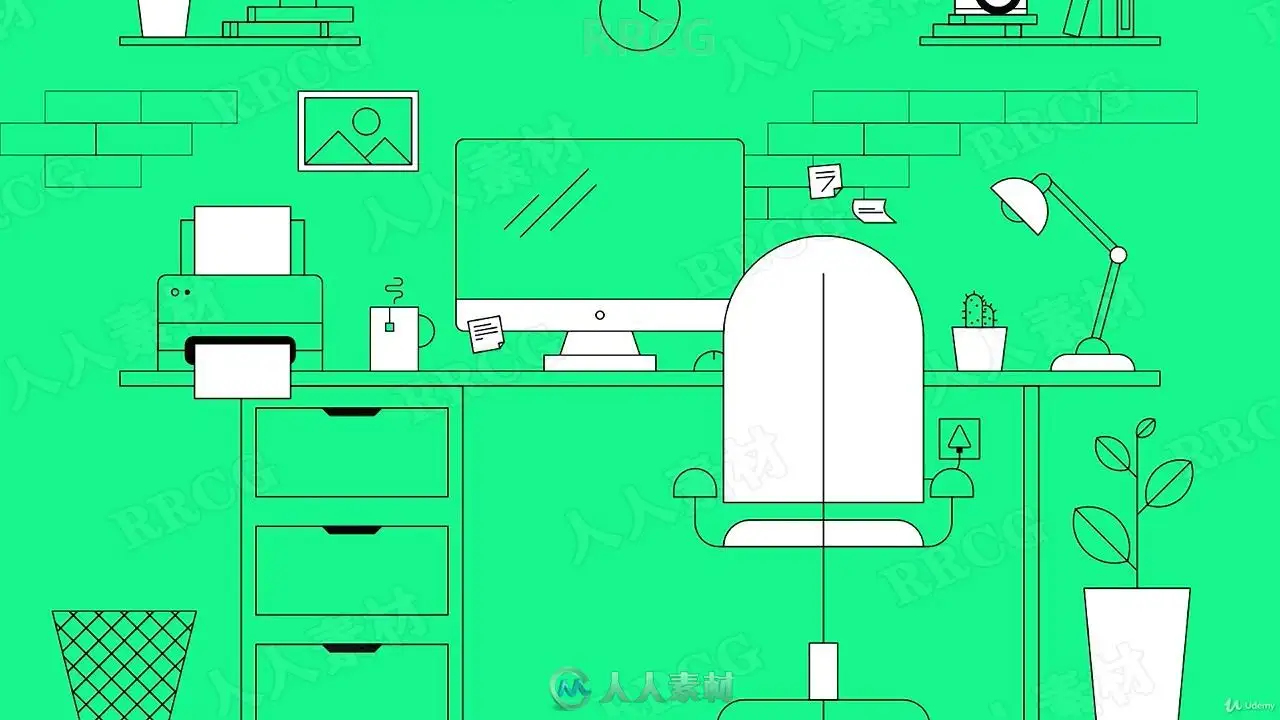
You will able to create Flat Illustration from Start to Finish
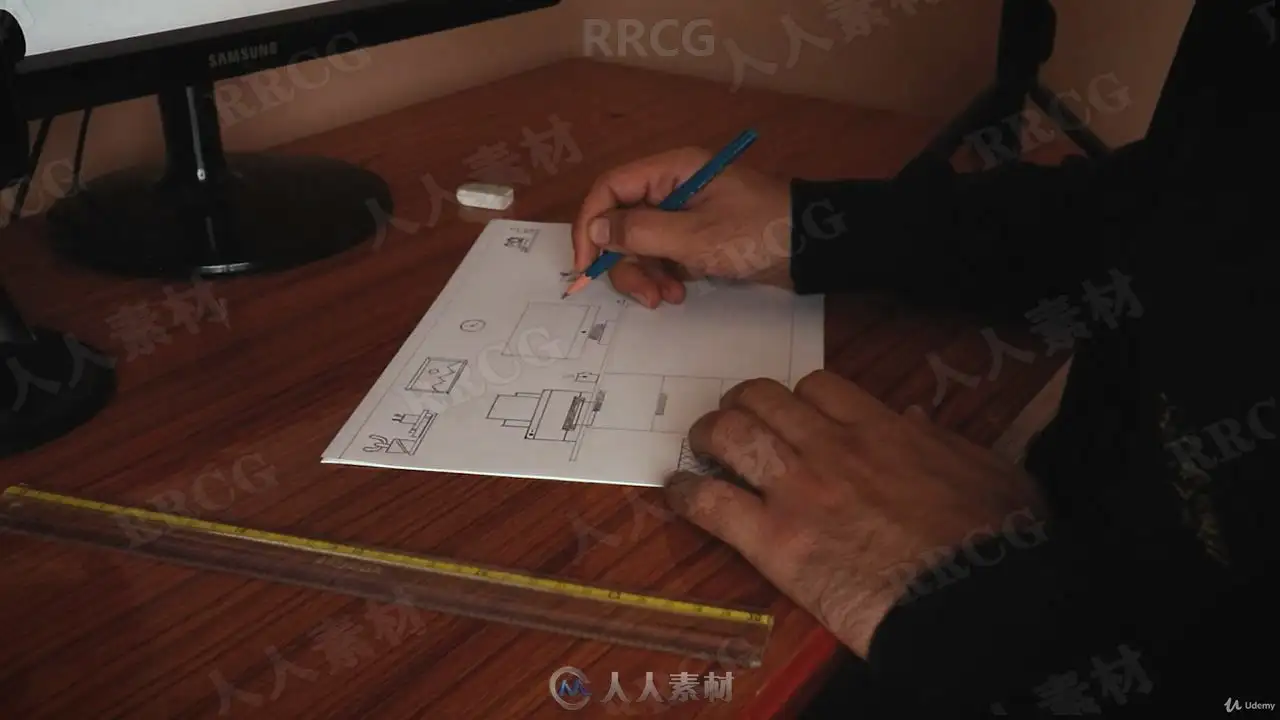
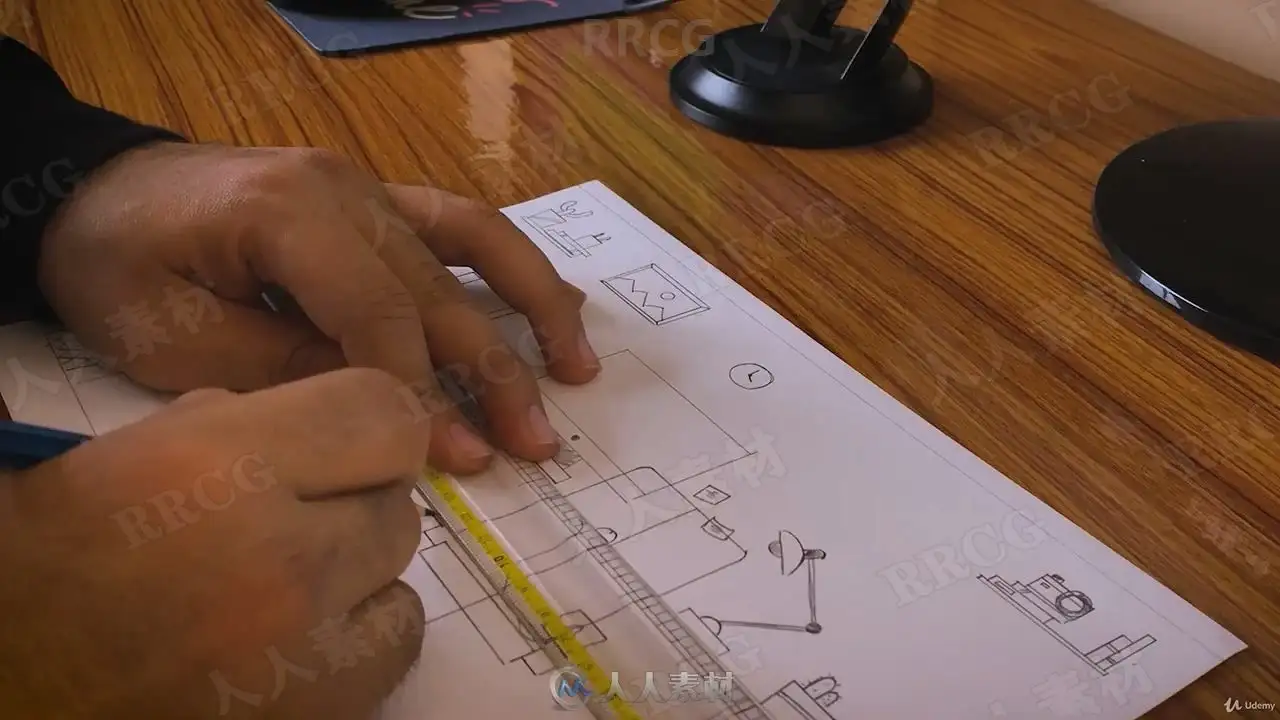
Sketching for Flat Illustration
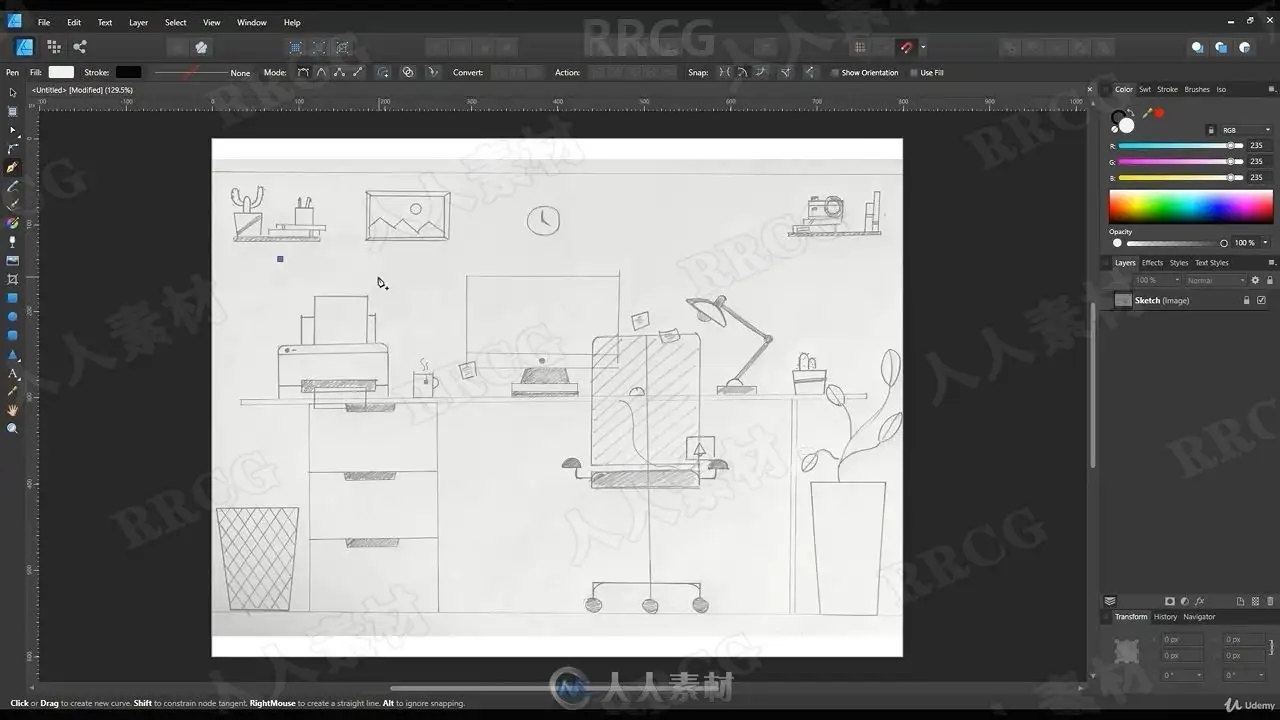
Completing Your Vector Illustration
Requirements
You will require Affinity Designer
Basic Knowledge of Affinity Designer
Description
Learn to Create Flat Vector Illustration in Affinity Designer
Flat Illustration is the most easiest way to present complex ideas through Illustration. In this class you will learn to create Flat Workspace Illustration, this class is designed for Beginners so whatever tools I will use in this class I will explain them before.
In this class you’ll learn :
Basic Tools in Affinity Designer
Sketching for Flat Illustration
Completing Your Vector Illustration
Coloring and Finishing of Illustration
Who this course is for
Beginner Illustrators
Beginner Graphic Designers
解压密码
|
本帖子中包含更多资源
您需要 登录 才可以下载或查看,没有账号?立即注册
x
本站所有内容均由互联网收集整理、网友上传,并且以计算机技术研究交流为目的,仅供大家参考、学习,请勿用于任何商业目的与商业用途,如需商用请支持正版!如亲下载后改变其用途与使用方式,与本站无任何关系,本站已经进行告知义务!我们只做安全认证测试如果资源侵犯了您的版权利益,请联系站长邮箱:dsymbcom@gmail.com