|
|
课程介绍
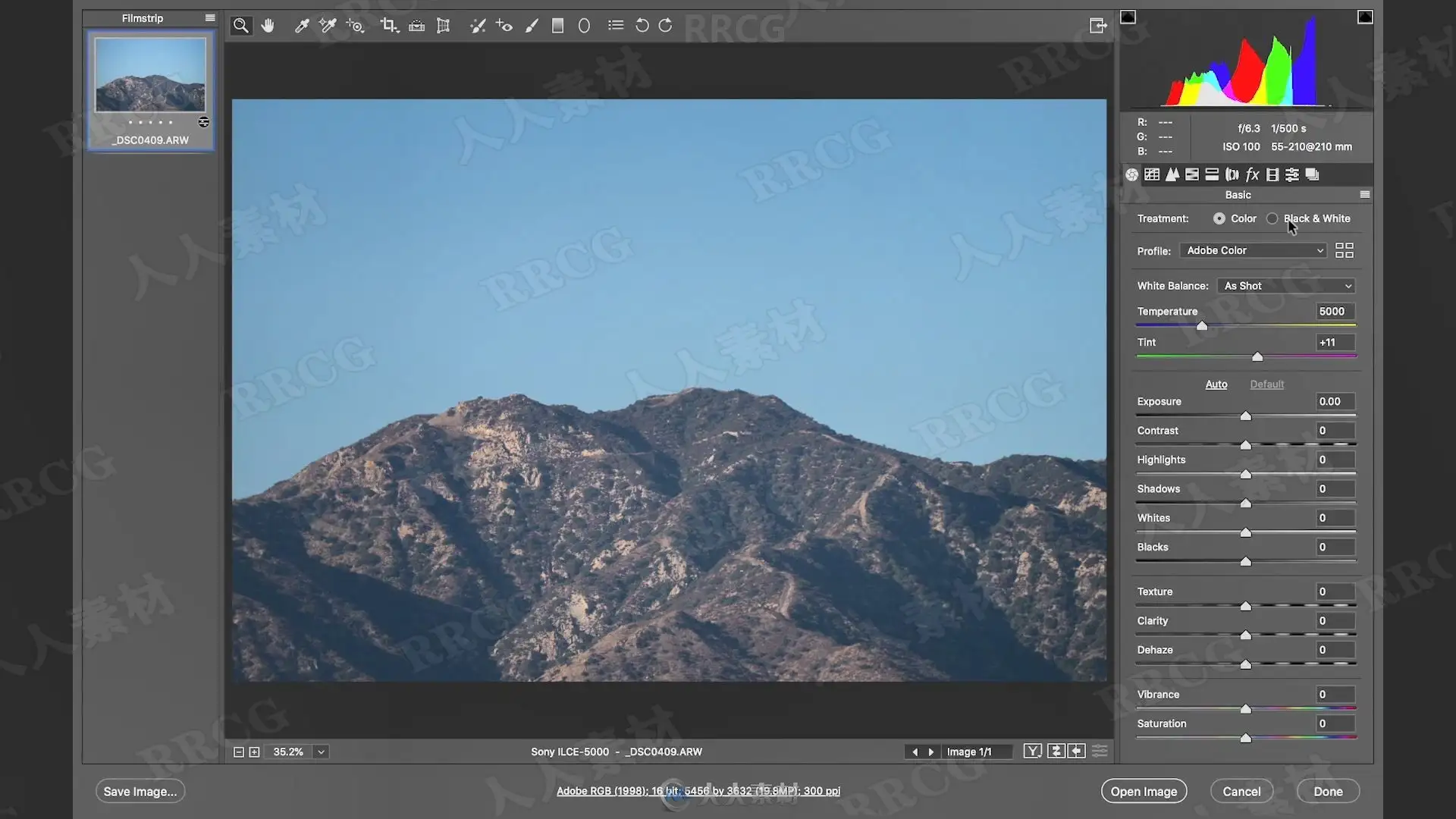
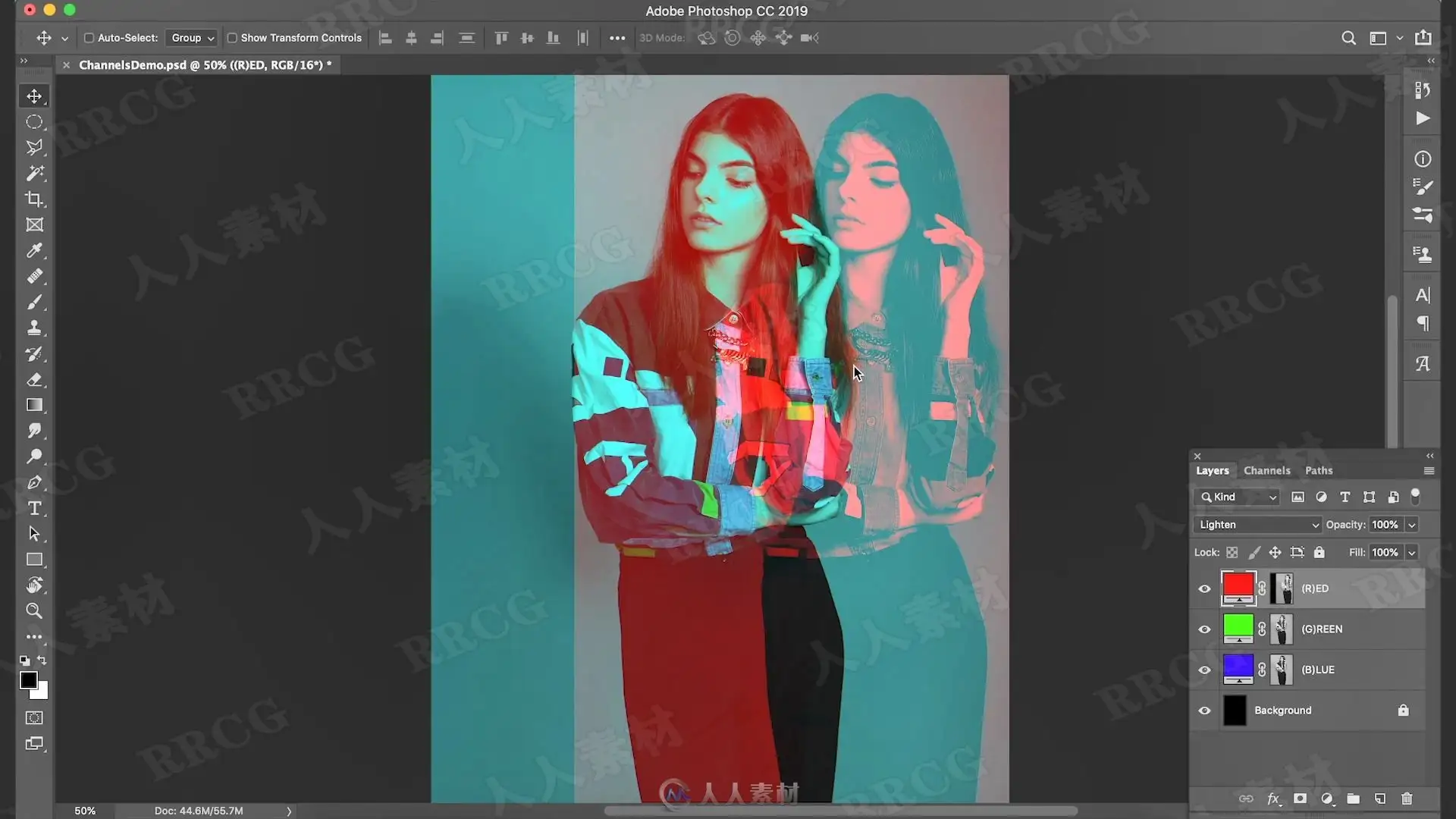
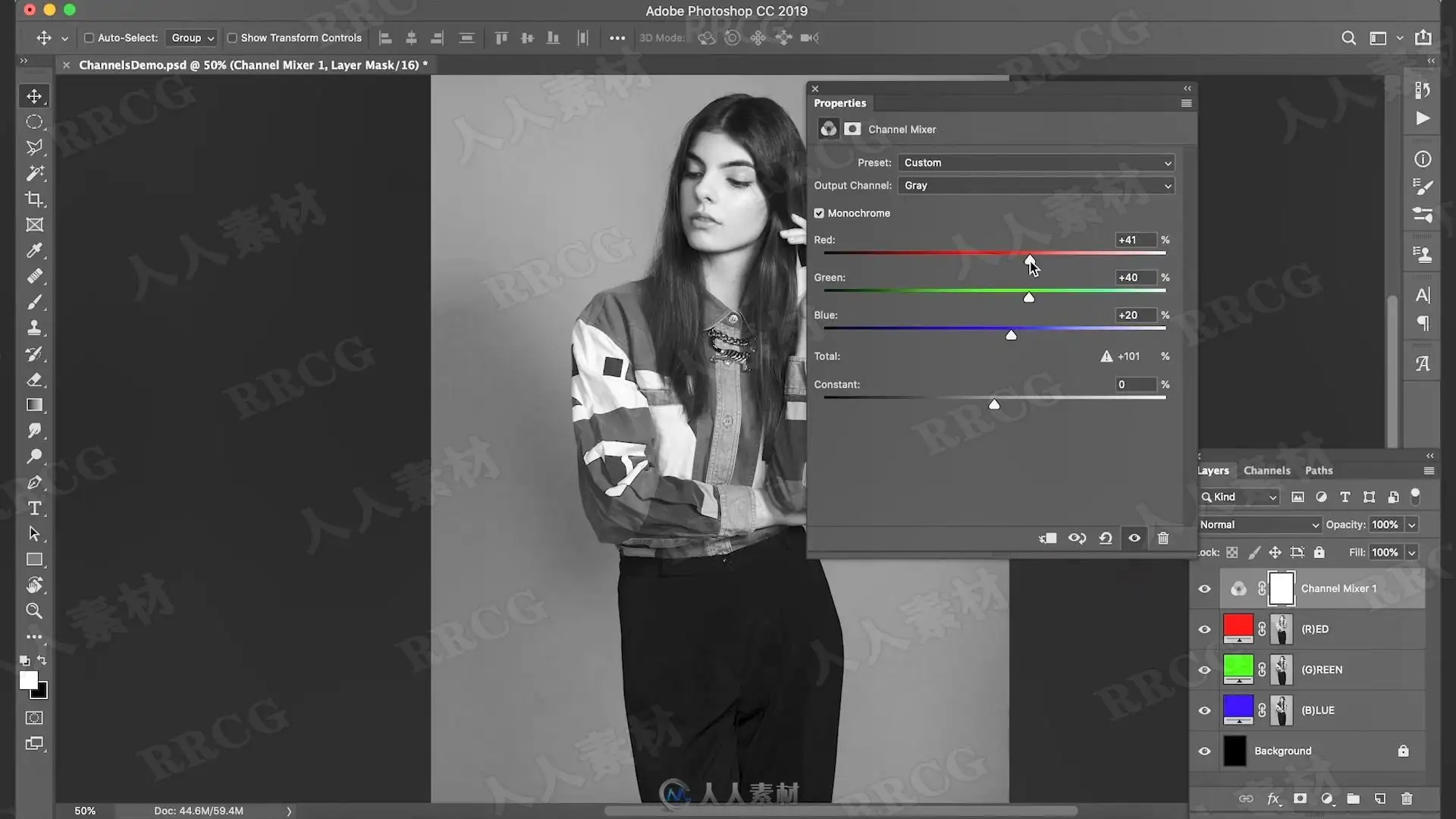
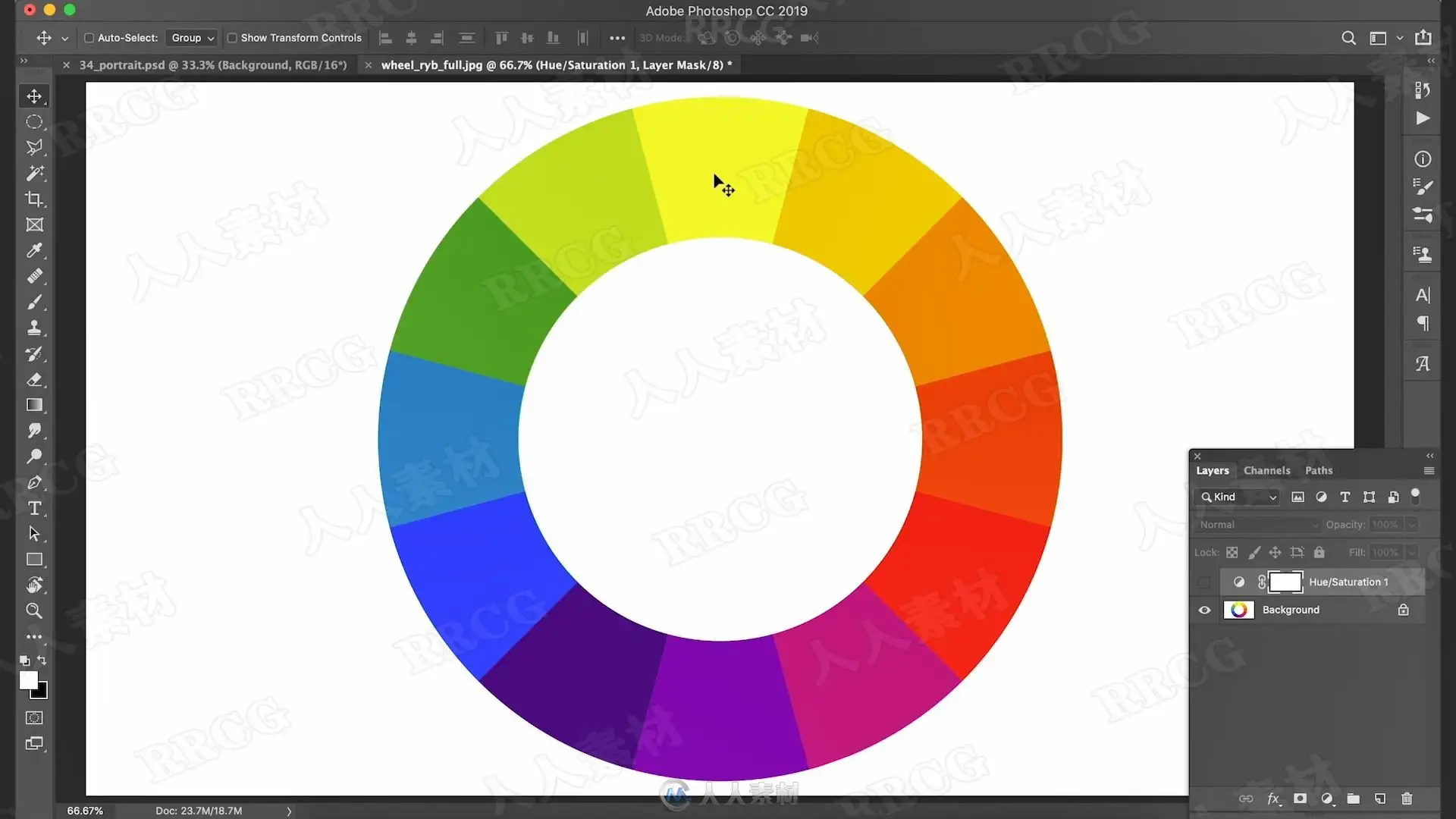
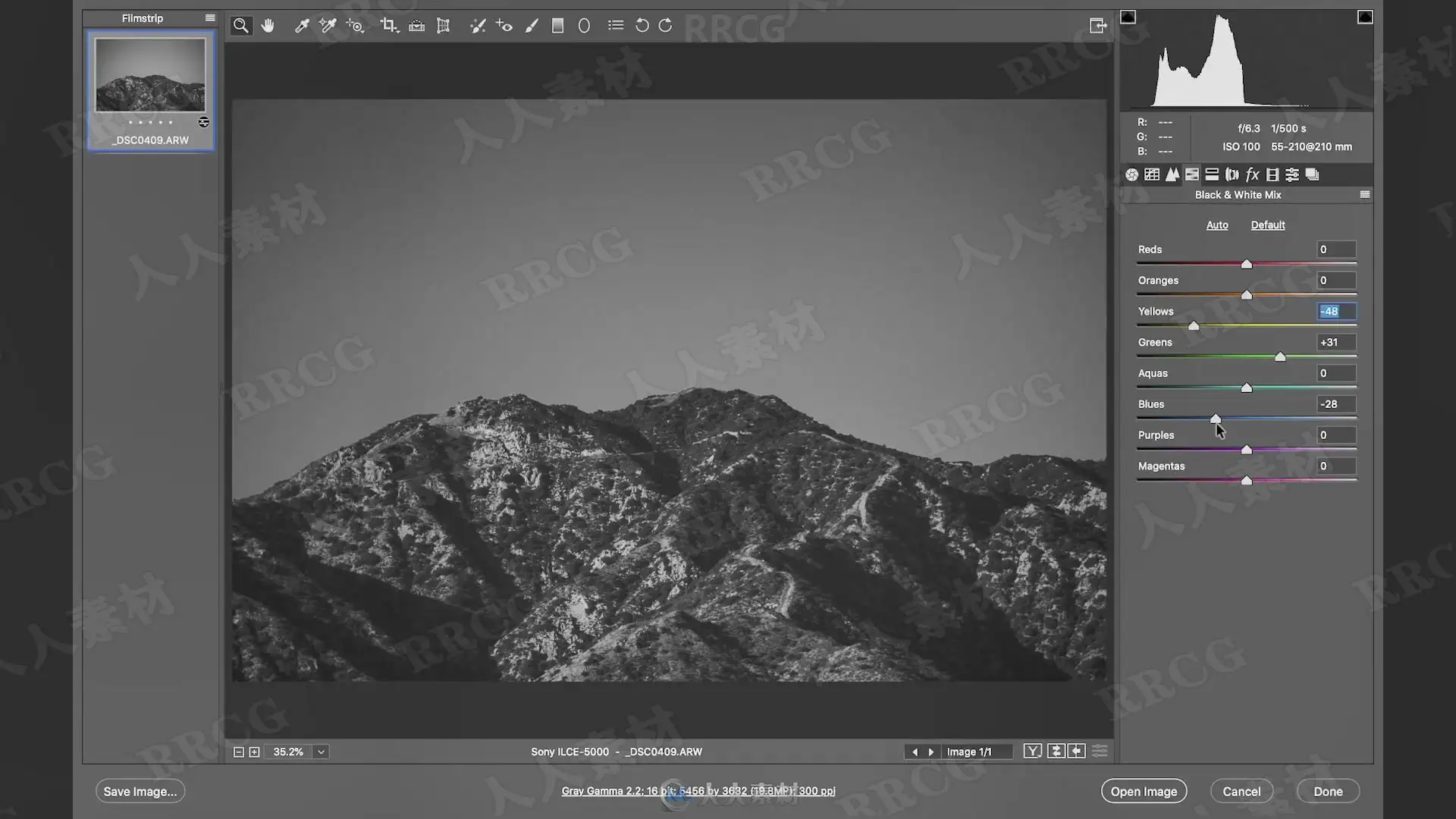
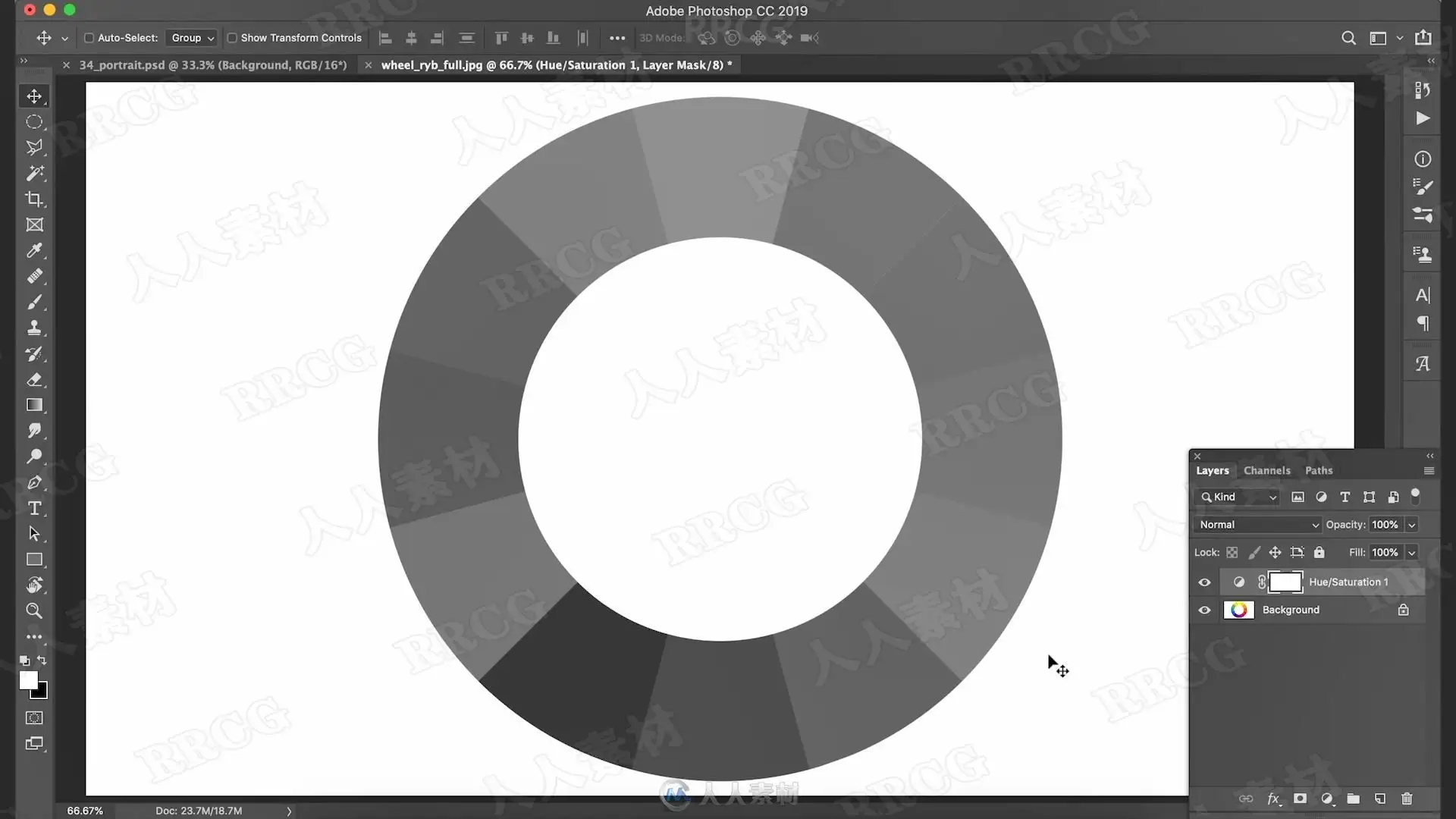
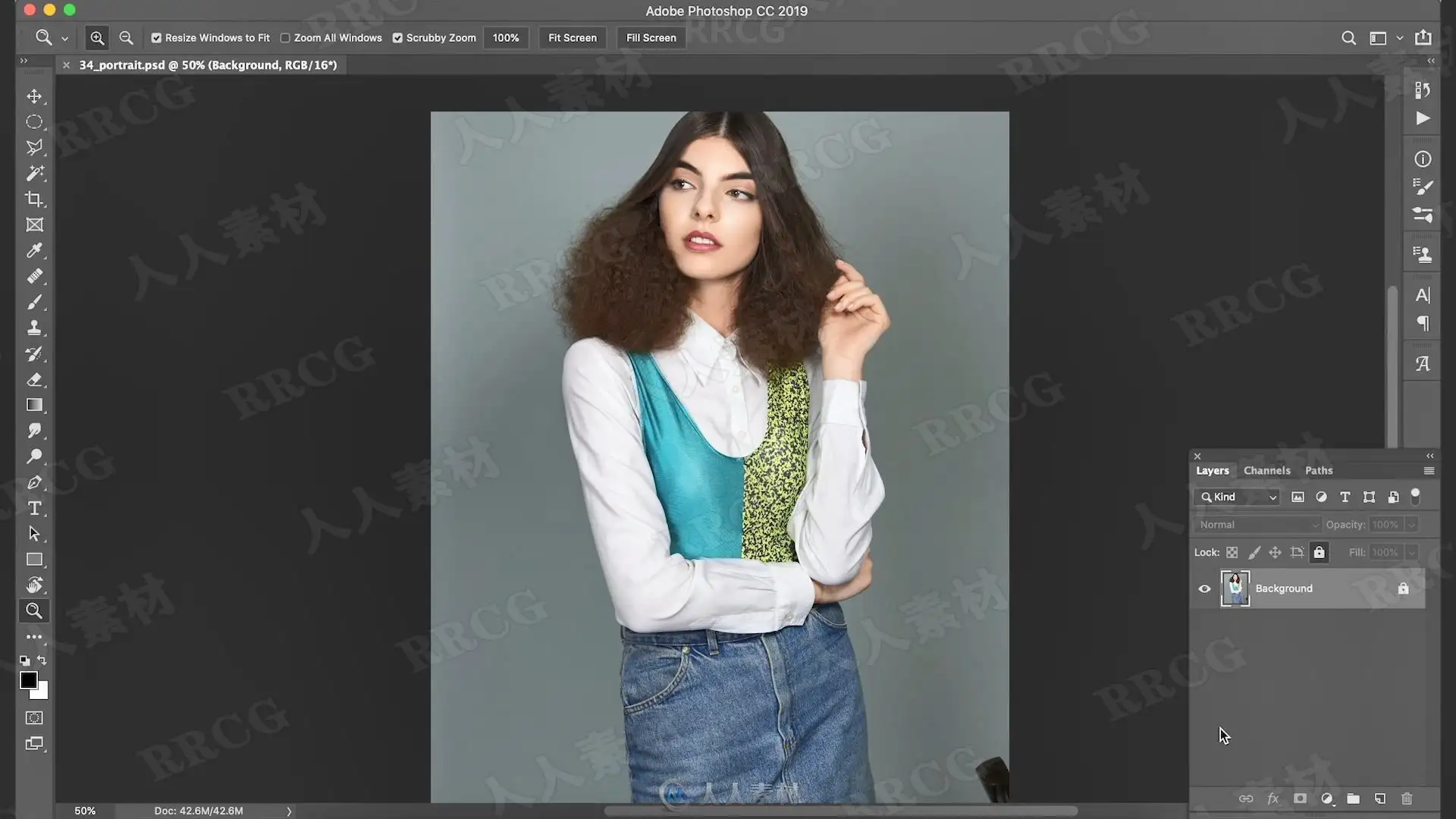
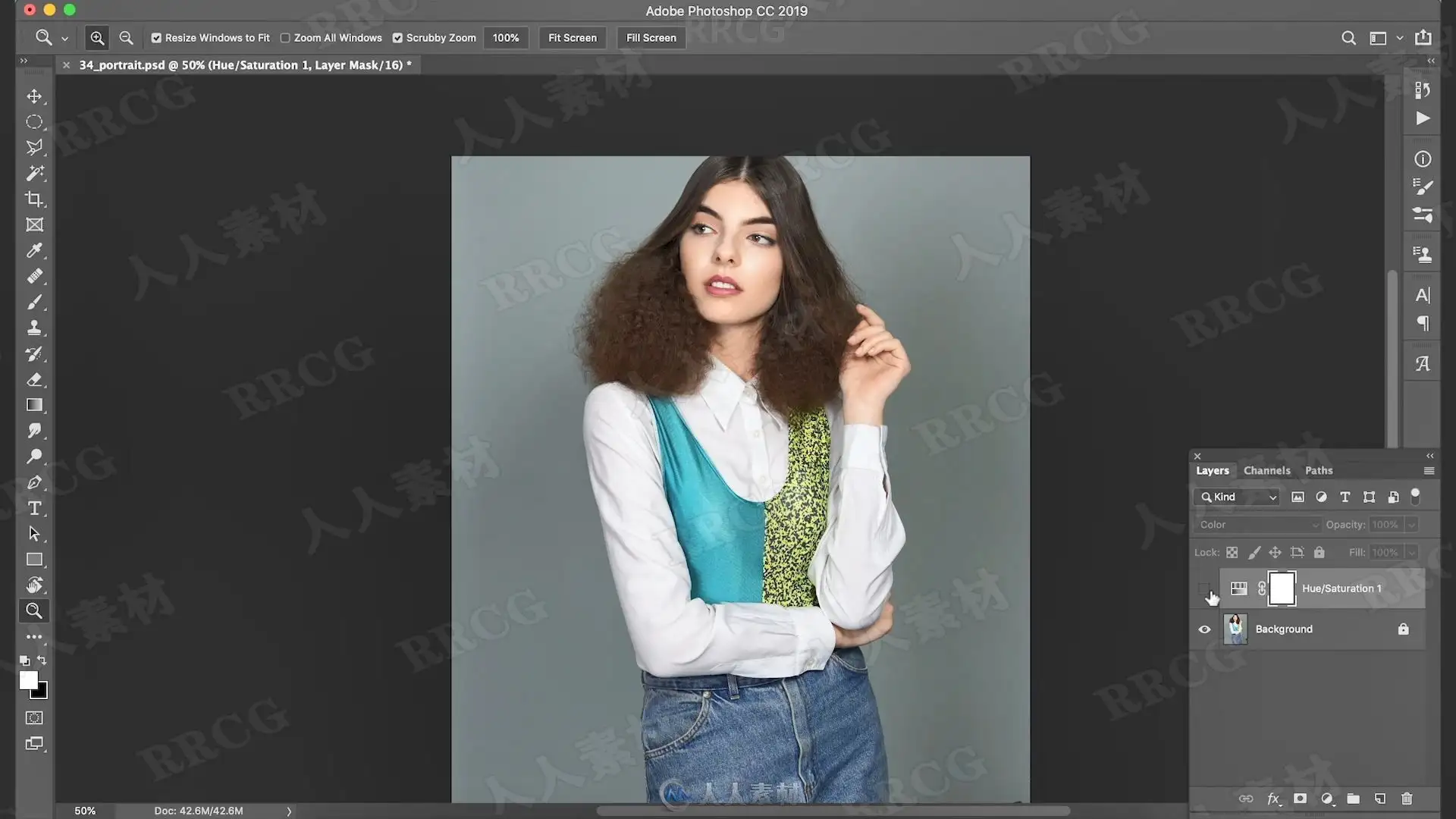
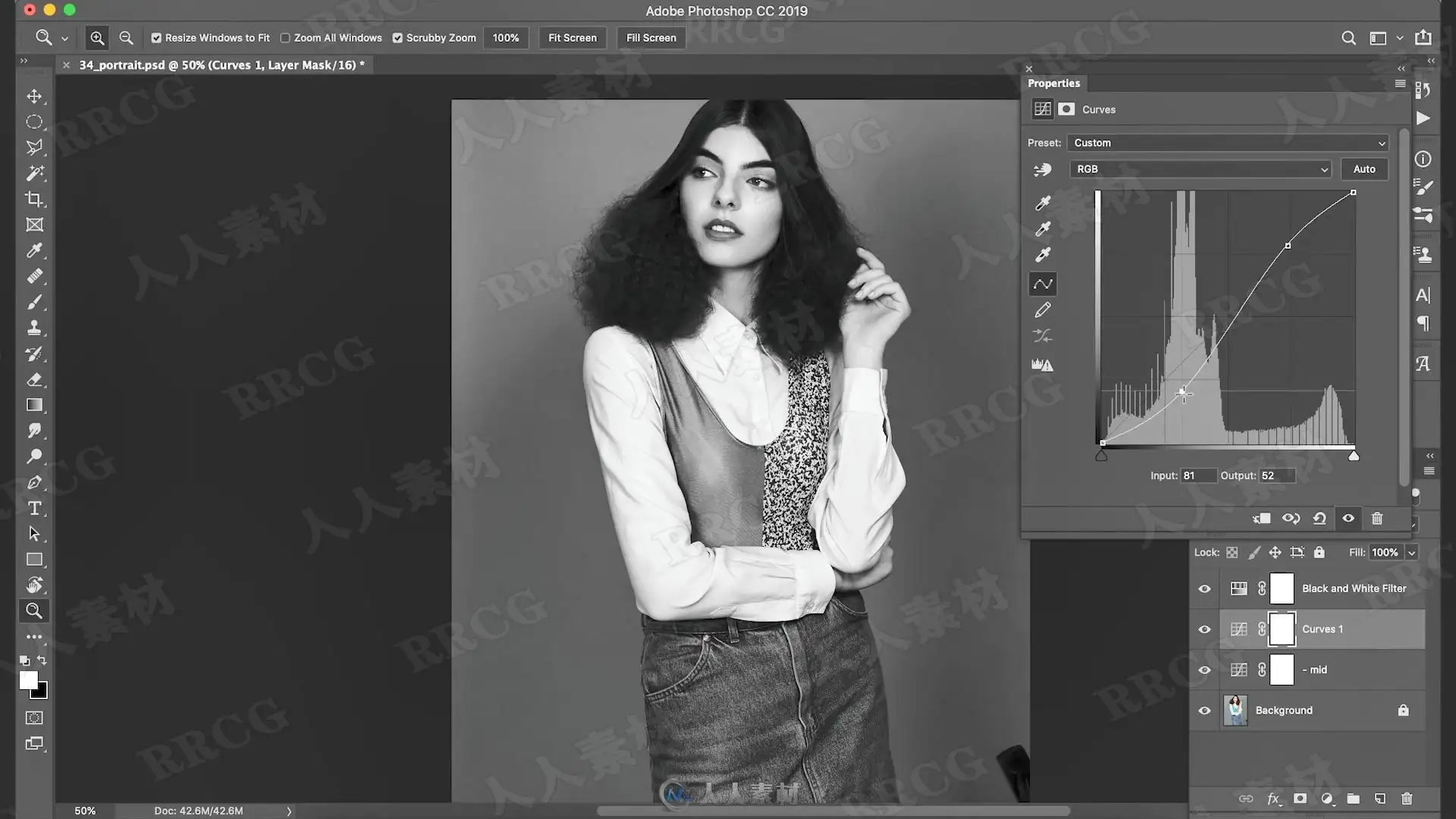
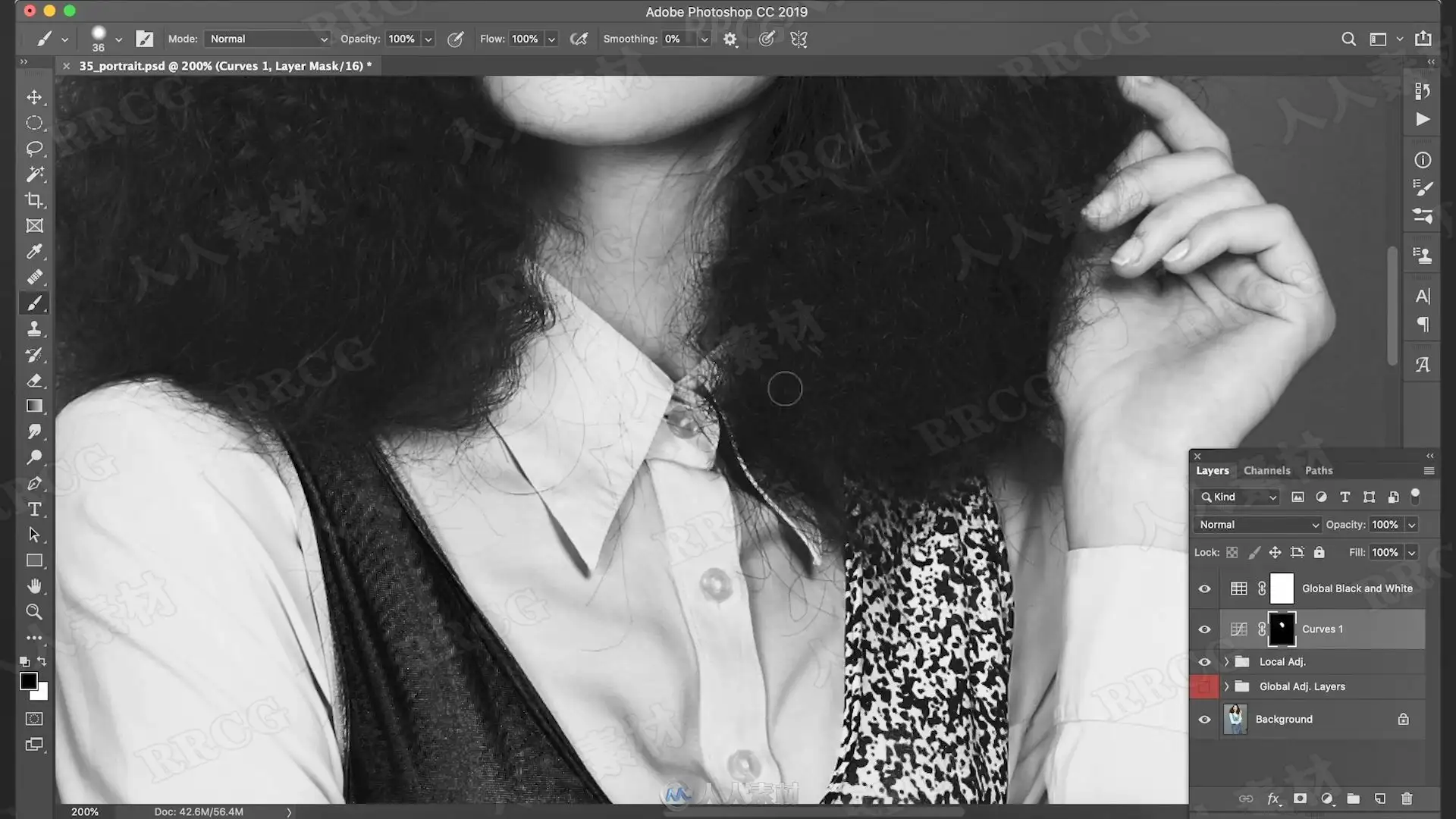
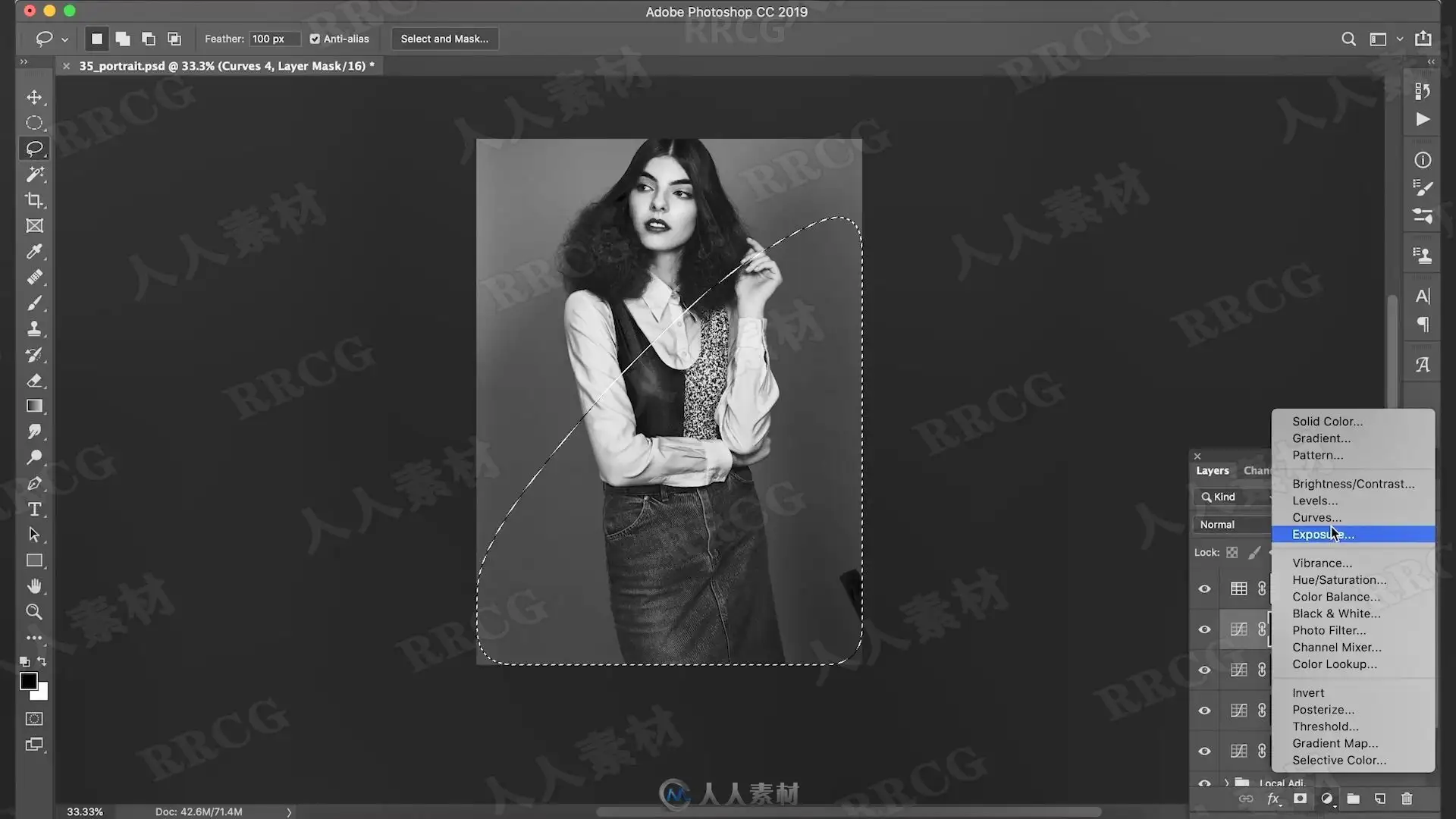
本教程是PS彩色图像转换黑白过程视频教程,时长:1小时30 分,大小:800 MB,MP4高清格式,使用软件:Photoshop,作者:Viktor Fejes,共12个章节,语言:英文。
数字绘画用计算机的手段和技巧进行创作,不同于一般的纸上绘画。首先要有好的创意和构思。创作电脑绘画要有积极向上的创意,来表现我们的丰富多彩的生活,如我们身边的事物、事件、活动,我们的向往和想象等。在表现手法上要努力捕捉最感人、最美的镜头,充分发挥大胆的想象,尽量让画面充实、感人、鲜艳。其次,电脑绘画要通过不同的软件进行制作。最常用的软件有Photoshop、Painter、sai等等。电脑绘画的种类与用途很多,如动画、漫画、插图、广告制作、网页制作、服装设计、建筑效果图、各种示意图、演示图等等。电脑绘画最大的优点是颜色处理真实、细腻、可控,其次是修改、变形变色方便,再次是复制方便,放大缩小方便。制作速度快捷,保存耐久及运输方便,画面效果奇特。
There are a lot of ways to convert a color photo to B&W, but have you ever considered what goes into doing it with the highest level of control by harnessing some of Photoshop’s most powerful tools? If not, then join Viktor Fejes for a deep dive into how to properly convert your photos to B&W. No matter what method you use to convert to B&W you are always concerned with removing color, controlling contrast and tonality, and enhancing detail. In this class Viktor steps you through his B&W workflow and demonstrates techniques for using adjustment layers, creating a LUT for re-use, dodging and burning, manipulating tonal values locally, bringing out detail, adding grain, and so much more to achieve that B&W mood you had in your minds eye from the start. You’ll come away with a new set of techniques and a greater understanding for the fundamentals of B&W conversions.There are a lot of ways to convert a color photo to B&W, but have you ever considered what goes into doing it with the highest level of control by harnessing some of Photoshop’s most powerful tools? If not, then join Viktor Fejes for a deep dive into how to properly convert your photos to B&W. No matter what method you use to convert to B&W you are always concerned with removing color, controlling contrast and tonality, and enhancing detail. In this class Viktor steps you through his B&W workflow and demonstrates techniques for using adjustment layers, creating a LUT for re-use, dodging and burning, manipulating tonal values locally, bringing out detail, adding grain, and so much more to achieve that B&W mood you had in your minds eye from the start. You’ll come away with a new set of techniques and a greater understanding for the fundamentals of B&W conversions.
解压密码
|
本帖子中包含更多资源
您需要 登录 才可以下载或查看,没有账号?立即注册
x
本站所有内容均由互联网收集整理、网友上传,并且以计算机技术研究交流为目的,仅供大家参考、学习,请勿用于任何商业目的与商业用途,如需商用请支持正版!如亲下载后改变其用途与使用方式,与本站无任何关系,本站已经进行告知义务!我们只做安全认证测试如果资源侵犯了您的版权利益,请联系站长邮箱:dsymbcom@gmail.com
|