|
|
课程介绍
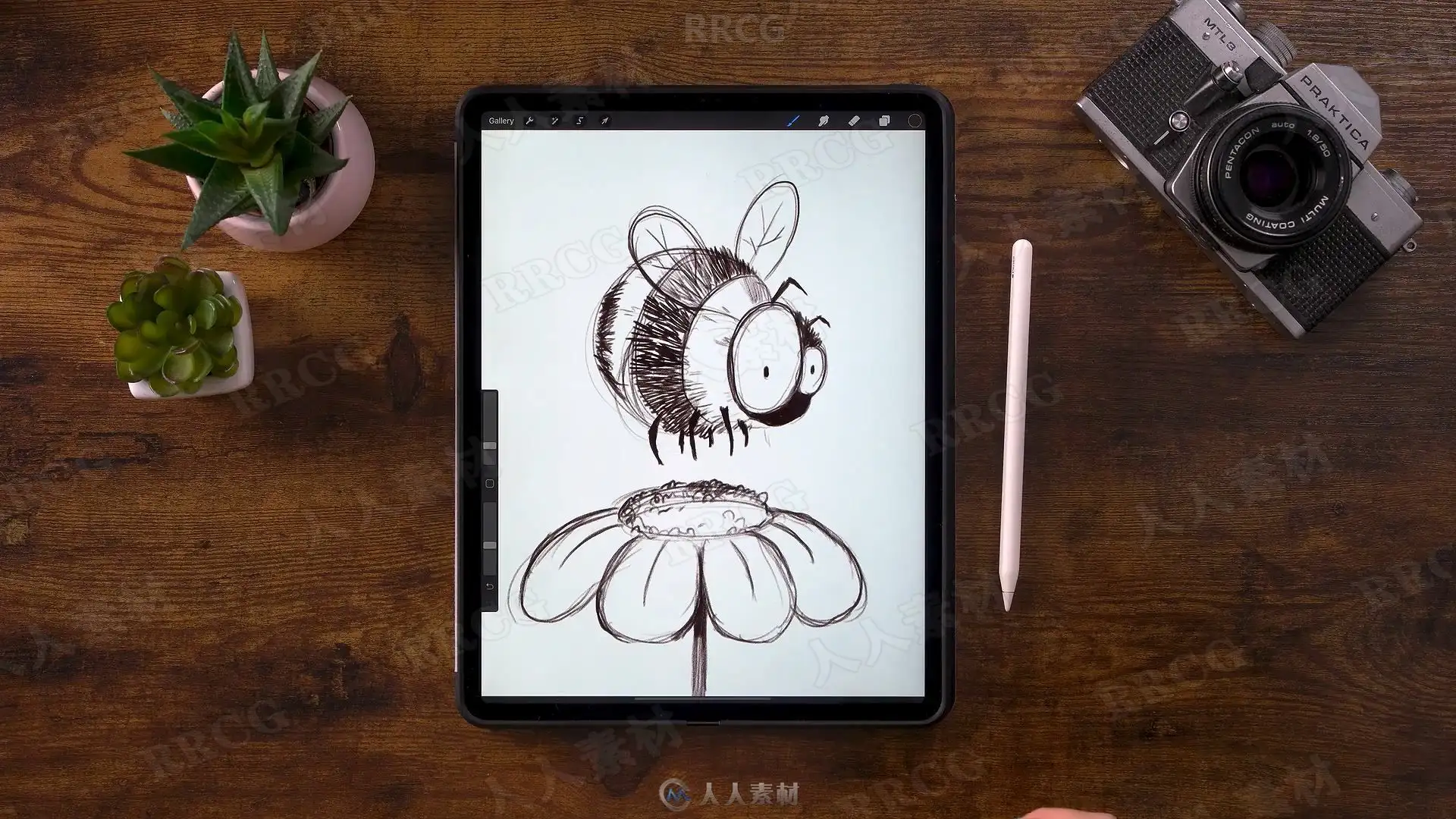
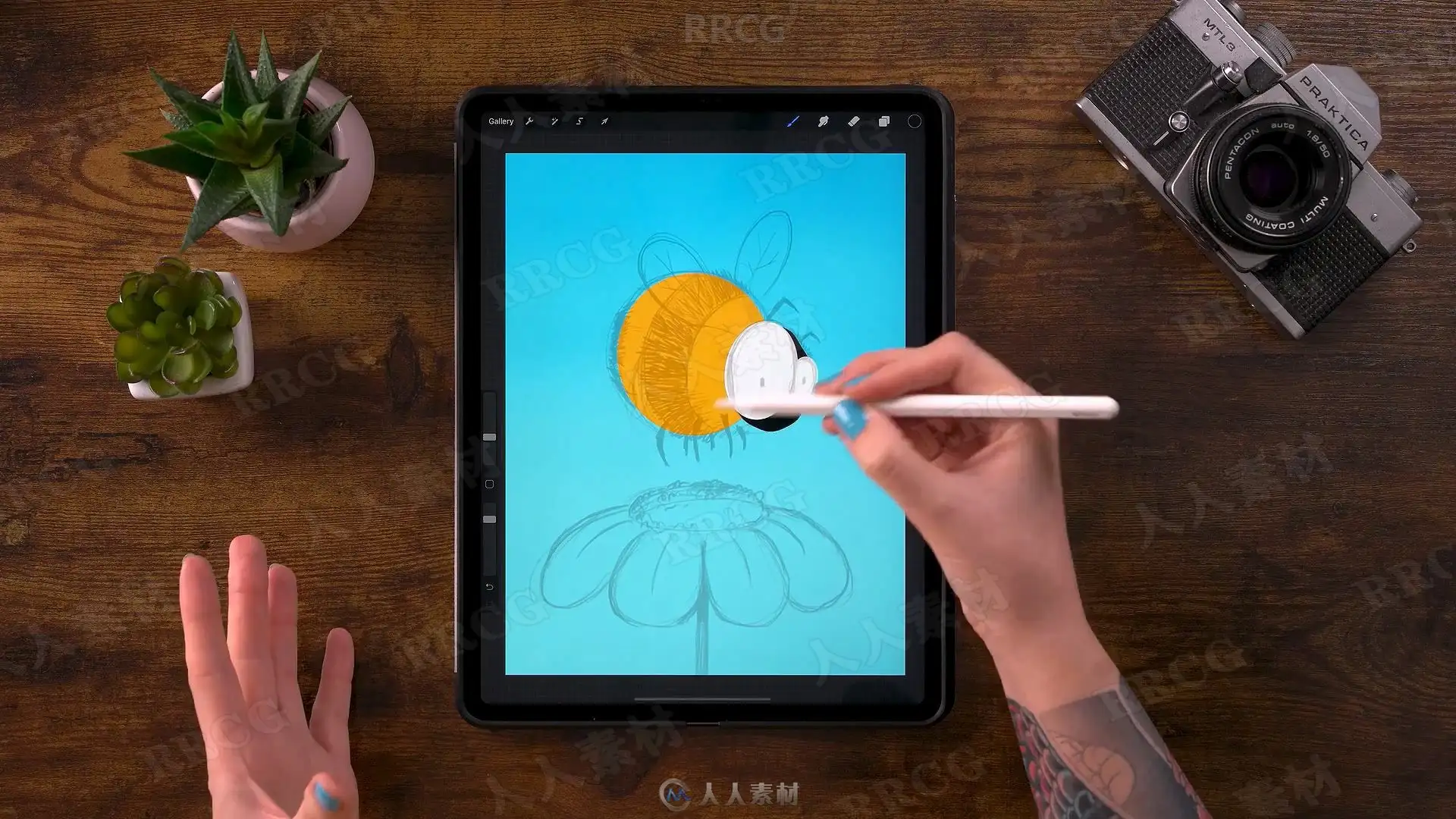
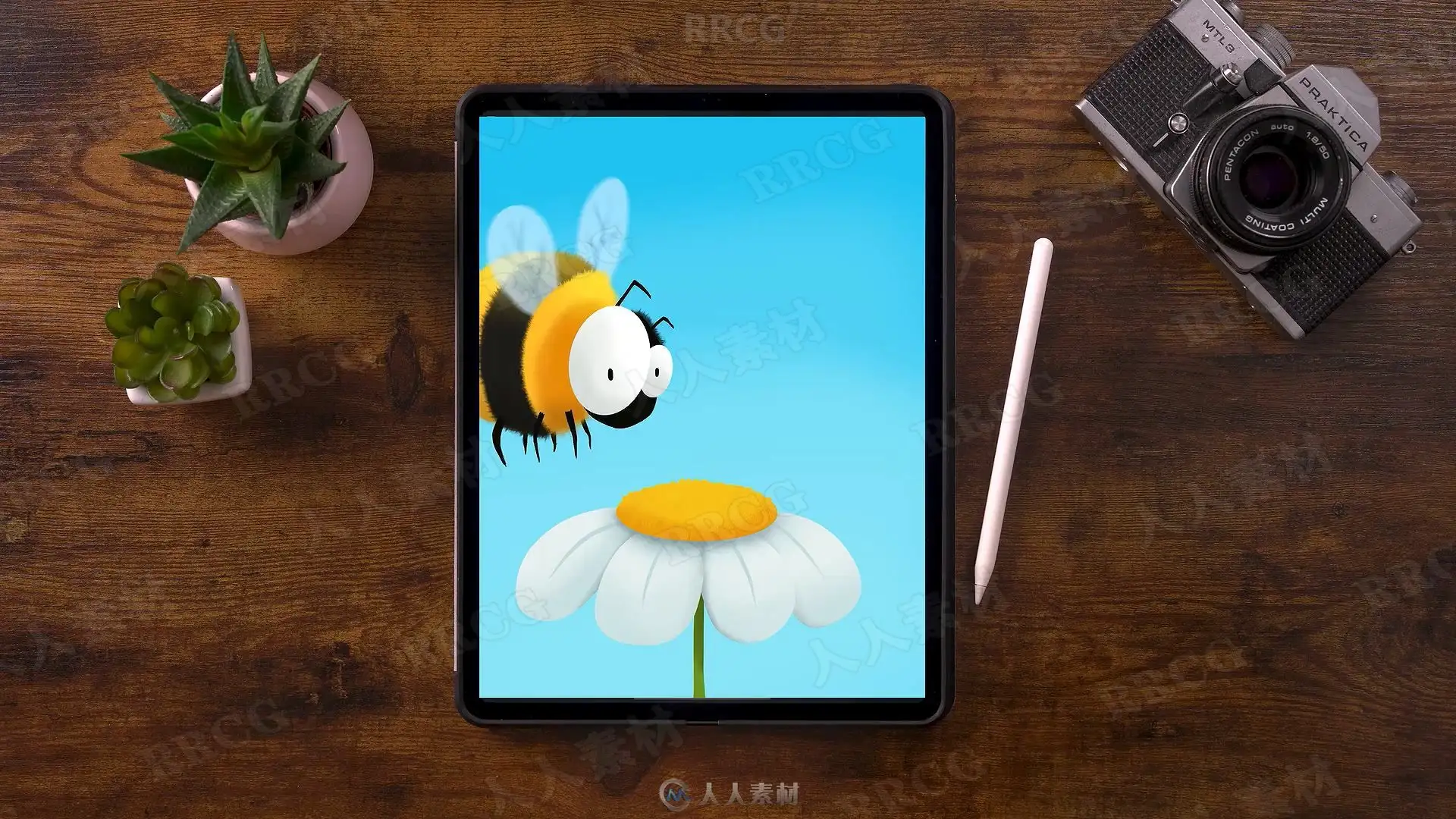
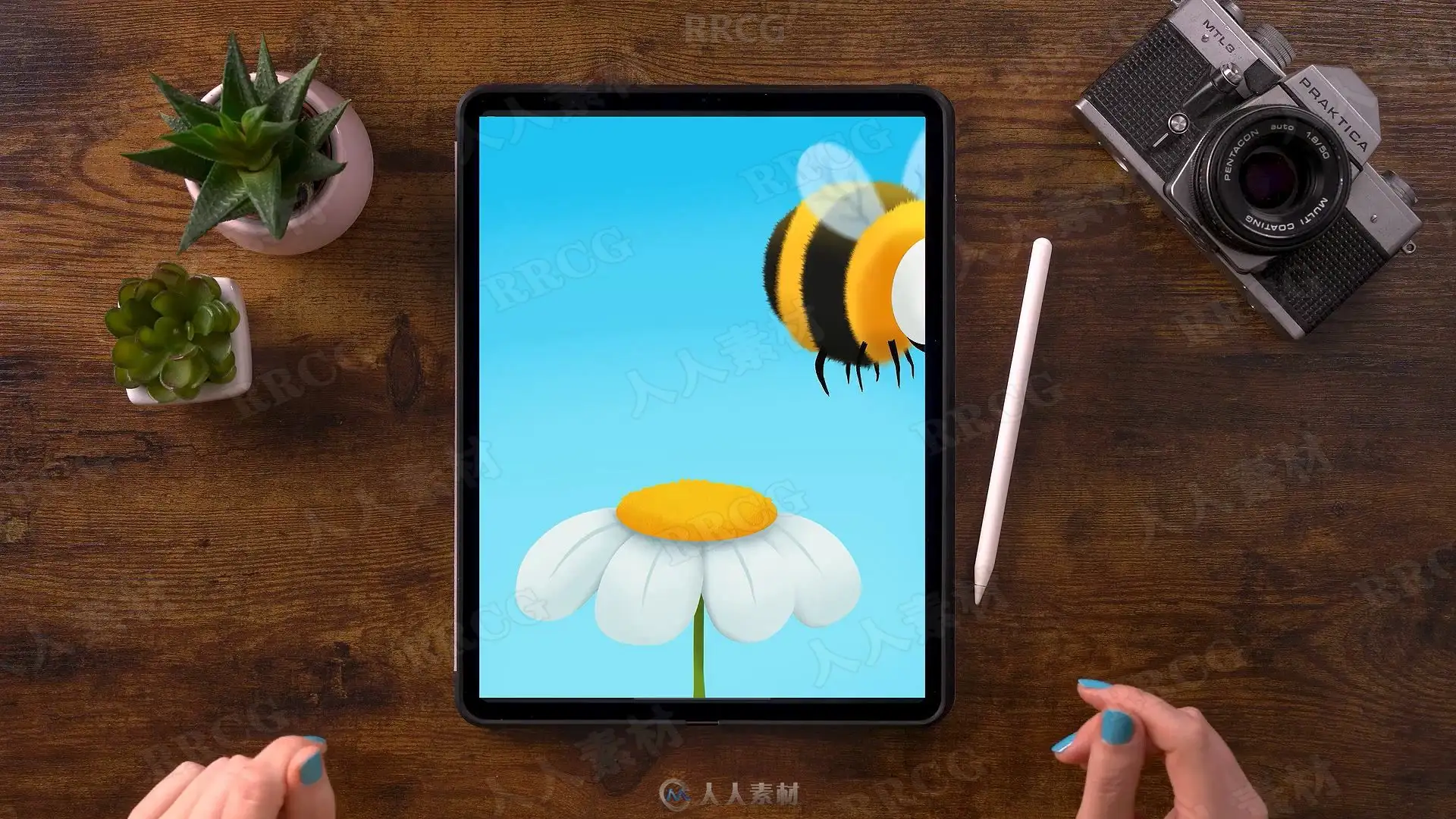
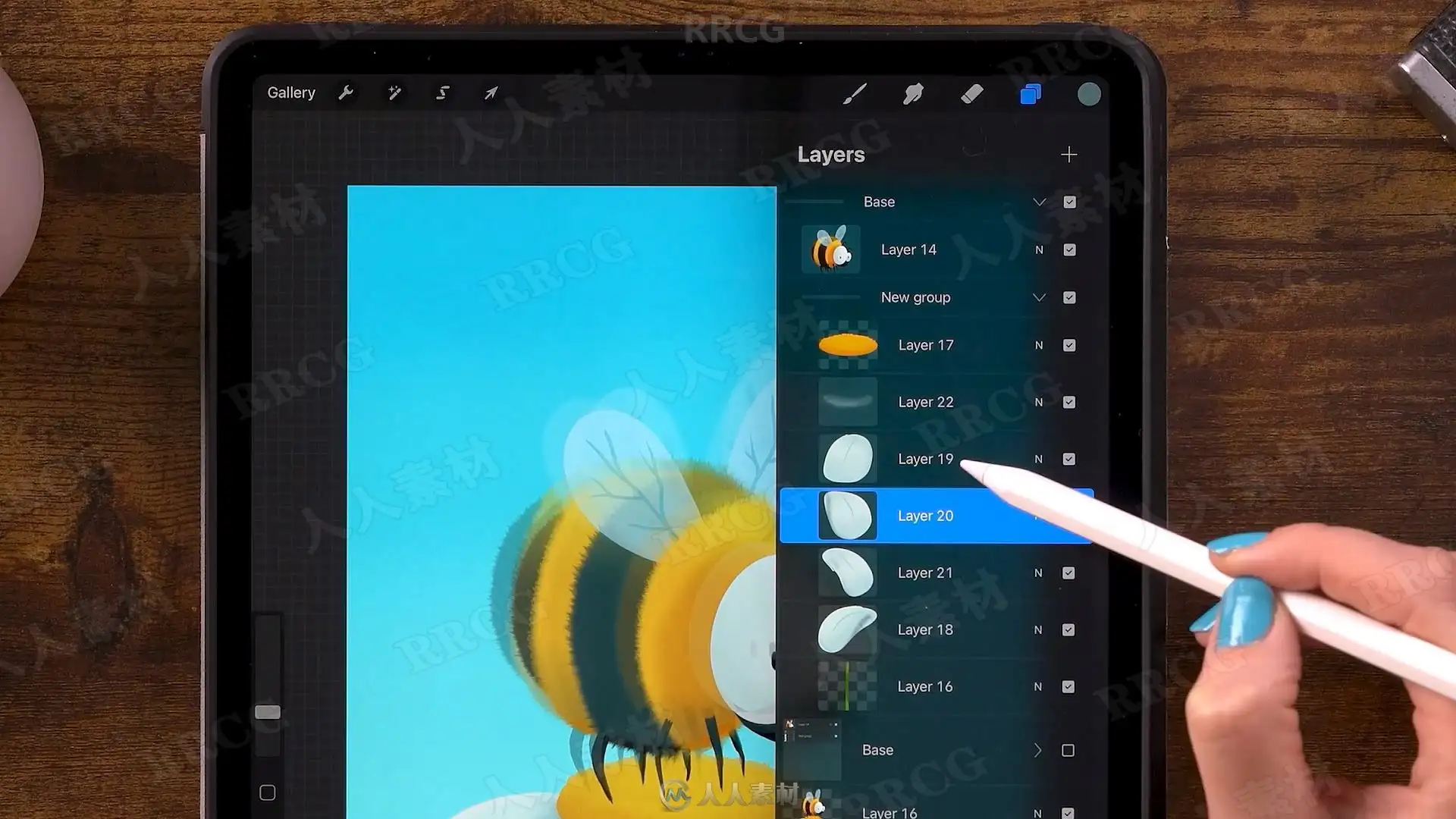
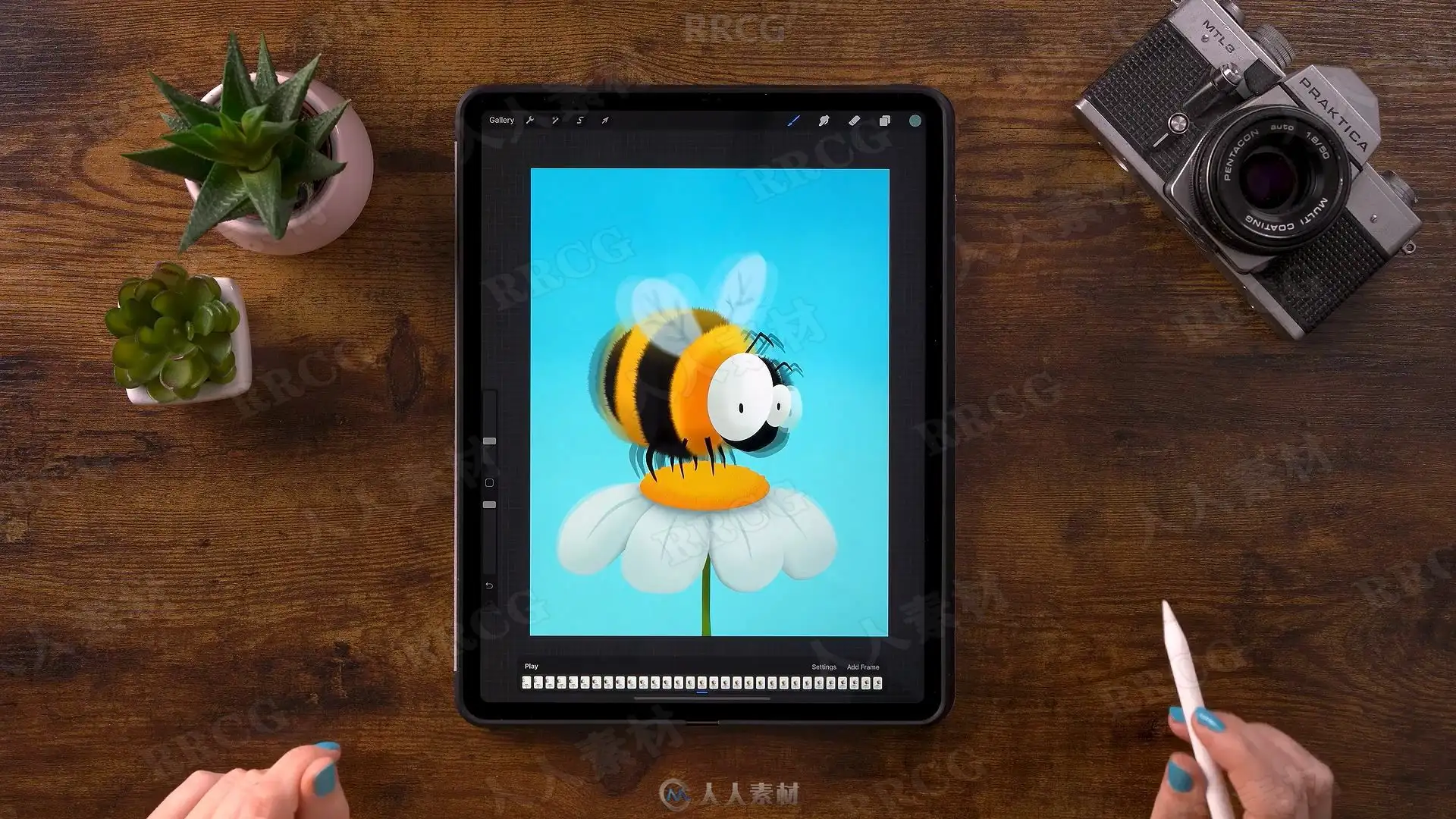
本教程是关于iPad pro中使用Procreate创建可爱蜜蜂采蜜动画插图视频教程,时长:1小时3 分,大小:1.2 GB,MP4高清视频格式,使用软件:Procreate,附源文件,作者:Floortje Visser,共8个章节,语言:英语。
Procreate 是一款安装在 iPad 上的功能强大、界面直观的数字绘图应用程序。它设有许多深受艺术家喜爱的功能,其中包括 120 种简单易用的画笔、高级图层混合、64 位性能以及功能强大的画笔引擎。由于 Procreate 专为 iPad 设计,所以它充分利用了 iPad 的所有优势。 创意人士非常喜欢 Procreate,因为它设计直观、速度流畅、原片处理能力强大,因此艺术家们可以随时随地创作出色的数字作品。
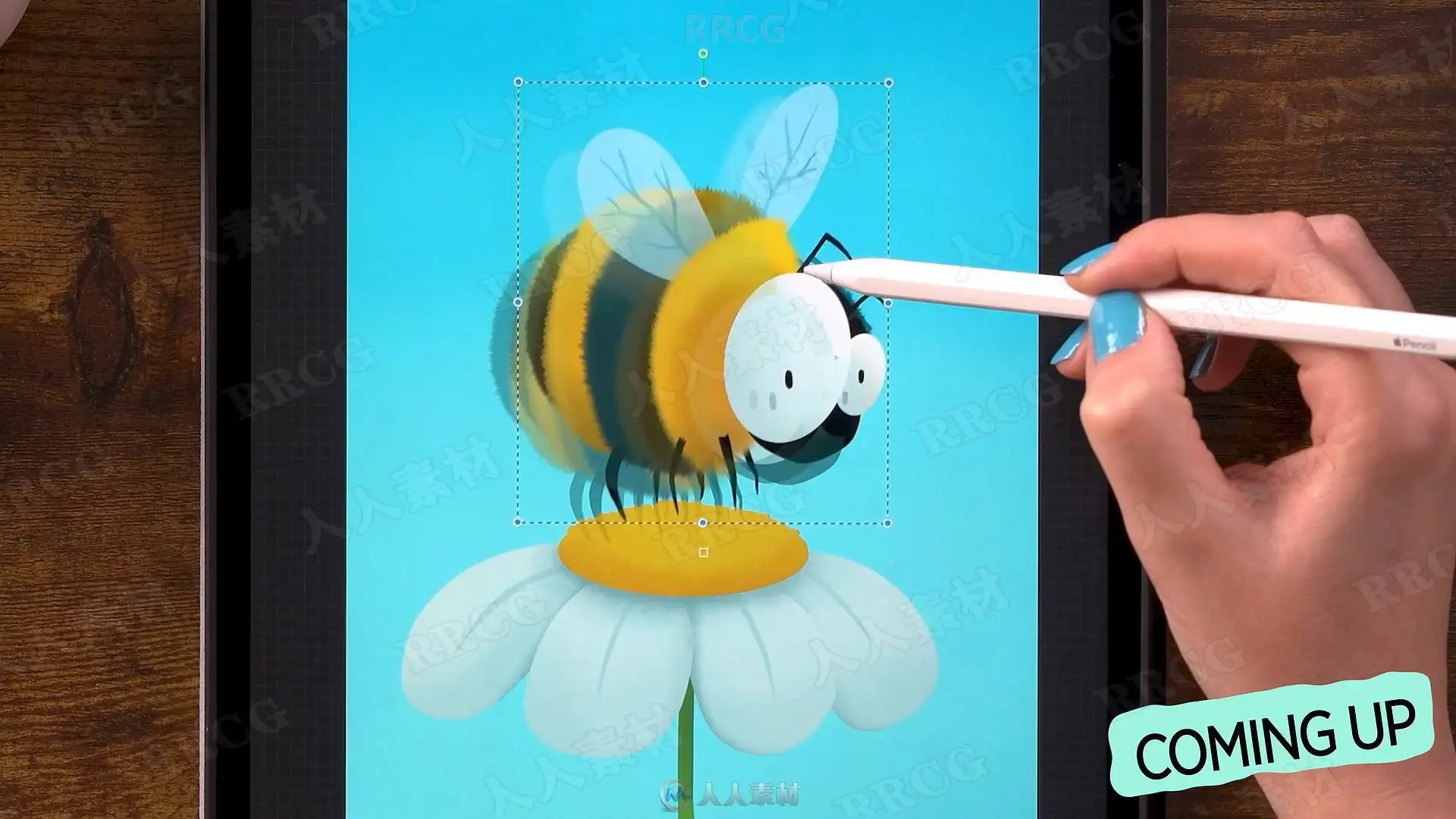
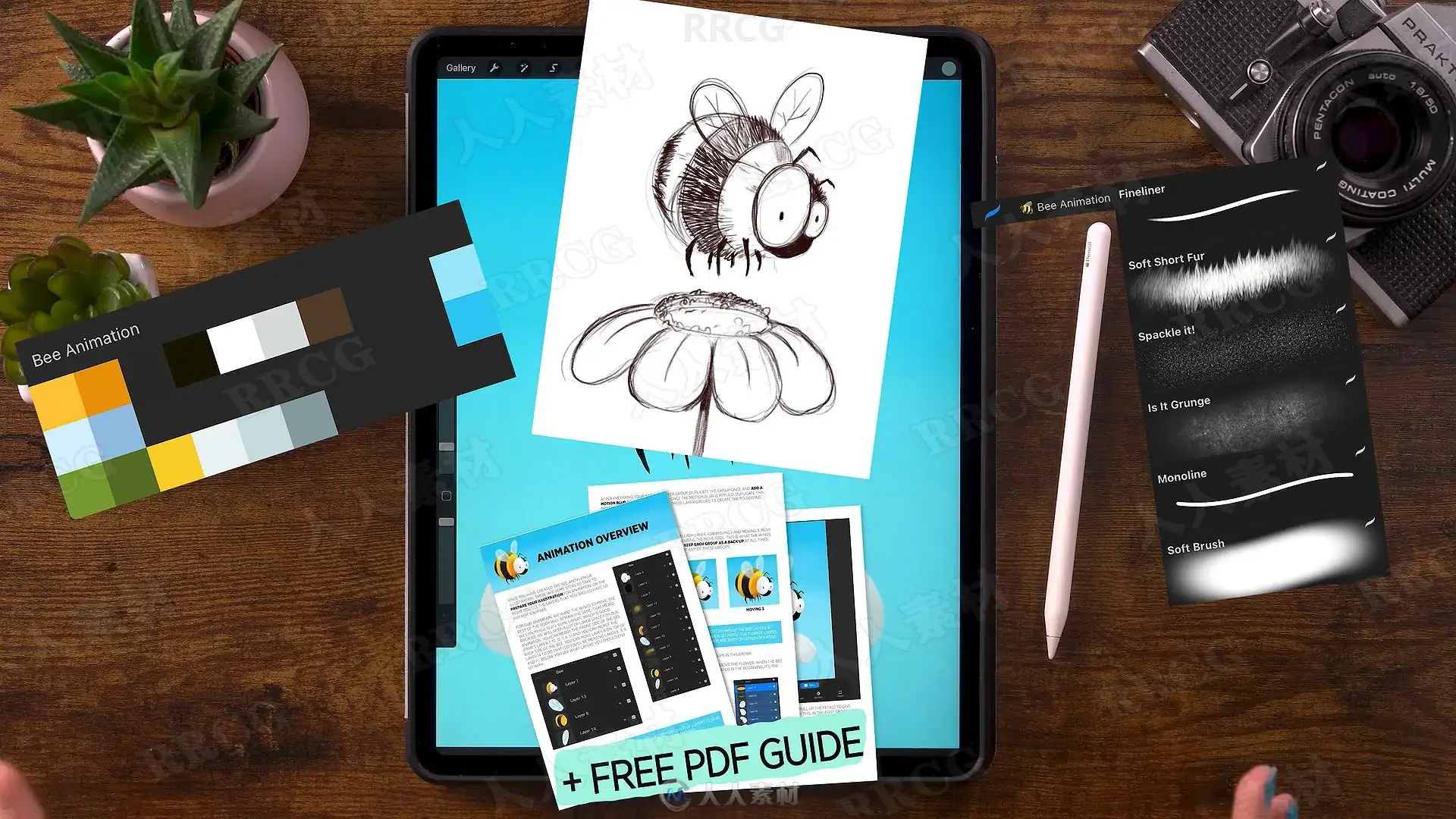
Learn how to create a cute Procreate Animation in this easy to follow Art with Flo class. During this Procreate class you’ll learn all about creating easy and fun animations. You’ll be turning your illustration into an animation in no time! This Procreate class comes with color swatches, a sketch, a helpful pdf guide and a special brush set with Art with Flo brushes.
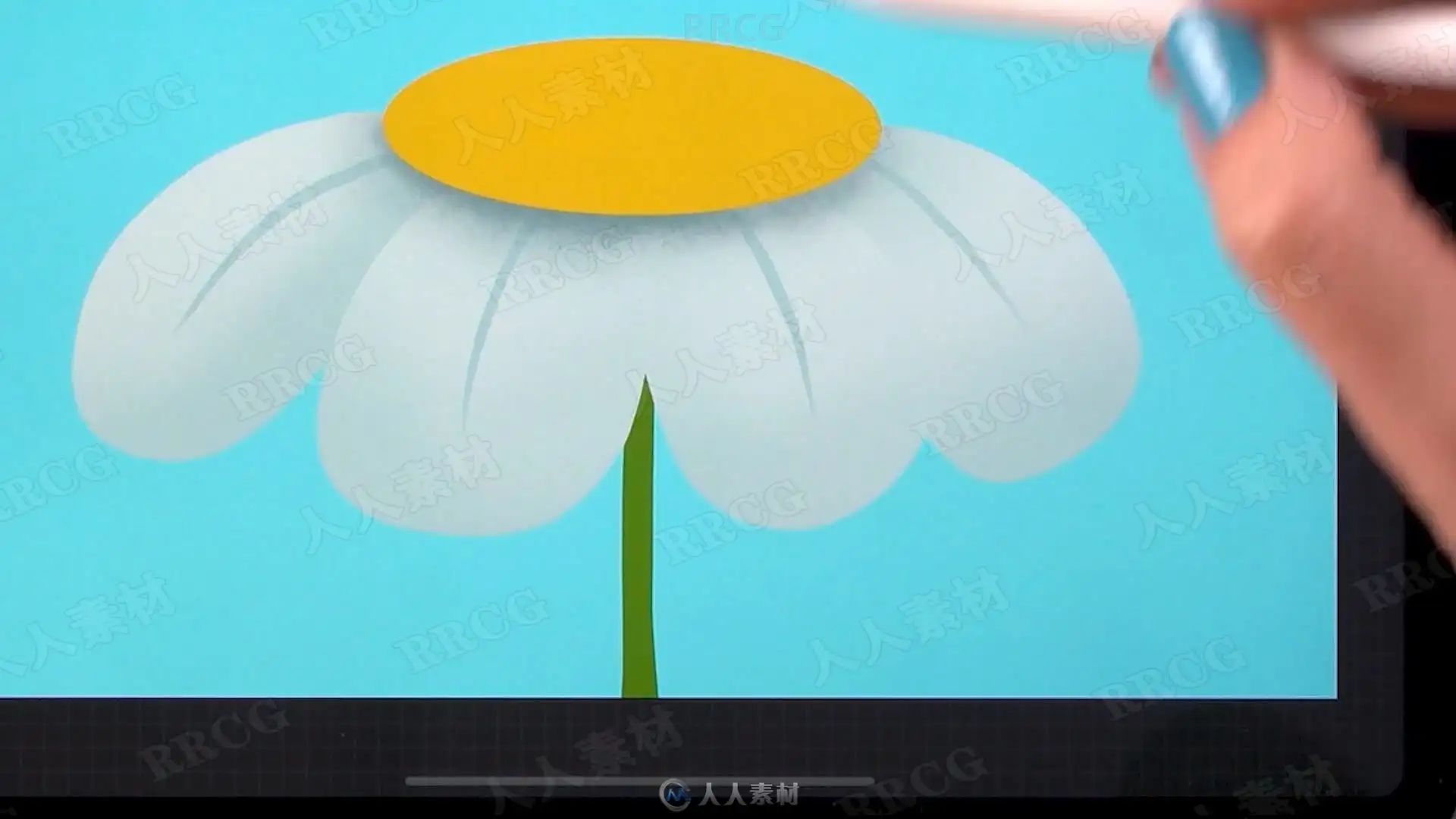
During this Procreate class I will show you how you can create a fun bee illustration on your iPad and how you can turn that illustration into an animation. For the class project we’ll be using some special Art with Flo brushes, you can download the brush set in the resources section.
The tools I use in this video:
2020 iPad Pro 12.9
Apple Pencil 2
Procreate 5
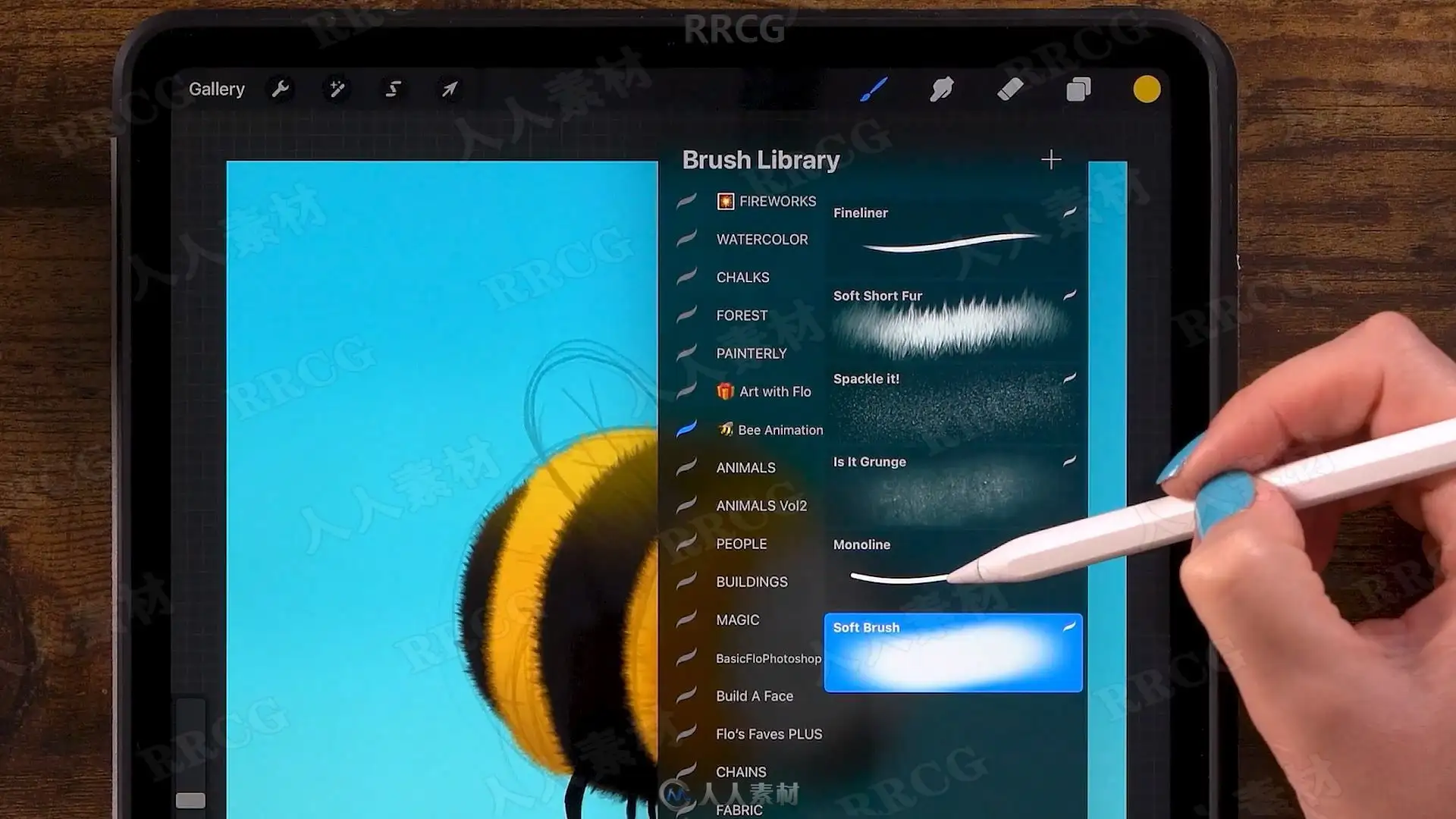
Procreate Brushes: Fineliner, Soft Short Fur, Spackle it!, Is It Grunge, Monoline and Soft Brush
After following this Procreate illustration and animation class, you can get started creating your own fun animations in Procreate 5.
解压密码
|
本帖子中包含更多资源
您需要 登录 才可以下载或查看,没有账号?立即注册
x
本站所有内容均由互联网收集整理、网友上传,并且以计算机技术研究交流为目的,仅供大家参考、学习,请勿用于任何商业目的与商业用途,如需商用请支持正版!如亲下载后改变其用途与使用方式,与本站无任何关系,本站已经进行告知义务!我们只做安全认证测试如果资源侵犯了您的版权利益,请联系站长邮箱:dsymbcom@gmail.com
|