本视频教程是关于Premiere Pro CC 2020视频编辑新手基础入门视频教程,时长:5小时24分,大小:4 GB,MP4高清视频格式,教程使用软件:Premier Pro 2020,作者:Brad Newton,共51章,语言:英语。
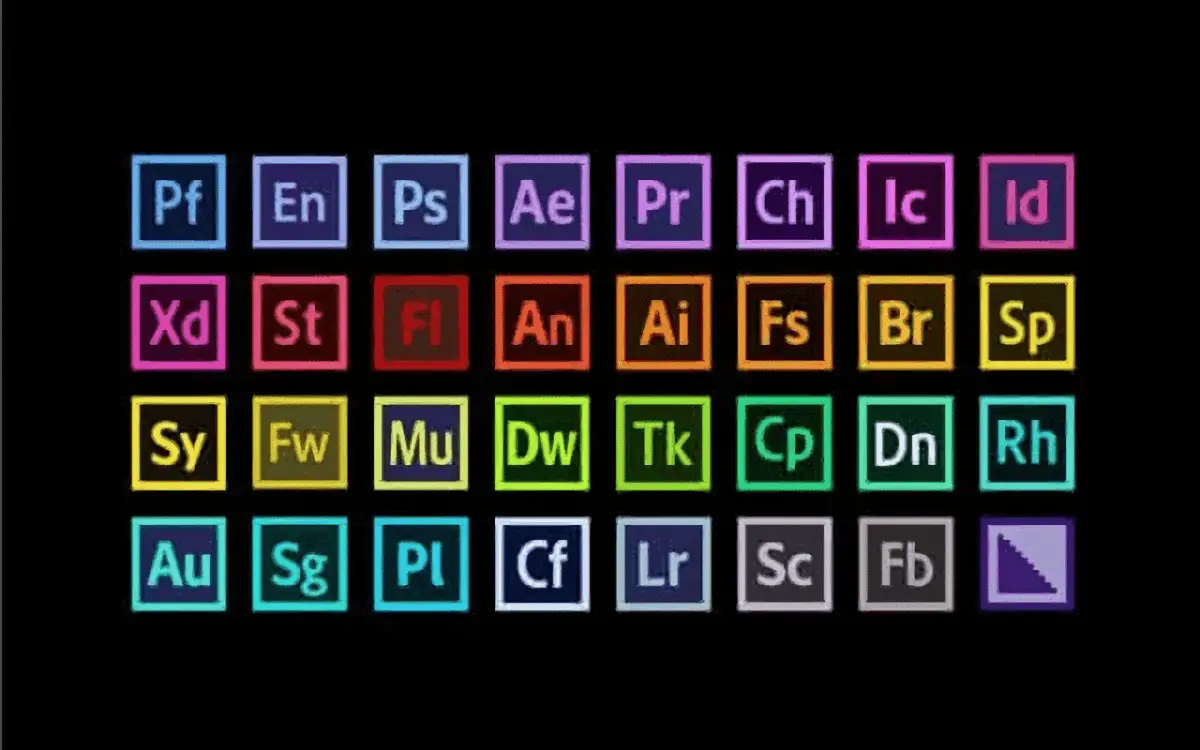
首映一款常用的视频编辑软件,由的Adobe公司推出是一款编辑画面质量比较好的软件,有较好的兼容性,且可以与土坯公司推出的其他软件相互协作。 。目前这款软件广泛应用于广告制作和电视节目制作中.Premiere带来了“即时电影”(InstantMovie),快速柯林斯将多个视频片段制作电分类中翻译影短片,而且还支持一键式,专业风格的色彩清晰度和校准。利用内容感应高度跟踪技术,再加上缩放,平移等过渡特效,以及“智能音乐”(SmartSound),Premiere Elements 10可以轻松把照片集转换成有声有色的短片。
I’ve edited all of my videos with Adobe Premiere Pro and so I’ll be teaching you how to edit stunning videos for YouTube in Premiere Pro without all of the unnecessary complexity that you’ll find in other courses.
If you like the way I edit my travel and fitness videos on YouTube then this course is perfect for you!
In this course, you’ll learn;
– The latest CC 2020 Updates
– How to set up your first amazing project
– Organising & importing your footage for faster editing
– Basic editing tools to save you time
– Importing footage from different sources (Drone, GoPro, and smartphones)
– How to edit footage with different filming resolutions (4K vs. 1080p)
– J-cuts and L-cuts like a pro!
– Basic story telling methods
– How to create awesome lower thirds
– How to create amazing voice-over recordings
– How to create simple shapes and text (in minutes!)
– Adjustment layers for better editing efficiency
– Simple editing tricks to make cinematic videos
– How to create movies with rolling-end credits
– Motion Graphic Templates for more engaging videos
– How to make your audio sound awesome! (with audio mixing)
– Soundstripe and Epidemic Sound for outstanding music for your videos
– Colour correcting and grading tricks for amazing video production
– Sync-cutting music like a pro!
– Keyboard shortcuts to save hours off your workflow process
– Speed ramping and slow motion techniques
– How to apply transitions between clips
– The best export settings for YouTube, Amazon Prime, and Instagram
– So much more!