|
|
课程介绍
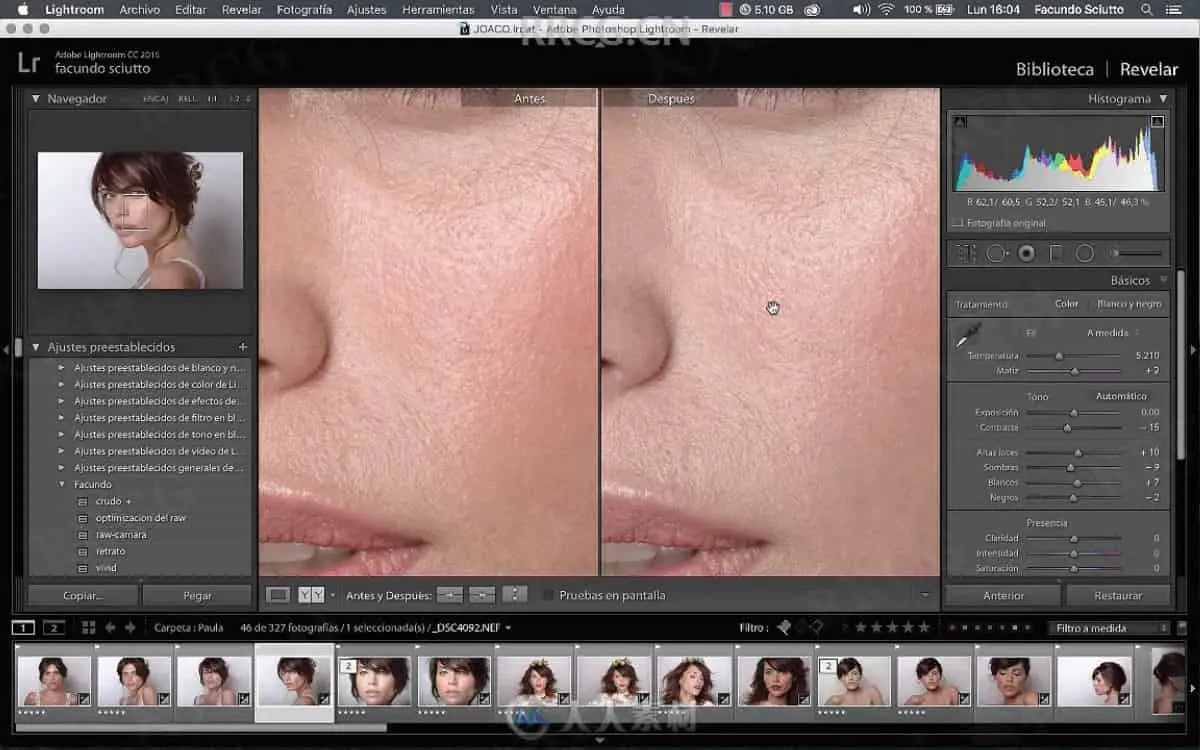
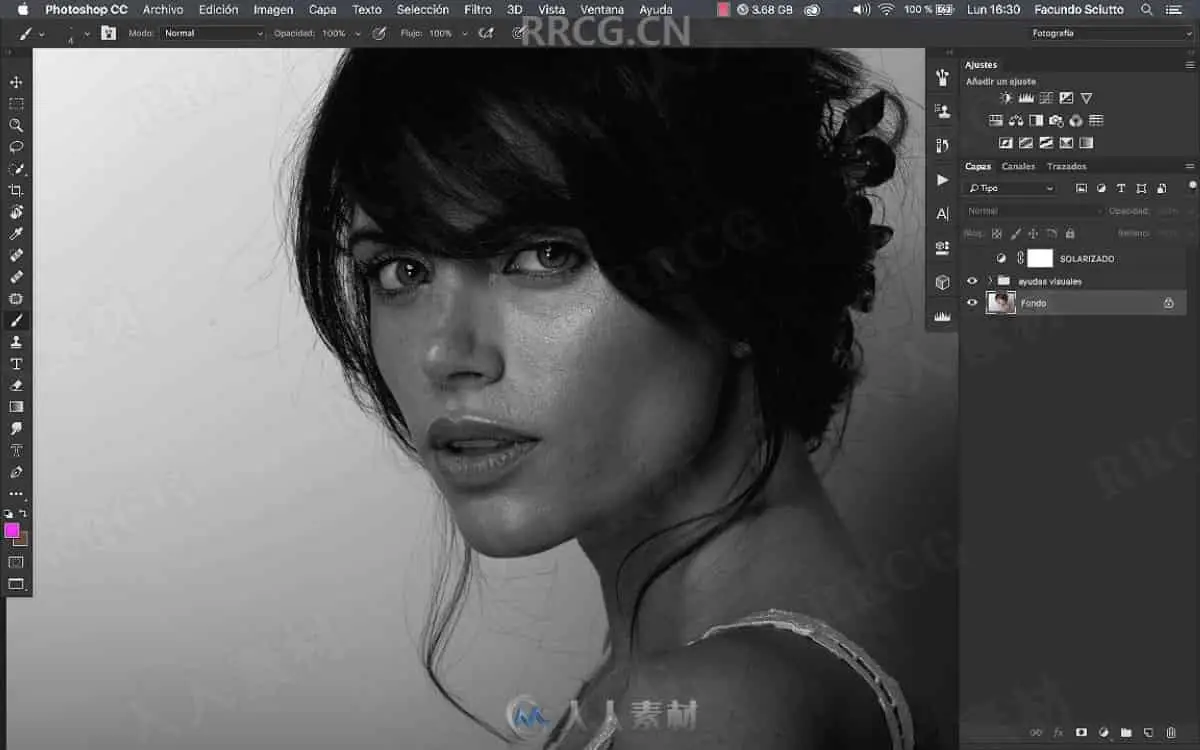
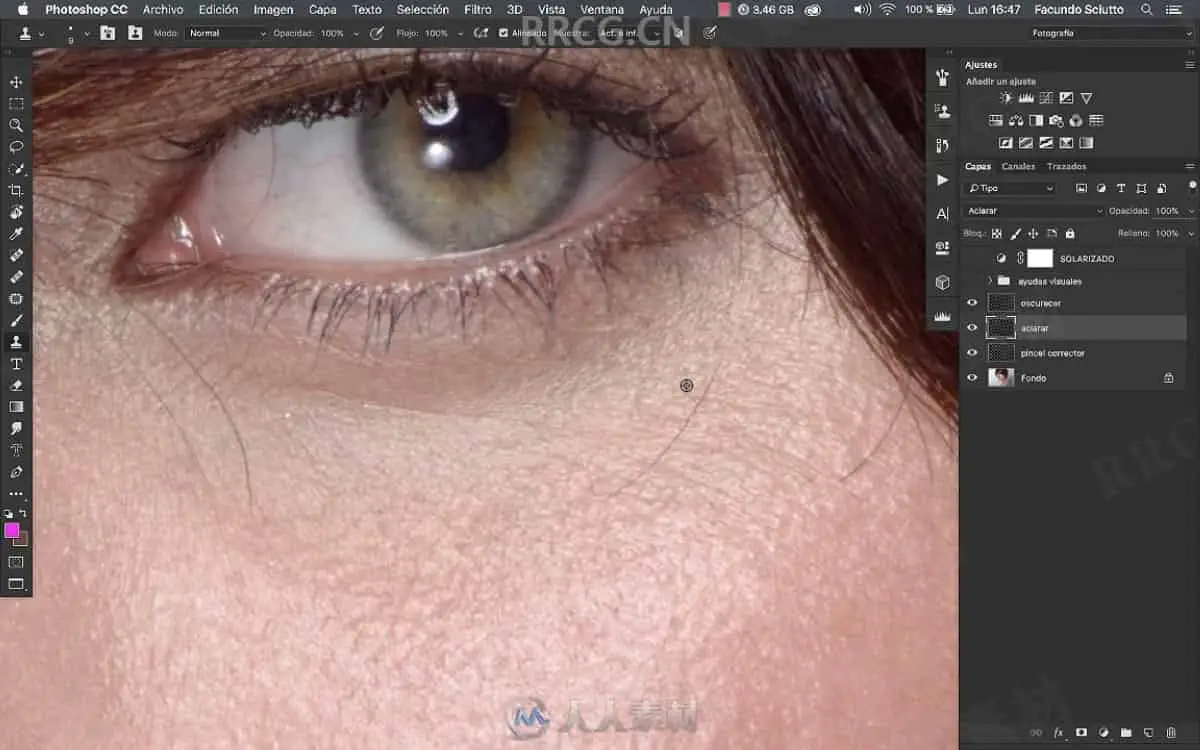
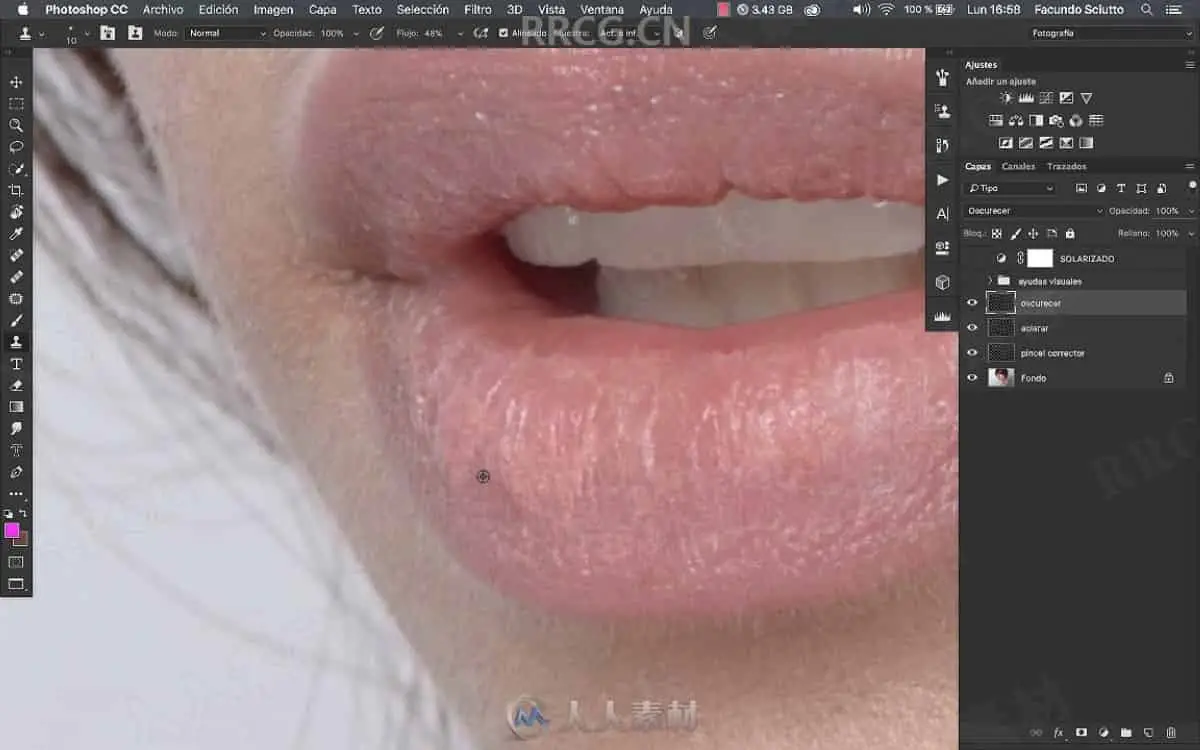
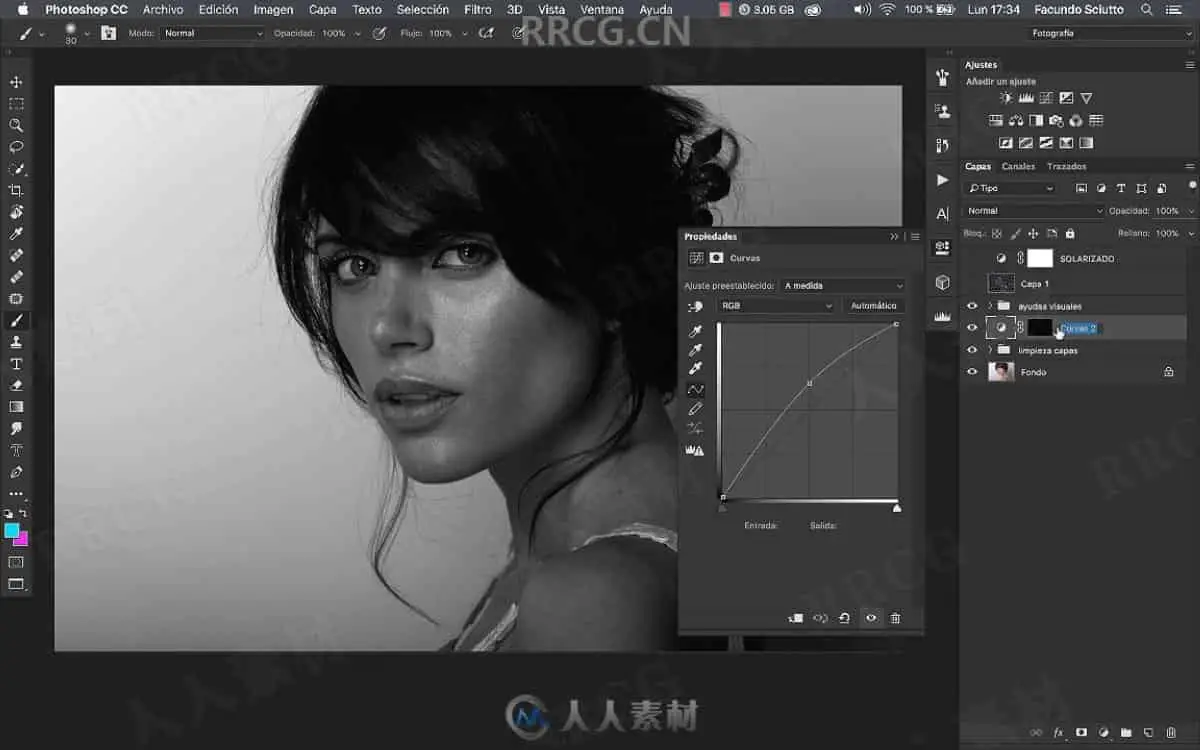
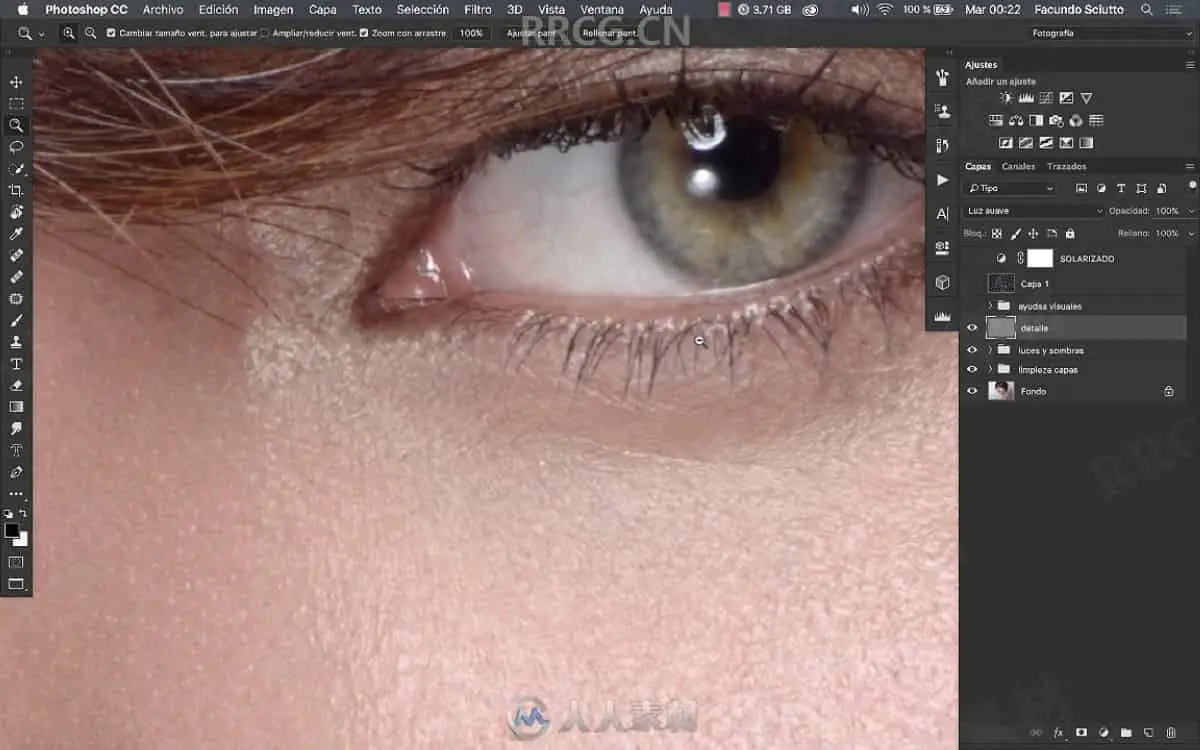
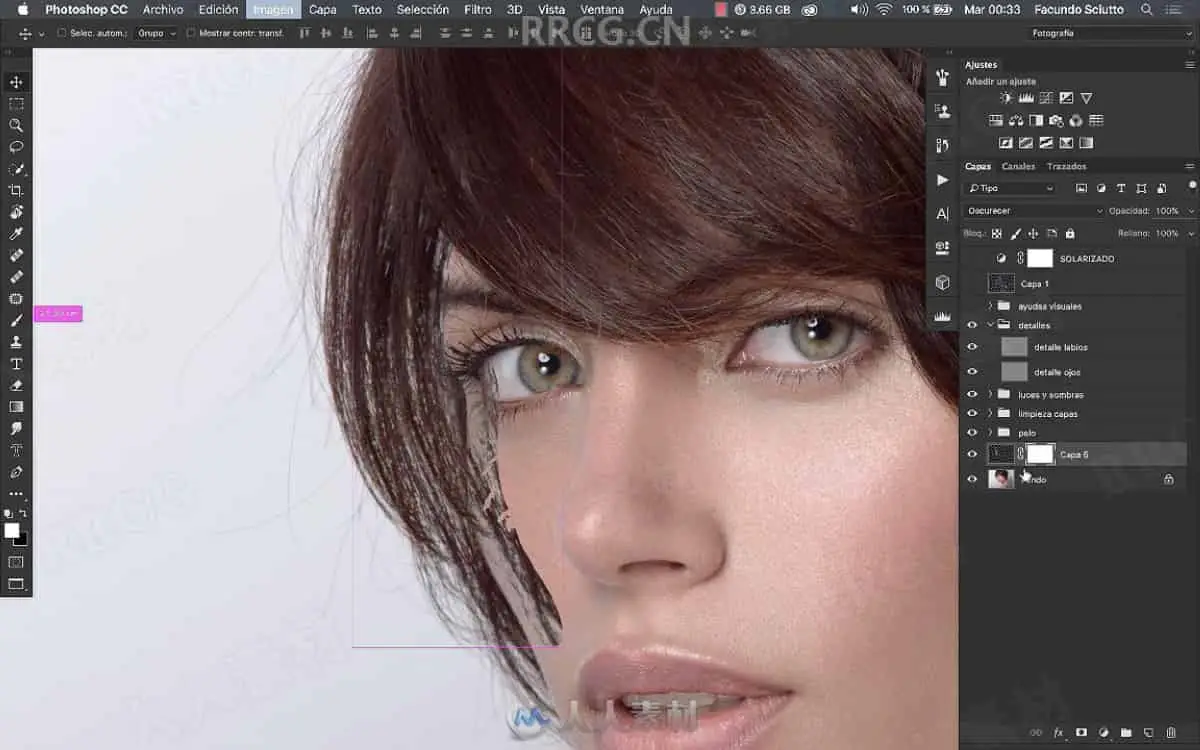
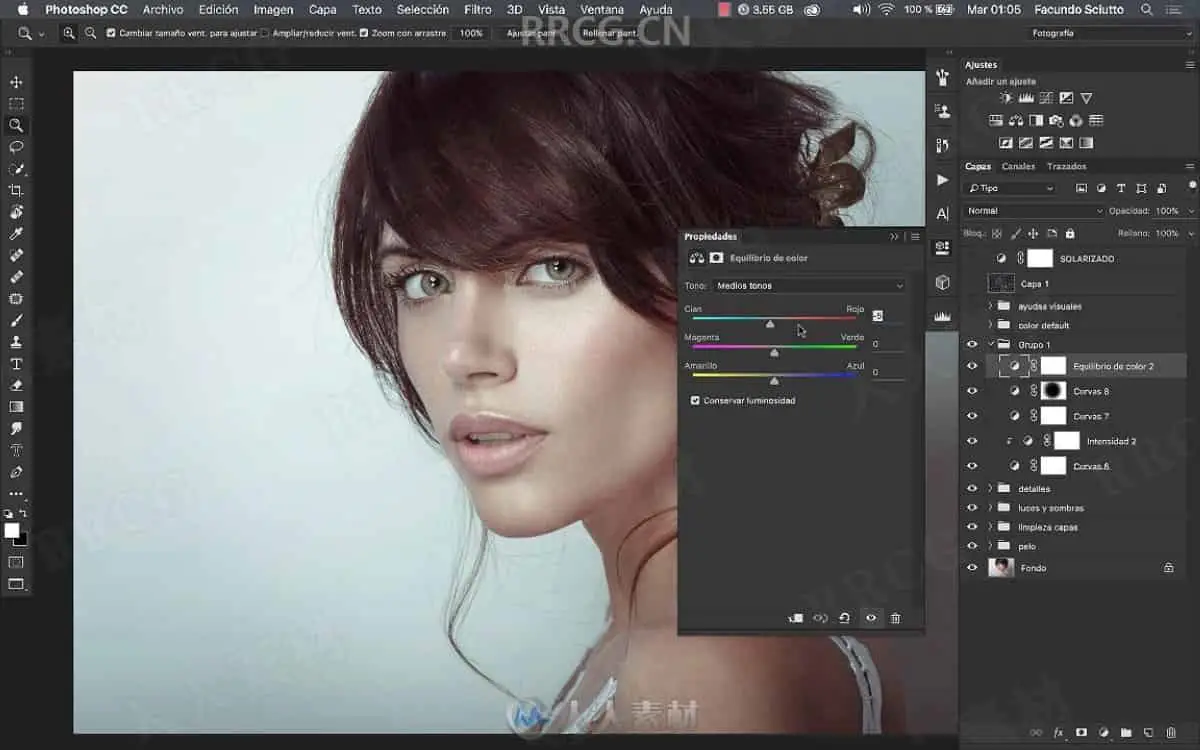
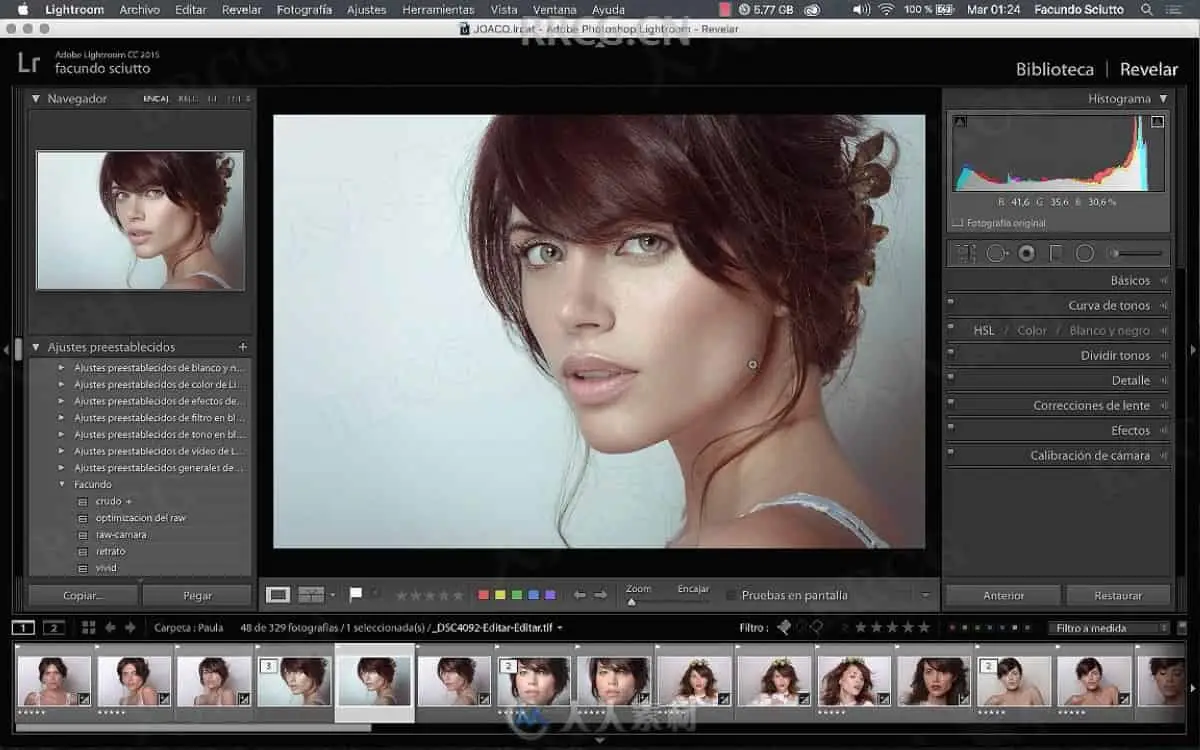
本教程是关于PS人物肖像美肤修饰后期图像处理视频教程,时长:3小时21分,大小:3.5 GB,MP4高清视频格式,使用软件:Photoshop,共7个章节,语言:英语。
Photoshop是Adobe公司旗下最为出名的图像处理软件之一,集图像编辑、广告创意,数字绘画,图像输入与输出于一体的图形图像处理软件,深受广大平面设计人员和电脑美术爱好者的喜爱。多数人对于Photoshop的了解仅限于“一个很好的图像编辑软件”,并不知道它的诸多材应用方面,实际上,Photoshop的应用领域很广泛的,在图像、图形、文字、视频、出版各方面都有涉及。
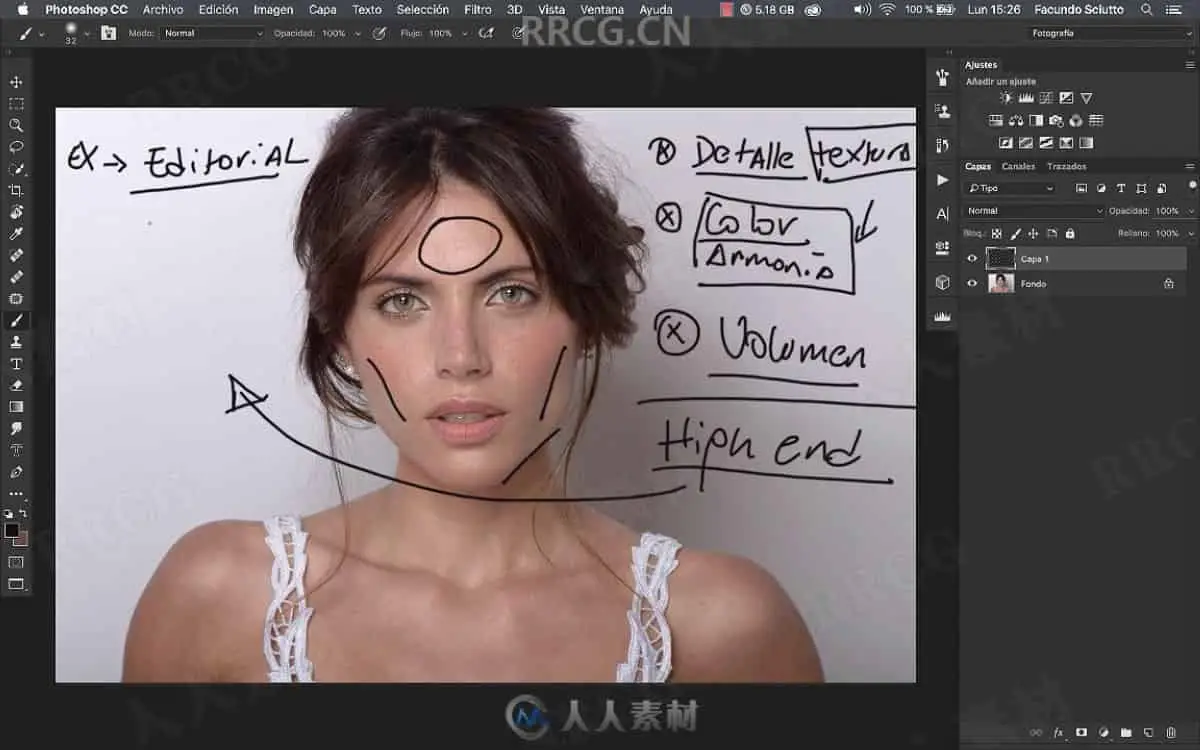
Introduction to professional digital retouching, criteria that we must have when retouching a photograph whose purpose is the commercial dissemination of a product or an editorial publication. We will establish a workflow based on preserving above all the texture, continuing on the color, volume, and shape.
Introduction to professional digital retouching, criteria that we must have when retouching a photograph for the commercial dissemination of a product or an editorial publication. We will establish a workflow based on preserving above all the texture, continuing on the color, volume, and shape.
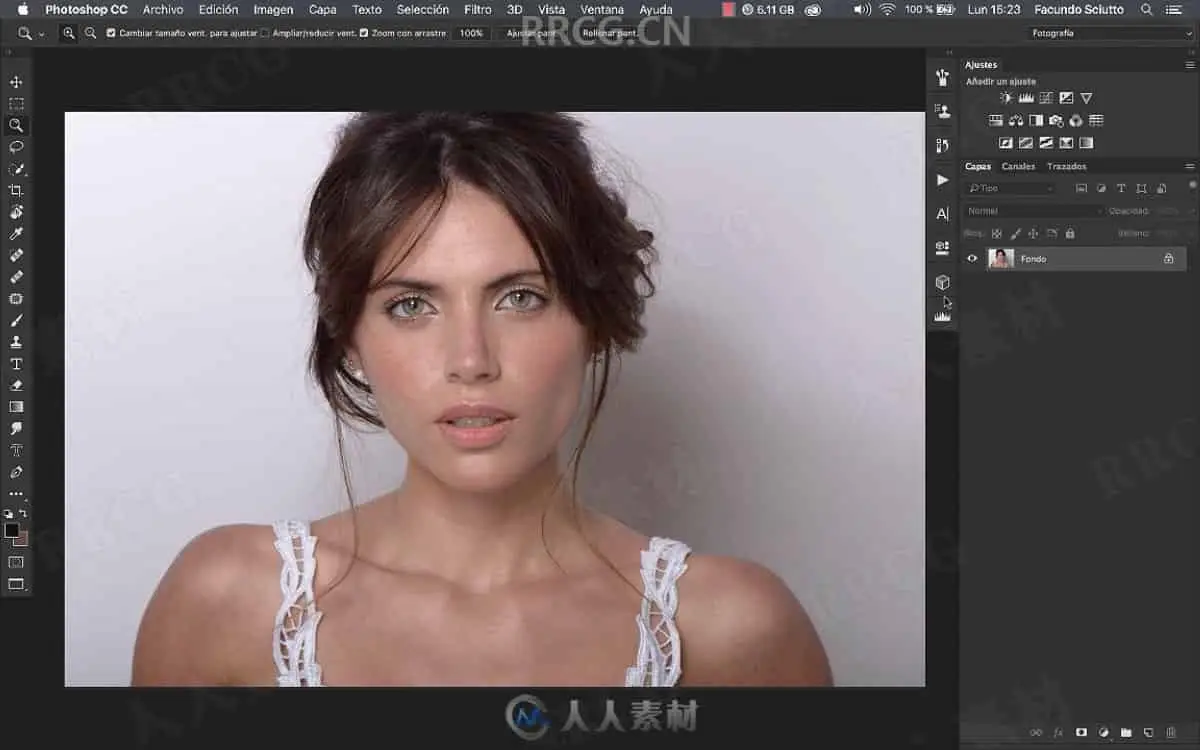
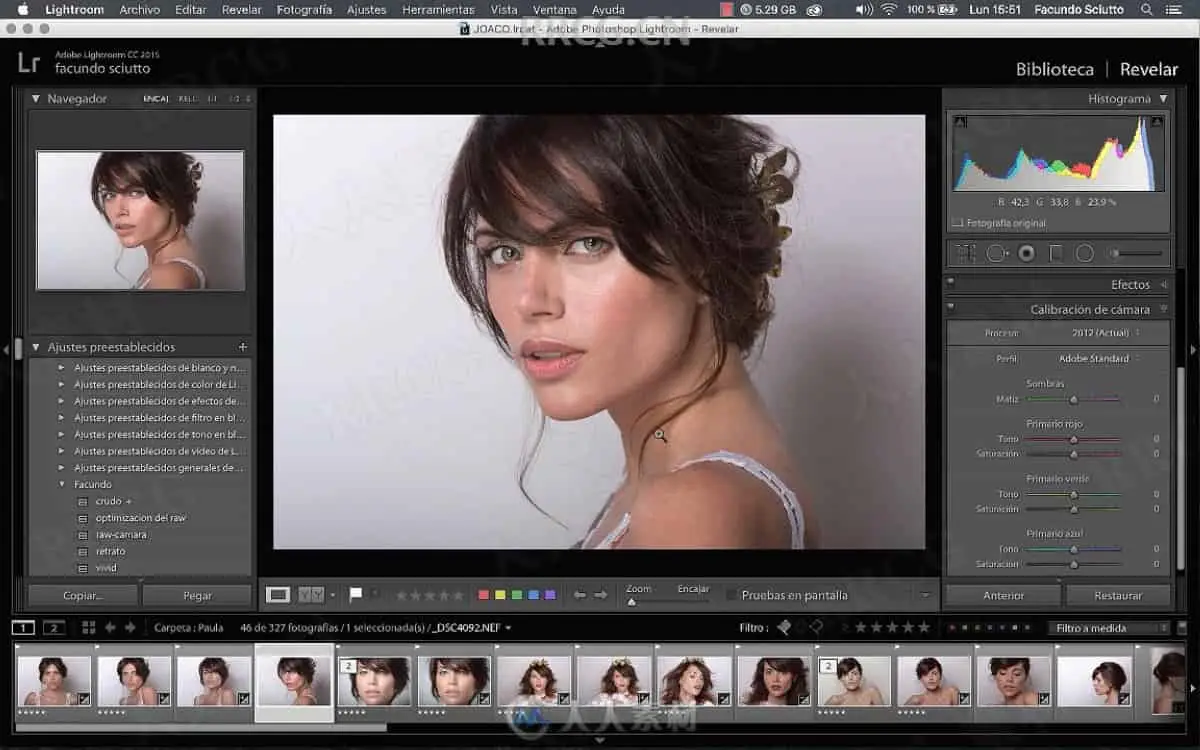
We will learn to read the lighting of a photograph, to know how to retouch it.
Explanation of the lighting scheme that was used in this photograph with which we will work throughout the tutorial. Which will give us the parameters to know how to work it.
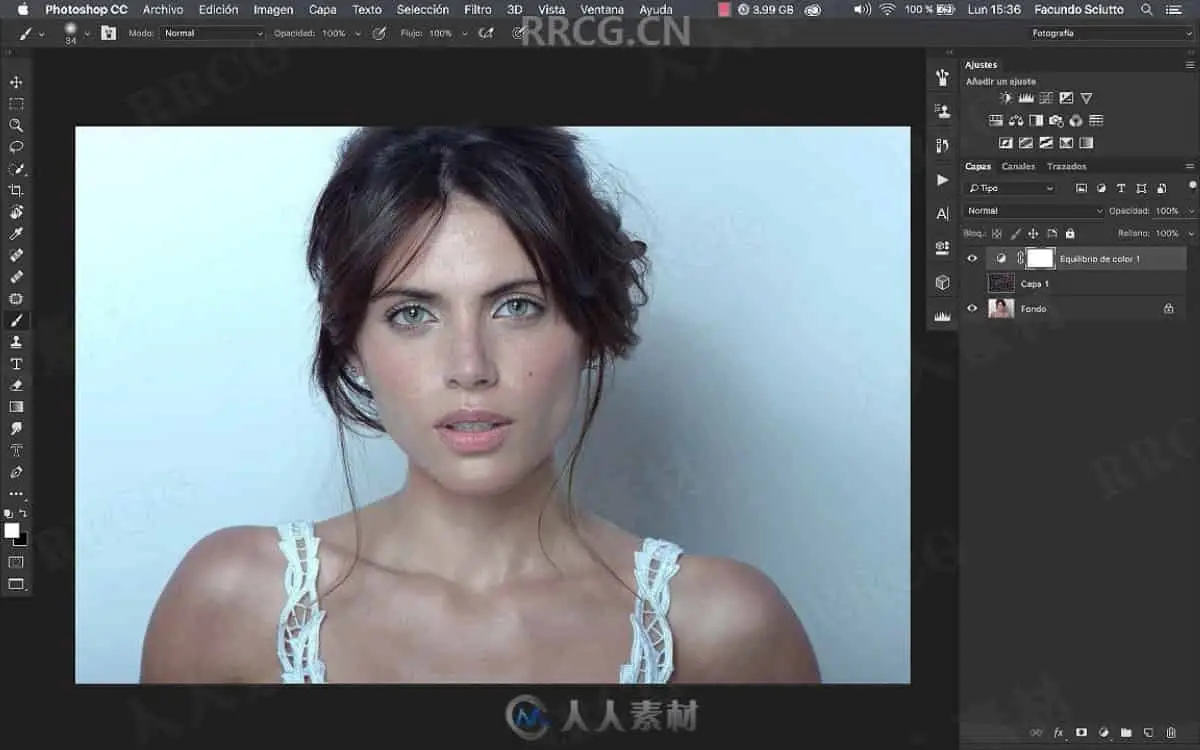
Introduction to the professional digital retouching workflow, we will establish the priorities to make way for retouching. We will work first with the pixels of a photograph, then the volume, the lights and the shadows, following the harmony of colors and colorimetry, both in color correction and color grading. To finish with the shape and the smoothie of the image.
解压密码
|
本帖子中包含更多资源
您需要 登录 才可以下载或查看,没有账号?立即注册
x
本站所有内容均由互联网收集整理、网友上传,并且以计算机技术研究交流为目的,仅供大家参考、学习,请勿用于任何商业目的与商业用途,如需商用请支持正版!如亲下载后改变其用途与使用方式,与本站无任何关系,本站已经进行告知义务!我们只做安全认证测试如果资源侵犯了您的版权利益,请联系站长邮箱:dsymbcom@gmail.com
|