|
|
课程介绍
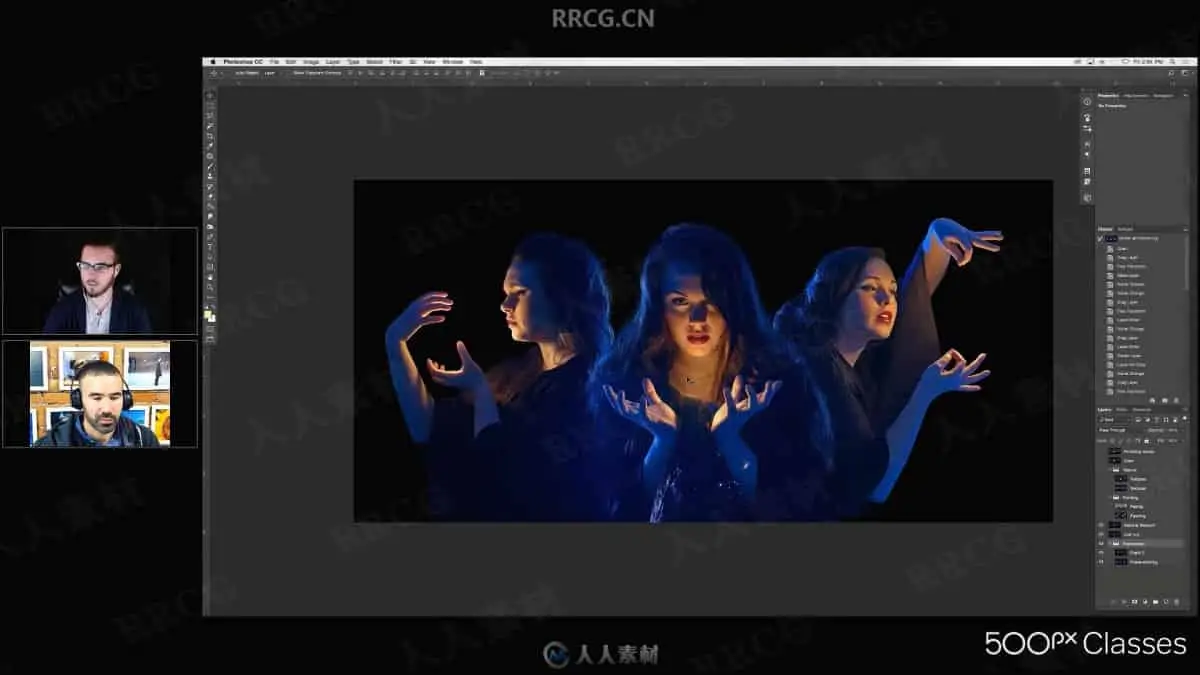
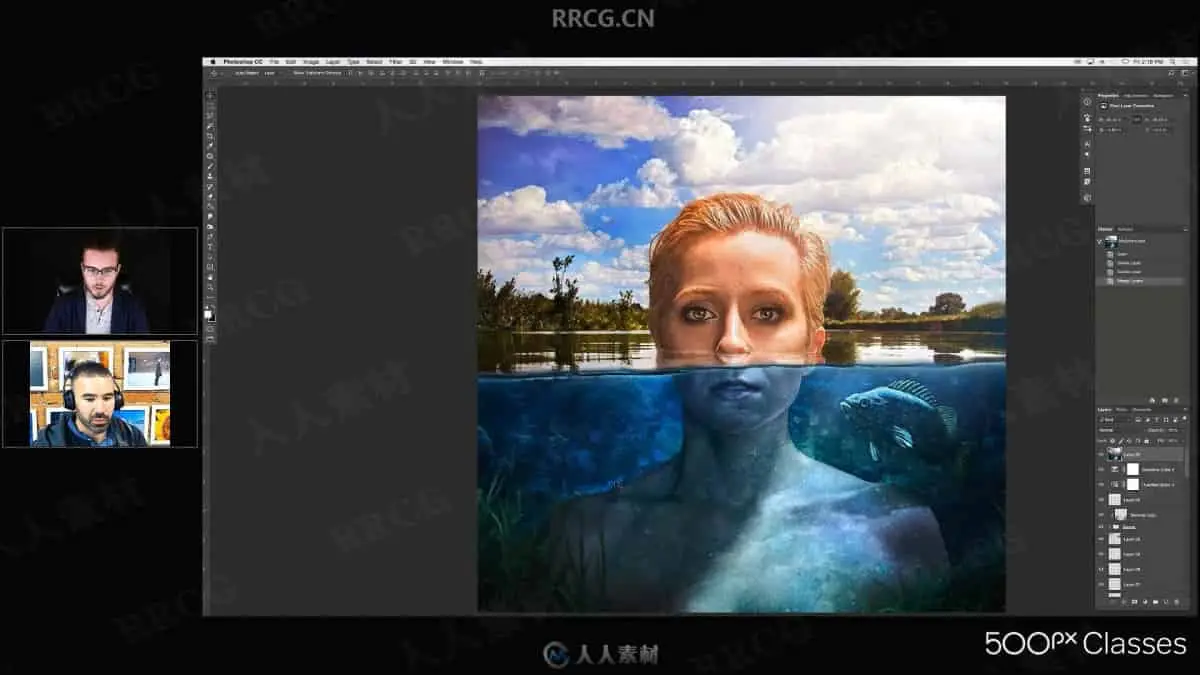
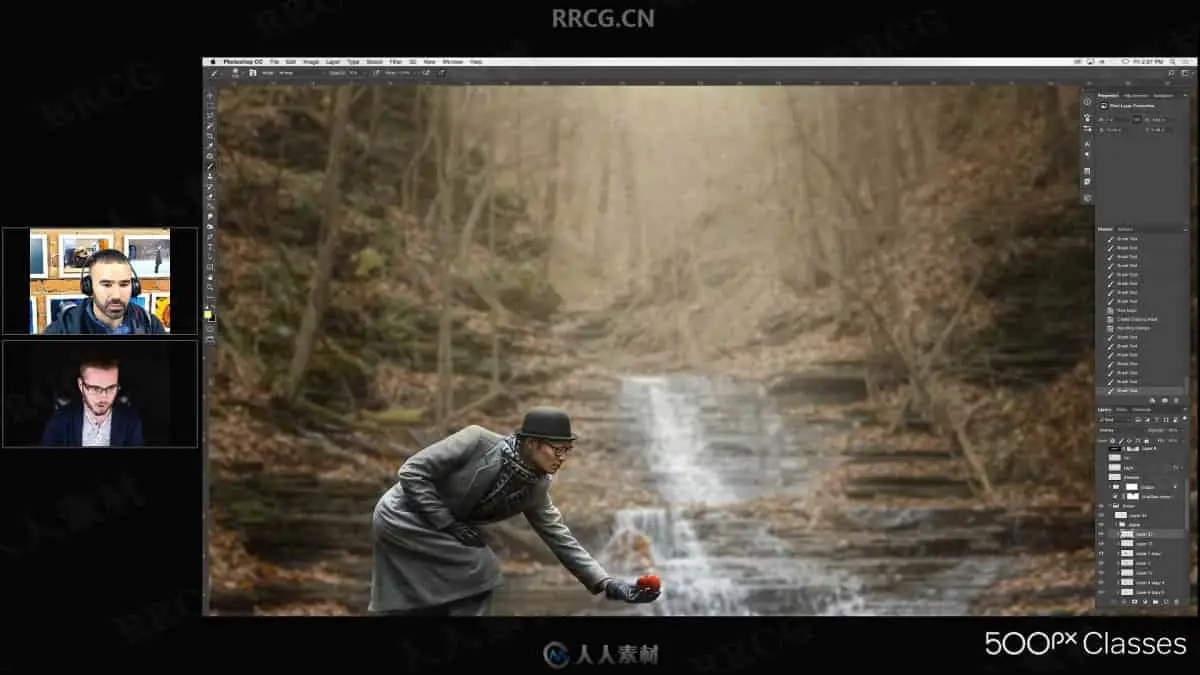
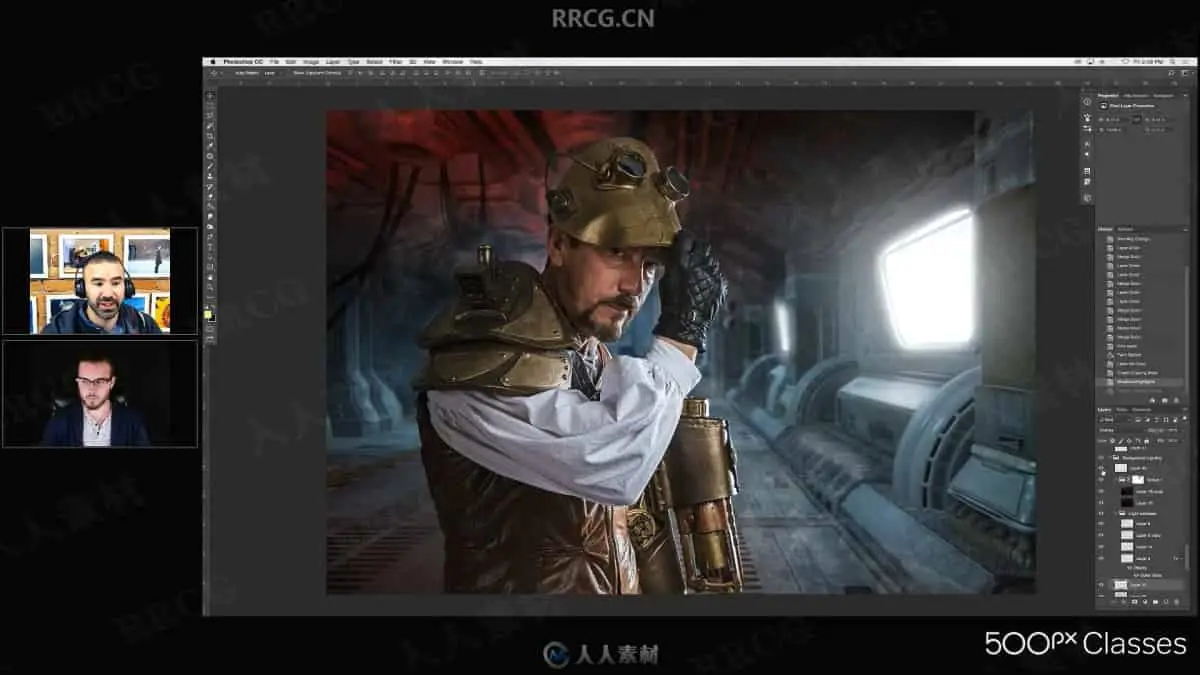
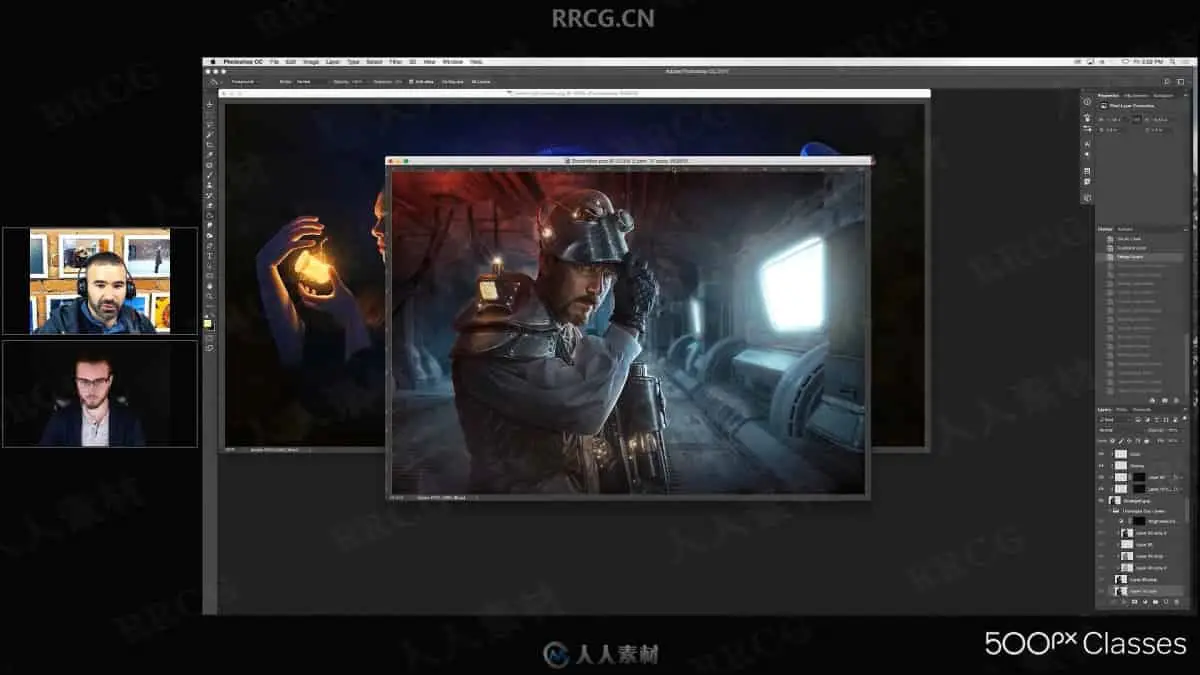
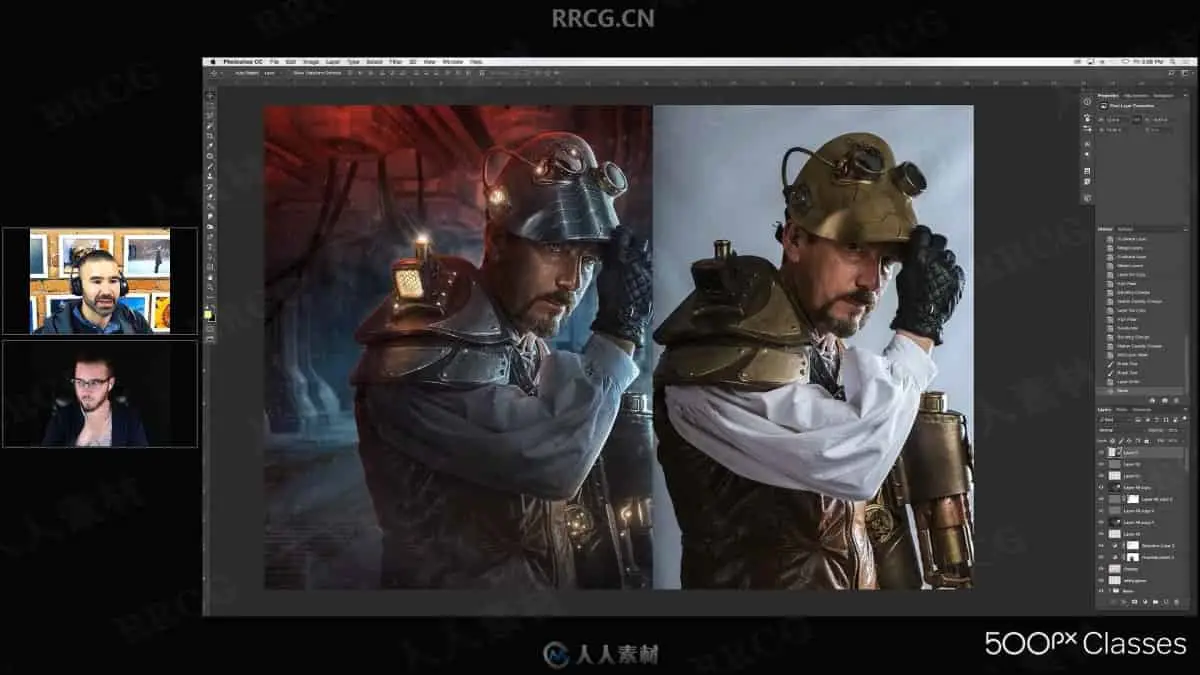
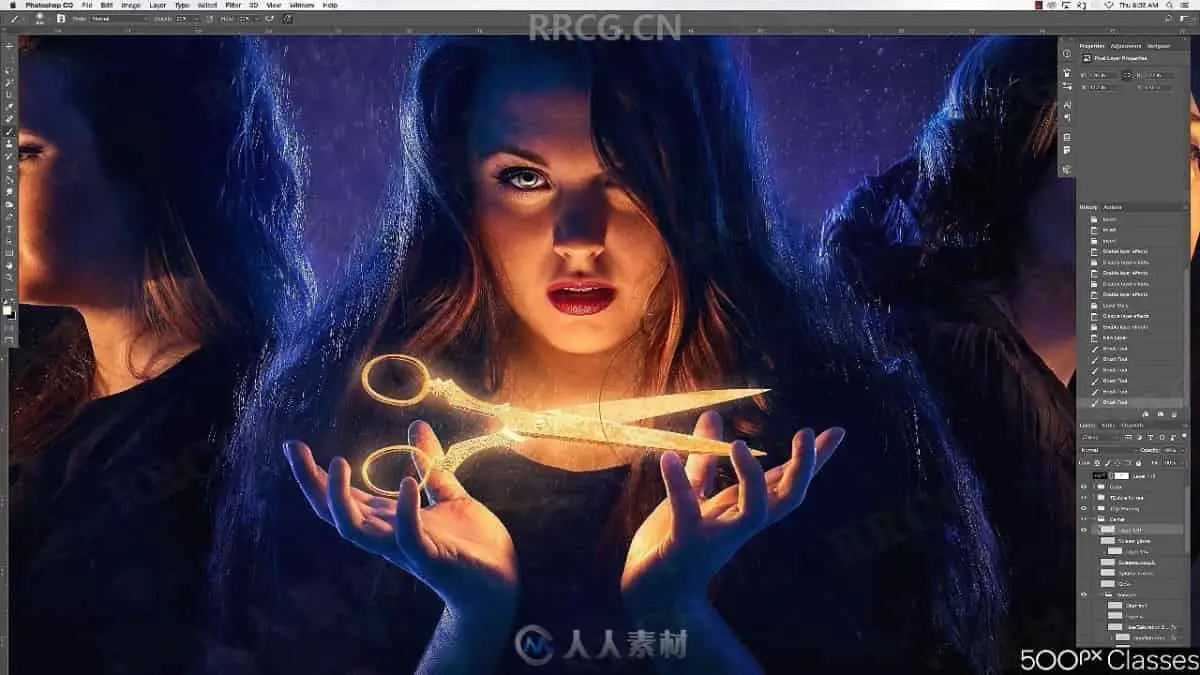
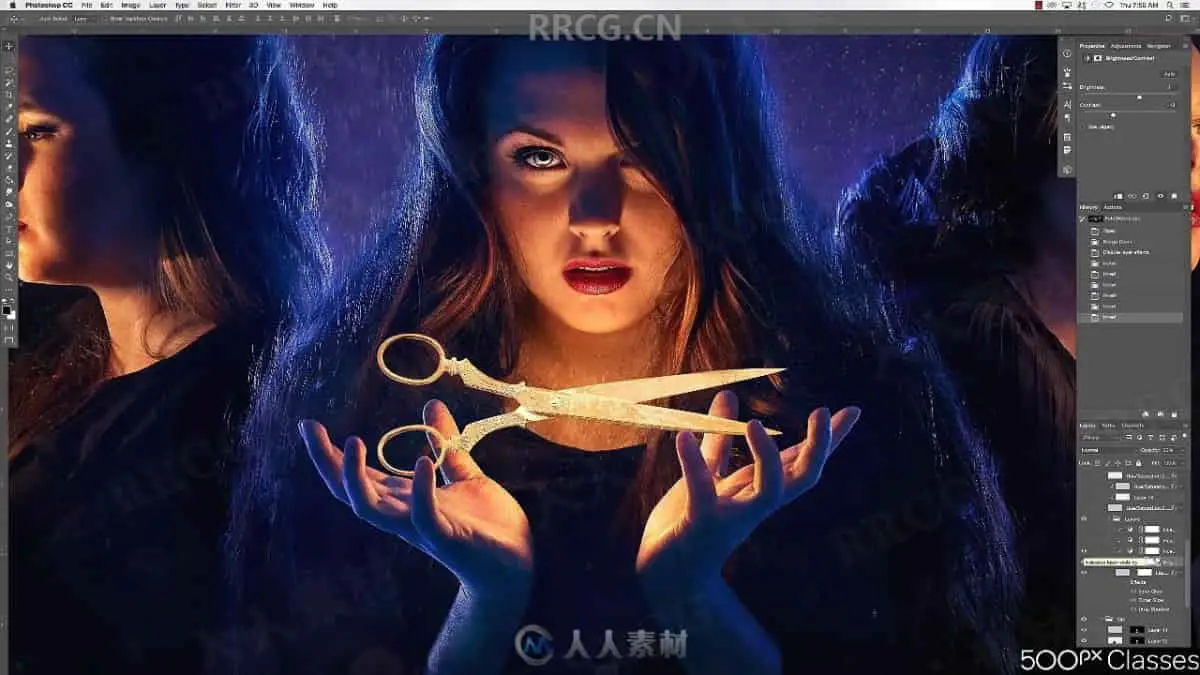
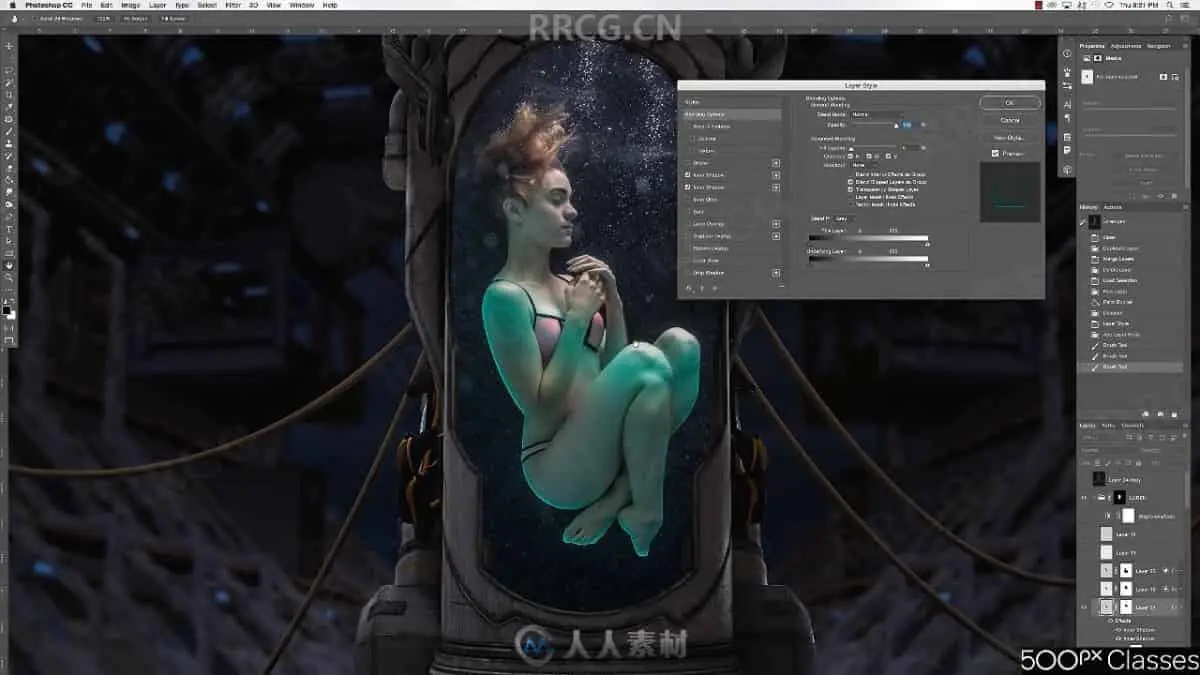
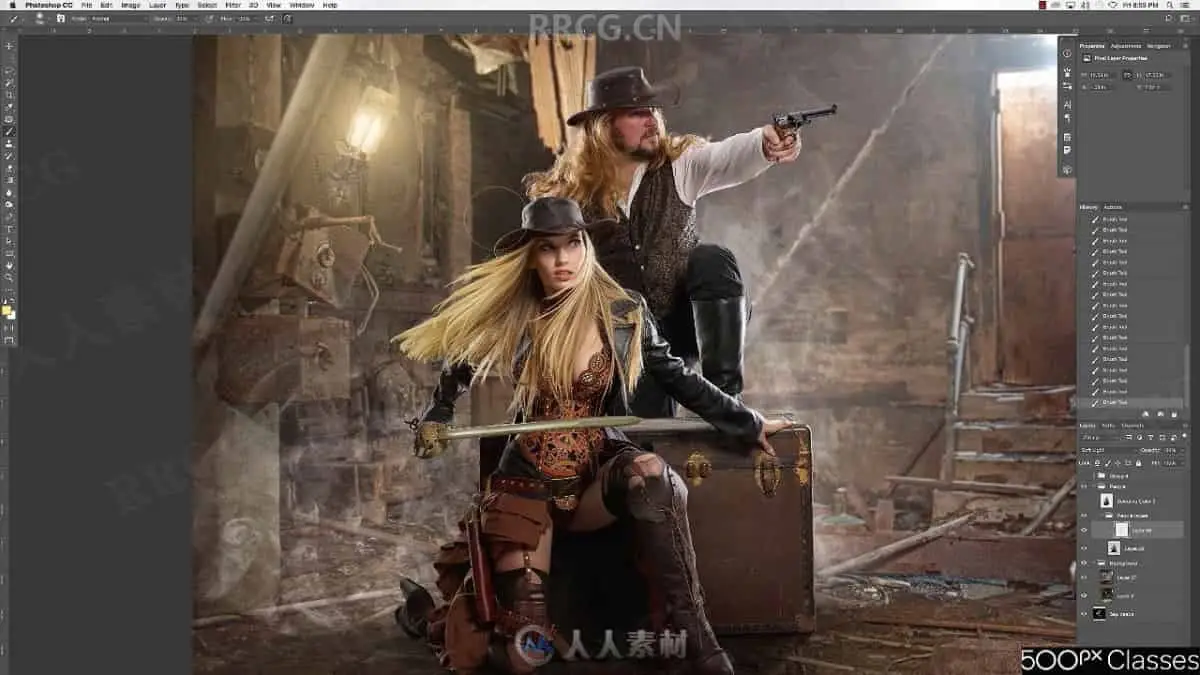
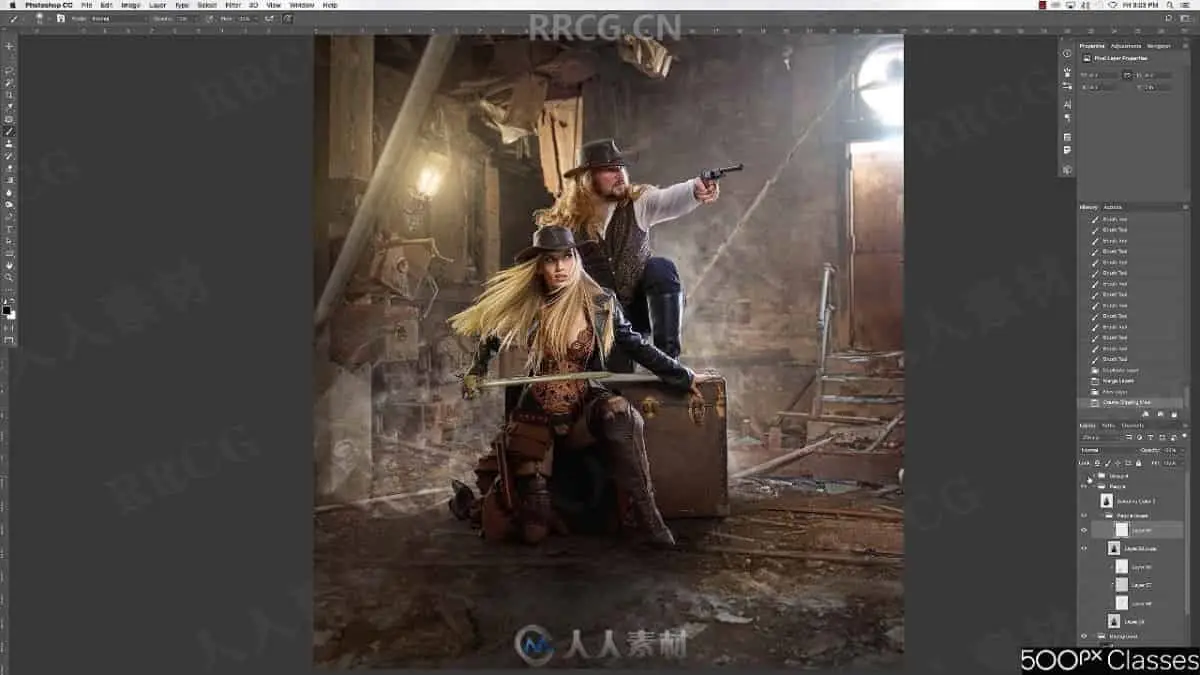
本教程是关于PS后期增强光线照片处理实例视频教程,时长:1小时26分,大小:0.9 GB,MP4高清视频格式,使用软件:Photoshop,共4个章节,作者:Patrick Doogan,语言:英语。
Photoshop是Adobe公司旗下最为出名的图像处理软件之一,集图像编辑、广告创意,数字绘画,图像输入与输出于一体的图形图像处理软件,深受广大平面设计人员和电脑美术爱好者的喜爱。多数人对于Photoshop的了解仅限于“一个很好的图像编辑软件”,并不知道它的诸多材应用方面,实际上,Photoshop的应用领域很广泛的,在图像、图形、文字、视频、出版各方面都有涉及。
The right light will make a photo sing, and achieving it can be as simple as enhancing a shot’s light in Photoshop. Good lighting is a solid foundation, but Photoshop can help you maximize it. With a few simple tricks, you can level up an otherwise-nice photo to a work that is otherworldly.
Robert Cornelius‘ dreamlike work is a testament to the power of light. A self-described “photo-manipulating wizard,” he’s earned the title. But there’s no need to take our word for it: Robert is sharing his knowledge in a new 500px Class, which will teach you how to create powerful light in your photography. From tips on lighting at the shooting stage to using Photoshop’s layer styles and more, Robert’s Class will show you how to achieve ethereal light with practical methods.
Check out a preview of the Class below, in which Robert delves into how he created glowing objects in one of his recent images (shown below) with Photoshop.
解压密码
|
本帖子中包含更多资源
您需要 登录 才可以下载或查看,没有账号?立即注册
x
本站所有内容均由互联网收集整理、网友上传,并且以计算机技术研究交流为目的,仅供大家参考、学习,请勿用于任何商业目的与商业用途,如需商用请支持正版!如亲下载后改变其用途与使用方式,与本站无任何关系,本站已经进行告知义务!我们只做安全认证测试如果资源侵犯了您的版权利益,请联系站长邮箱:dsymbcom@gmail.com
|