|
|
课程介绍
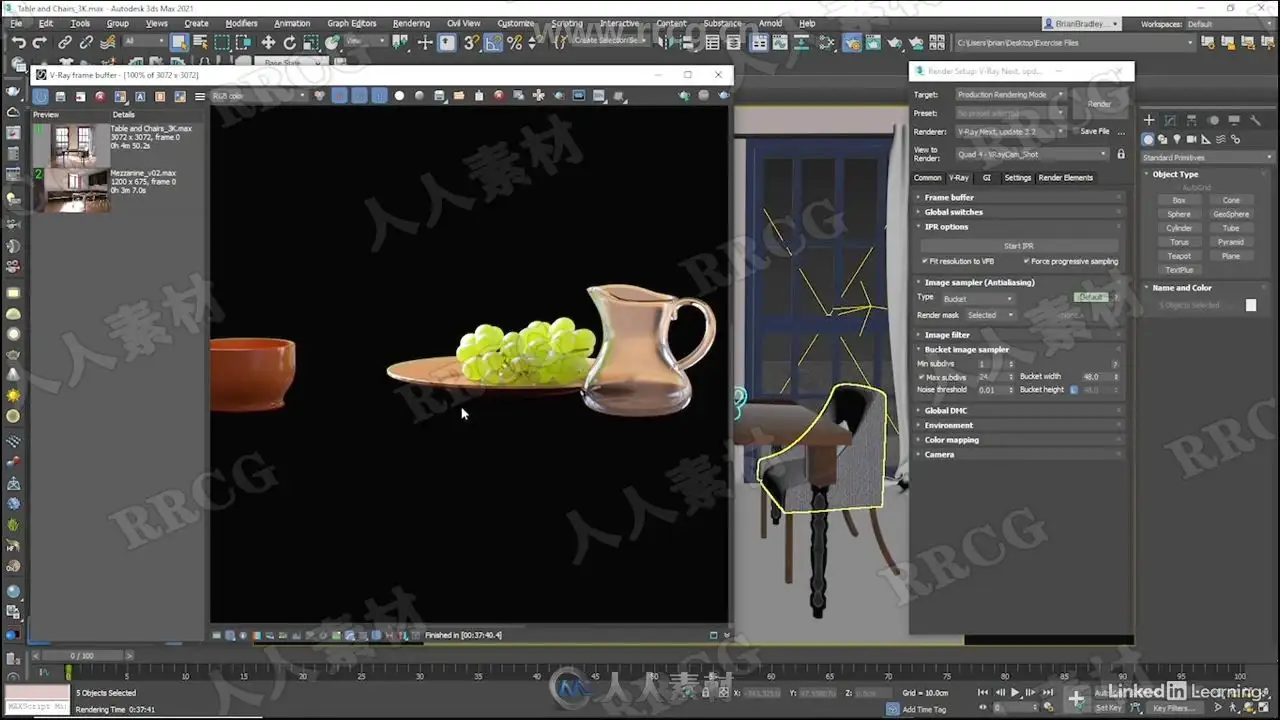
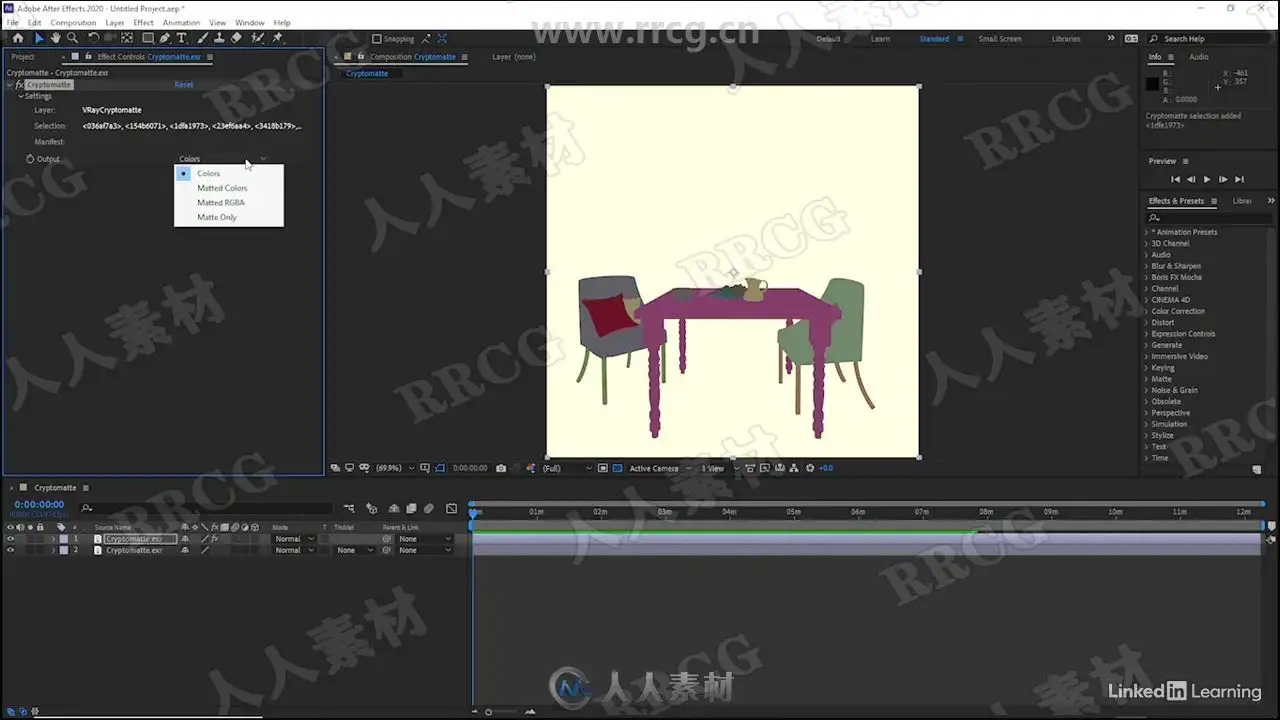
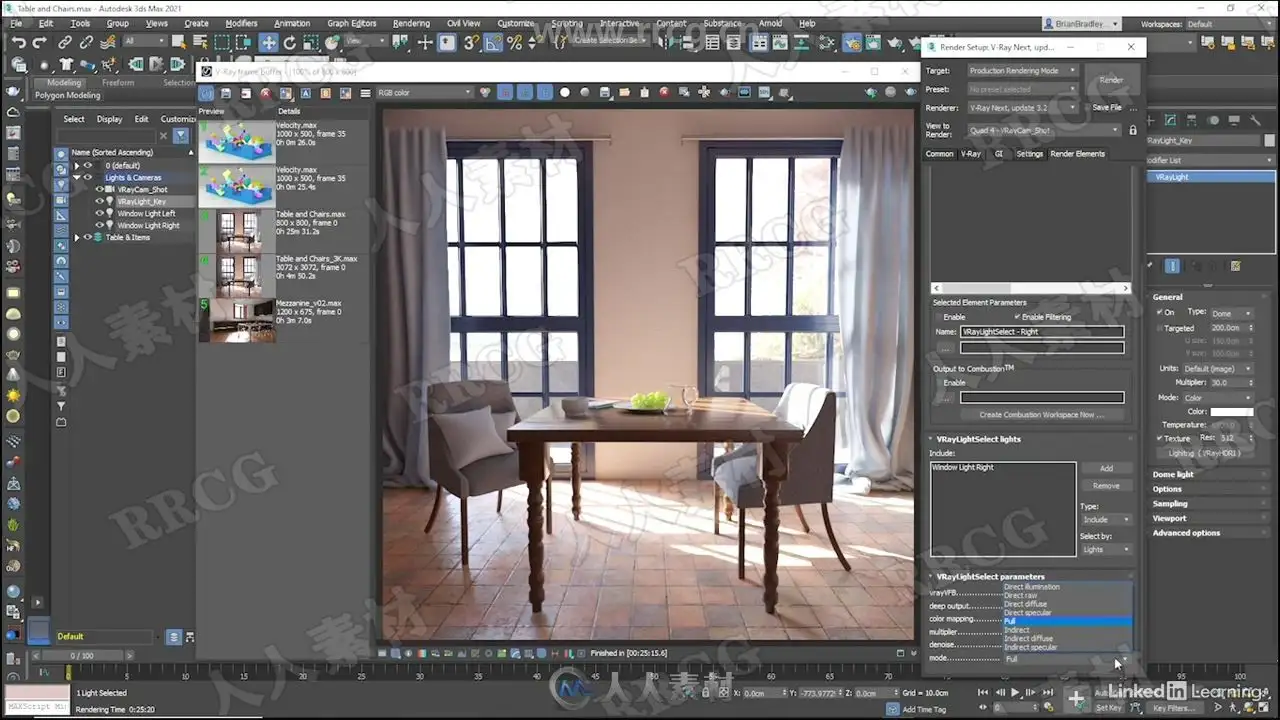
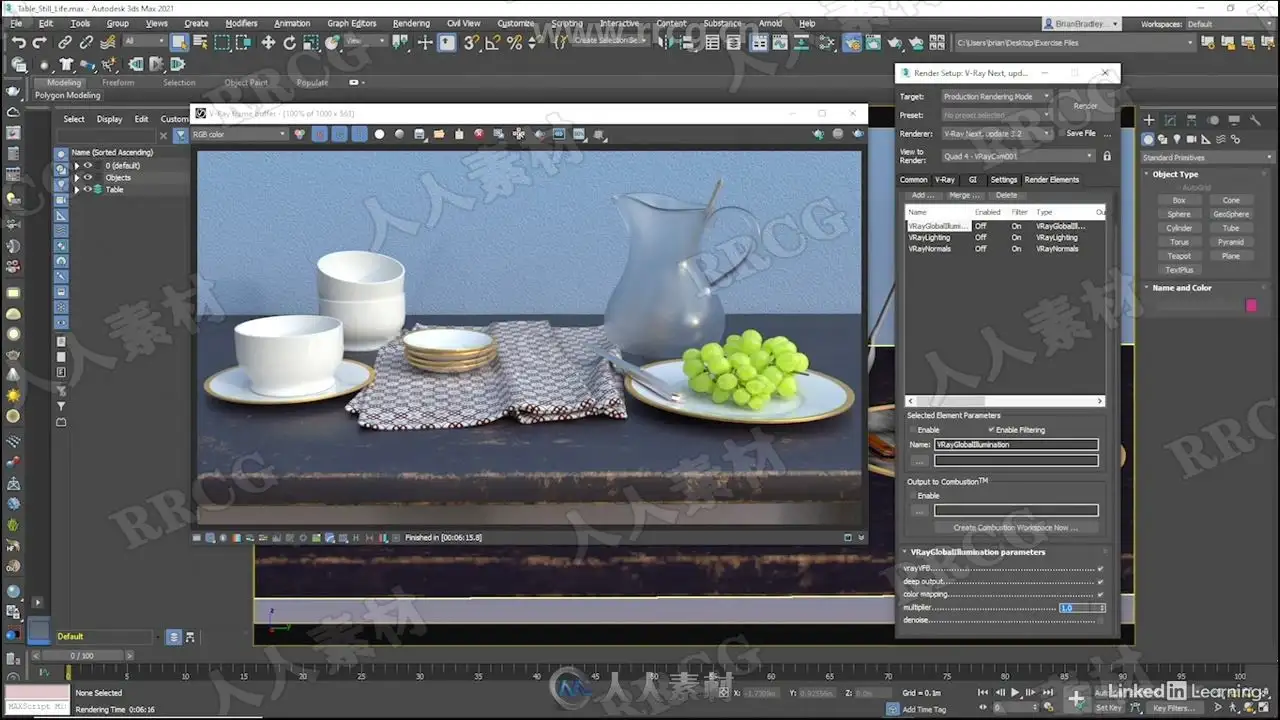
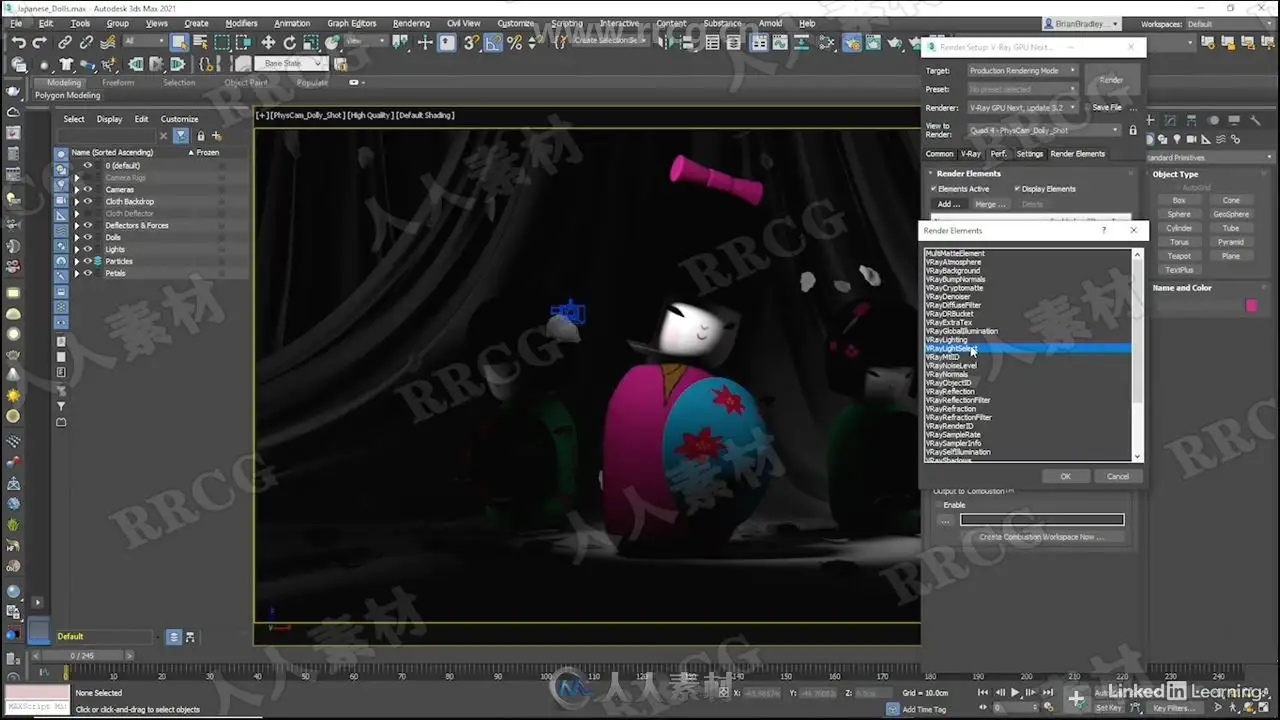
本教程是关于3dsMax中V-Ray室内设计渲染合成技术指南视频教程,时长:3小时02分,大小:3.5 GB,MP4高清视频格式,教程使用软件:3dsmax,Vray,AE,PS,共8个章节,作者:Brian Bradley,语言:英语。
VRay是由chaosgroup和asgvis公司出品的一款高质量渲染软件。VRay是目前业界最受欢迎的渲染引擎。基于V-Ray 内核开发的有VRay for 3ds max、Maya、Sketchup、Rhino等诸多版本,为不同领域的优秀3D建模软件提供了高质量的图片和动画渲染。除此之外,VRay也可以提供单独的渲染程序,方便使用者渲染各种图片。
3D Studio Max,常简称为3ds Max或MAX,是Autodesk公司开发的基于PC系统的三维动画渲染和制作软件。其前身是基于DOS操作系统的3D Studio系列软件。在Windows NT出现以前,工业级的CG制作被SGI图形工作站所垄断。3D Studio Max + Windows NT组合的出现一下子降低了CG制作的门槛,首选开始运用在电脑游戏中的动画制作,后更进一步开始参与影视片的特效制作,例如:《X战警II》,《最后的武士》等。
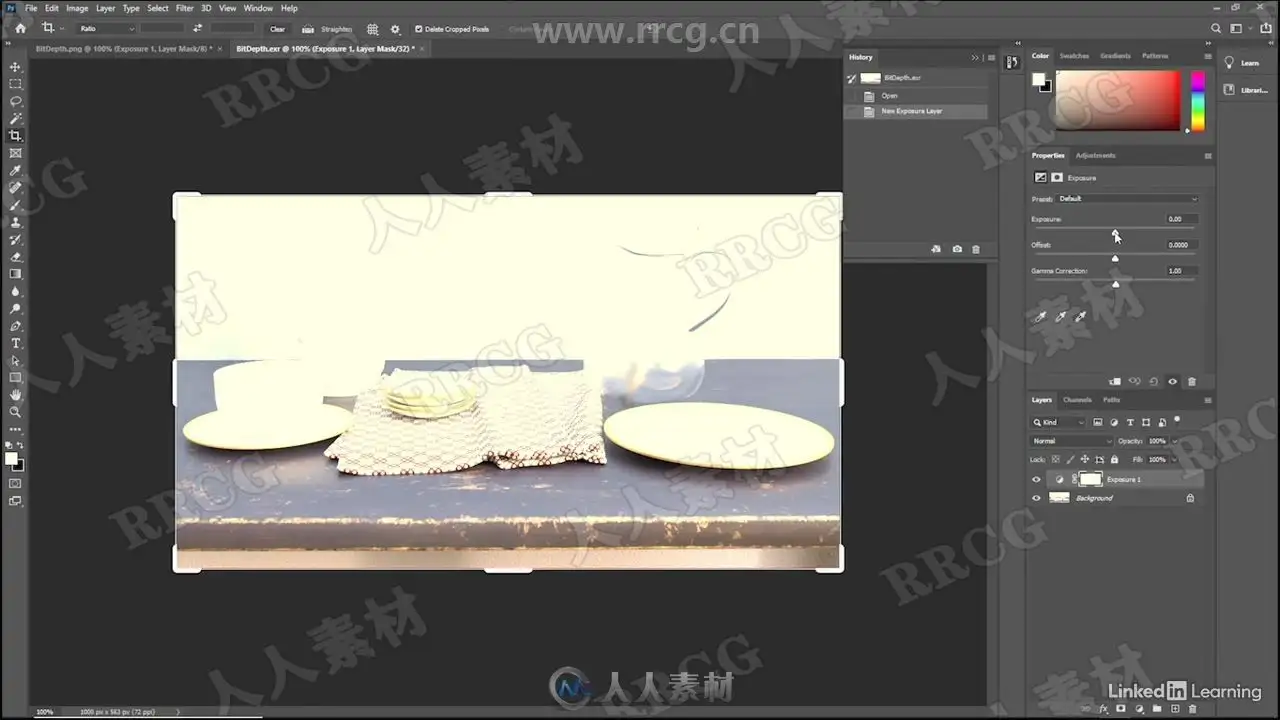
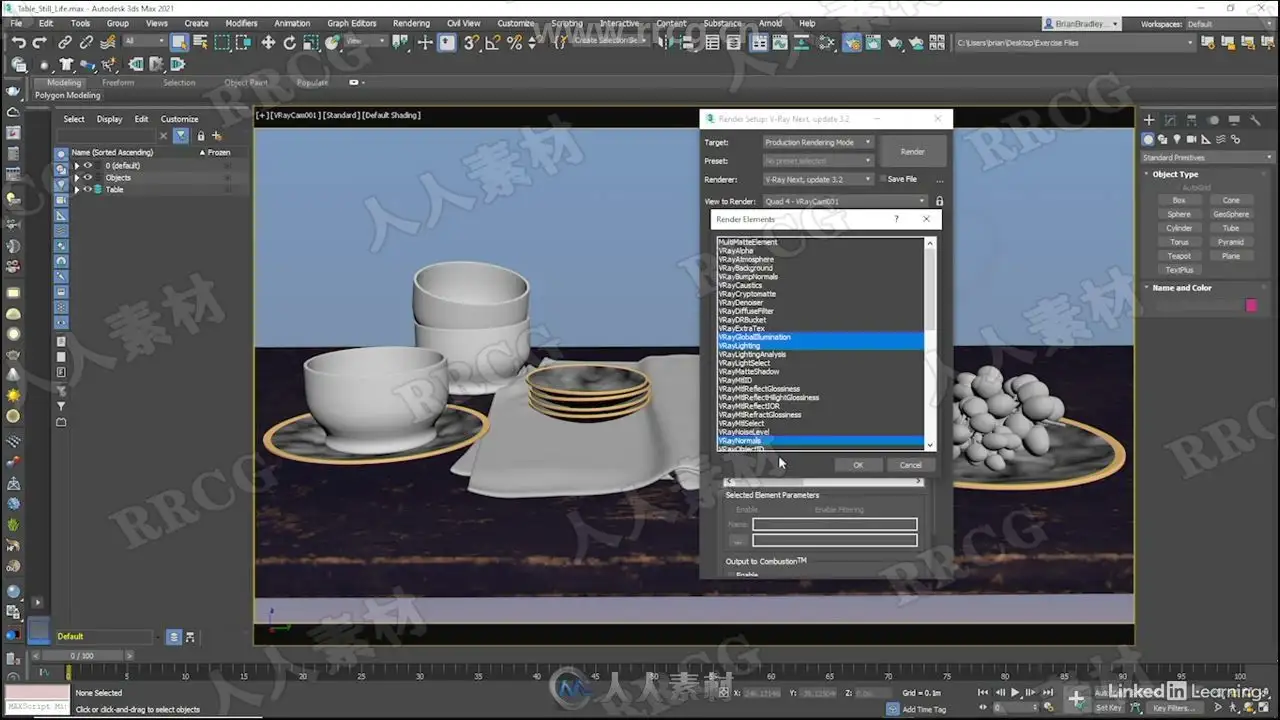
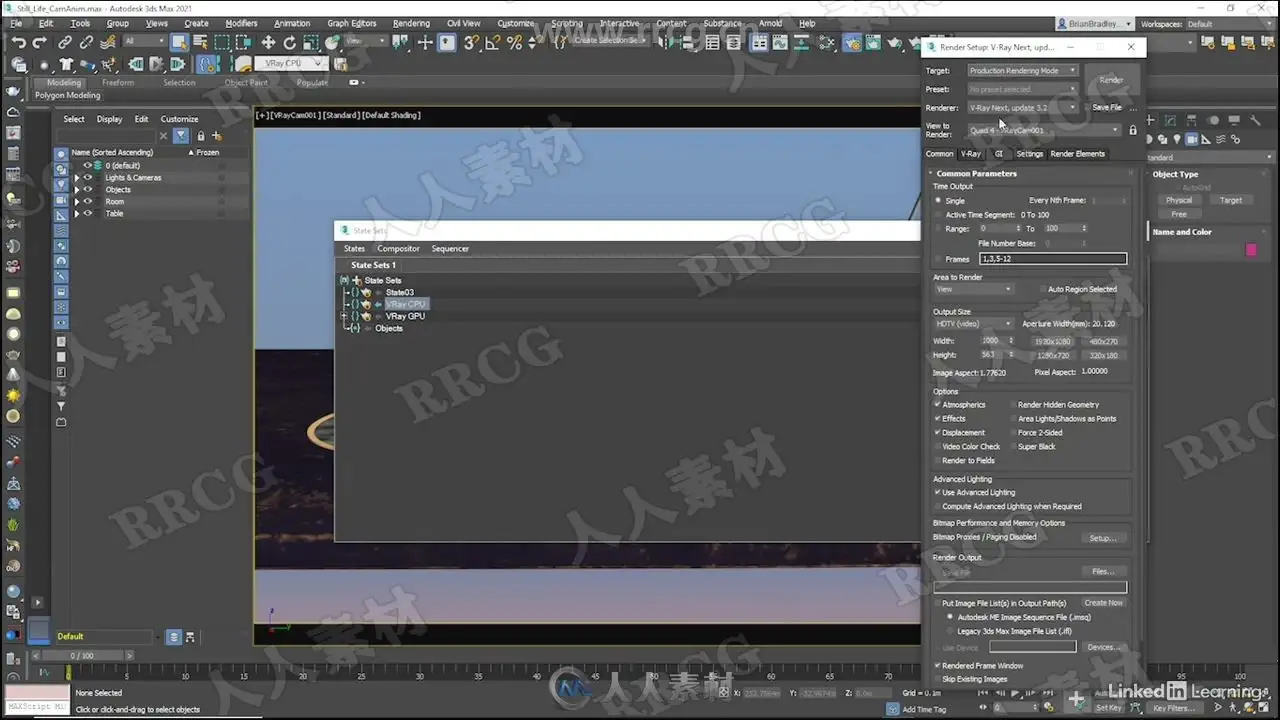
Using render elements, V-Ray Next for 3ds Max offers fine-grained control over parameters necessary for creating high-quality composites, such as reflections, shadows, mattes, and more. In this course, Brian Bradley shows how to use V-Ray Next to create renders specifically for a post-production workflow in applications like Photoshop and After Effects. Explore the render elements UI and workflow and the output options for still images and animated sequences. Then learn how to use 3ds Max state sets to manage multiple render passes, and find out how to analyze a scene. In chapter four, Brian takes a deep dive into render elements such as MultiMatte, Cryptomatte, ZDepth, VRayLightSelect, and more. The fifth chapter is a project-based lesson that shows how to select and adjust render elements for an animated sequence. Finally, learn how to add lighting and other effects in order to produce a very different looking final composite.
This course was created by Brian Bradley. We are pleased to offer this training in our library.
解压密码
|
本帖子中包含更多资源
您需要 登录 才可以下载或查看,没有账号?立即注册
x
本站所有内容均由互联网收集整理、网友上传,并且以计算机技术研究交流为目的,仅供大家参考、学习,请勿用于任何商业目的与商业用途,如需商用请支持正版!如亲下载后改变其用途与使用方式,与本站无任何关系,本站已经进行告知义务!我们只做安全认证测试如果资源侵犯了您的版权利益,请联系站长邮箱:dsymbcom@gmail.com
|